Screenshots

Current DM32+ firmware screens, grouped by task.

Baofeng DM-32UV

150 screens · color, 240 × 320 · About the Baofeng DM-32UV

Home and quick settings
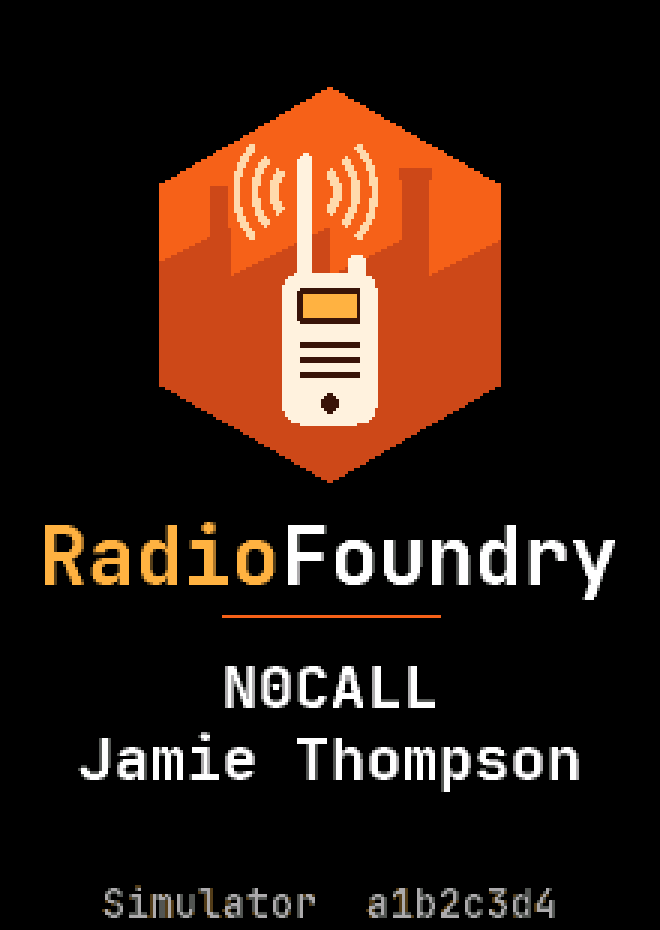
Boot screen
Boot screen
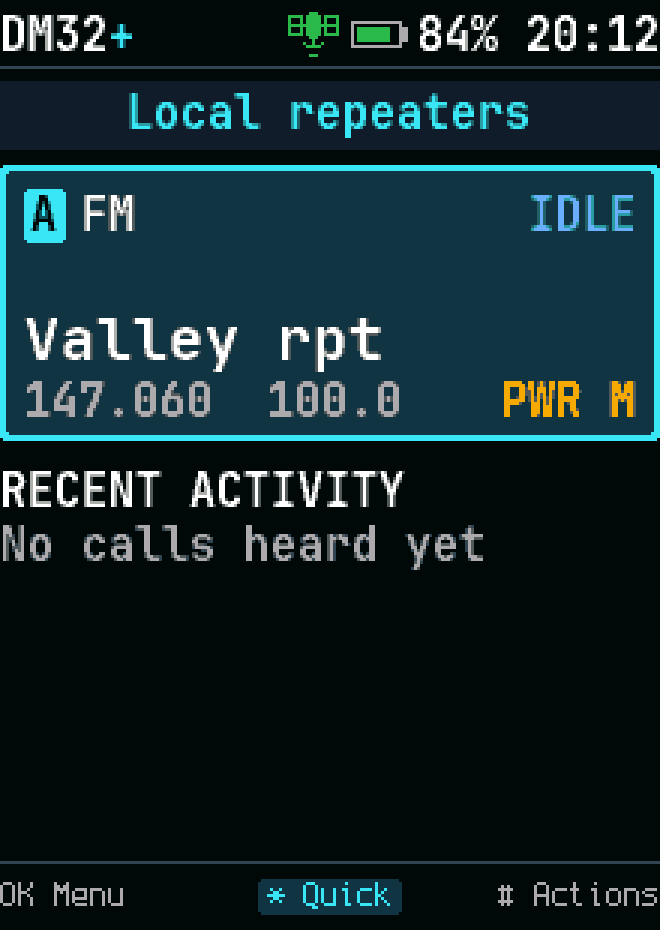
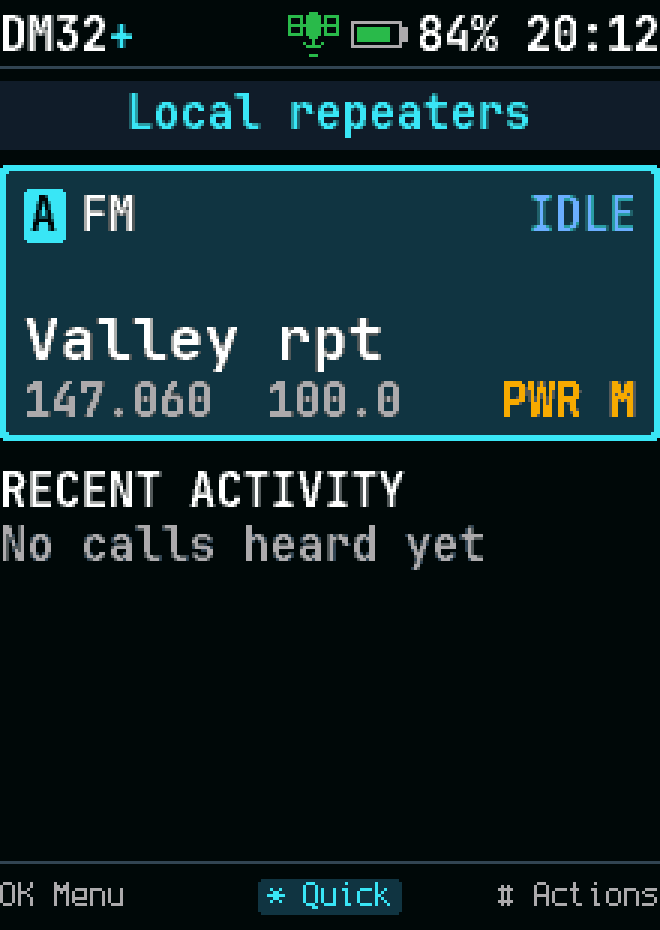
Home, FM channel
Home, FM channel
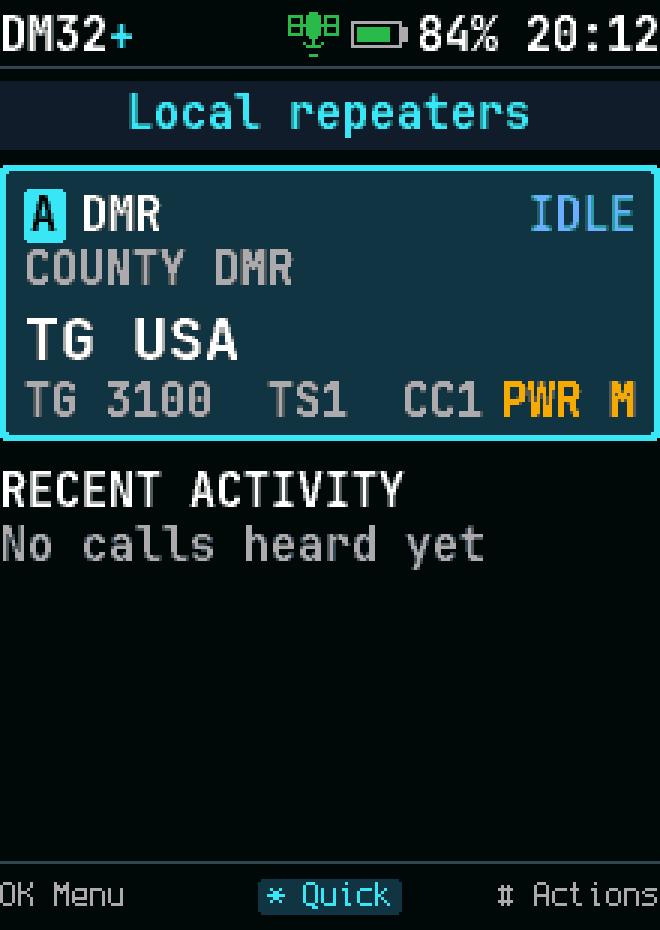
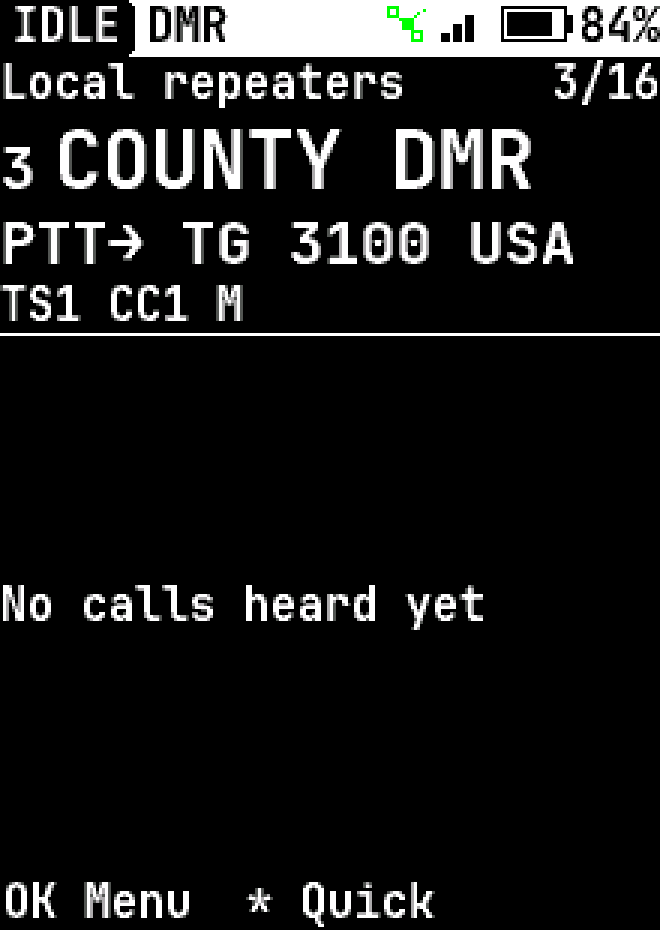
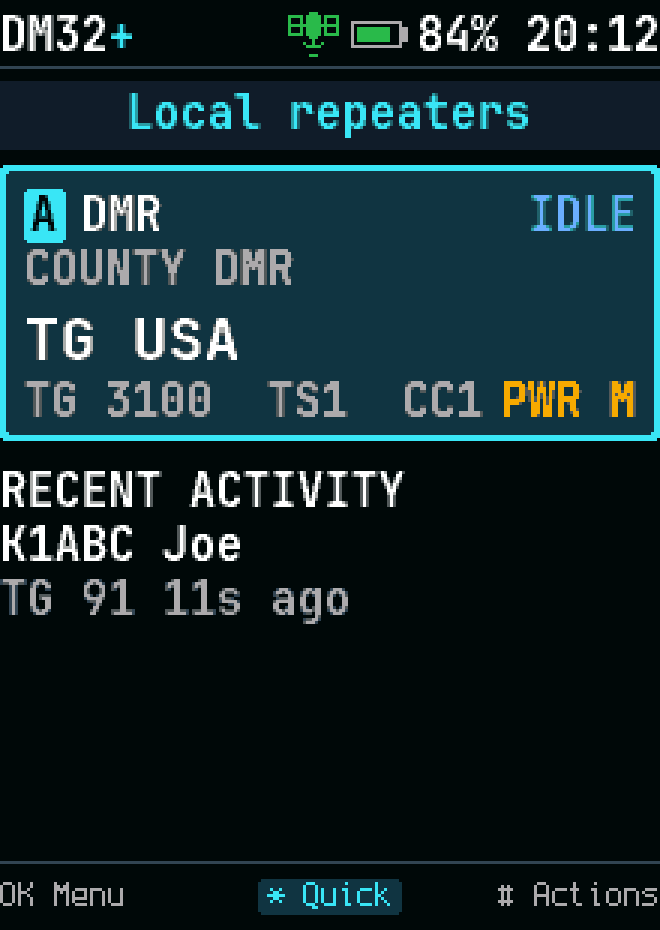
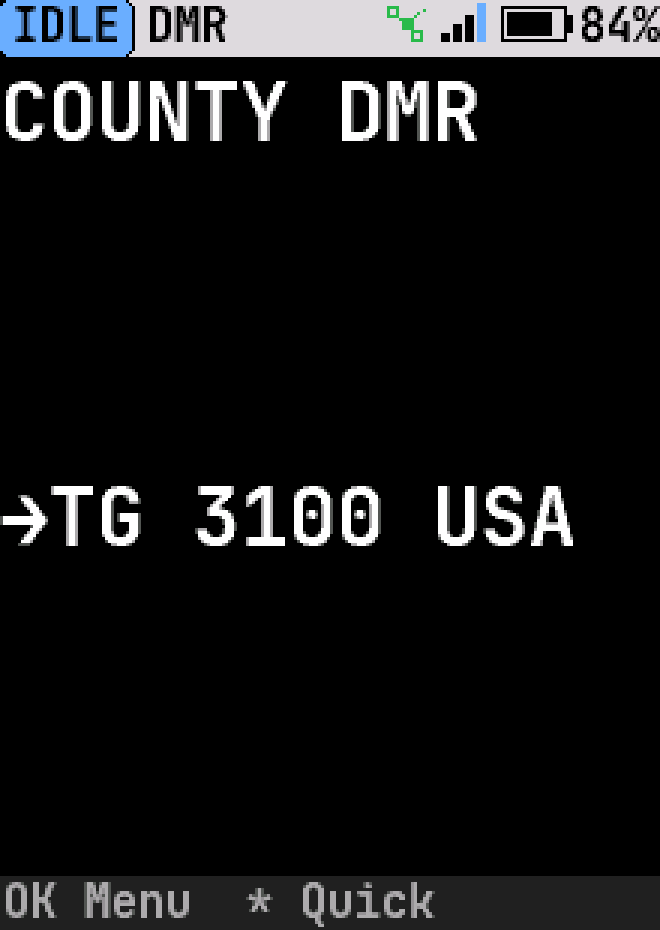
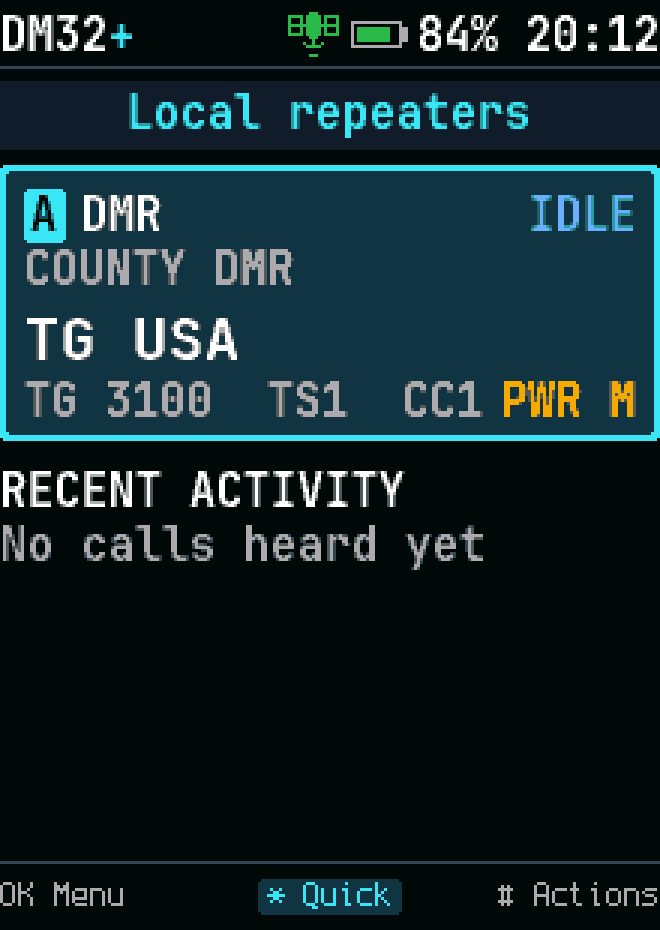
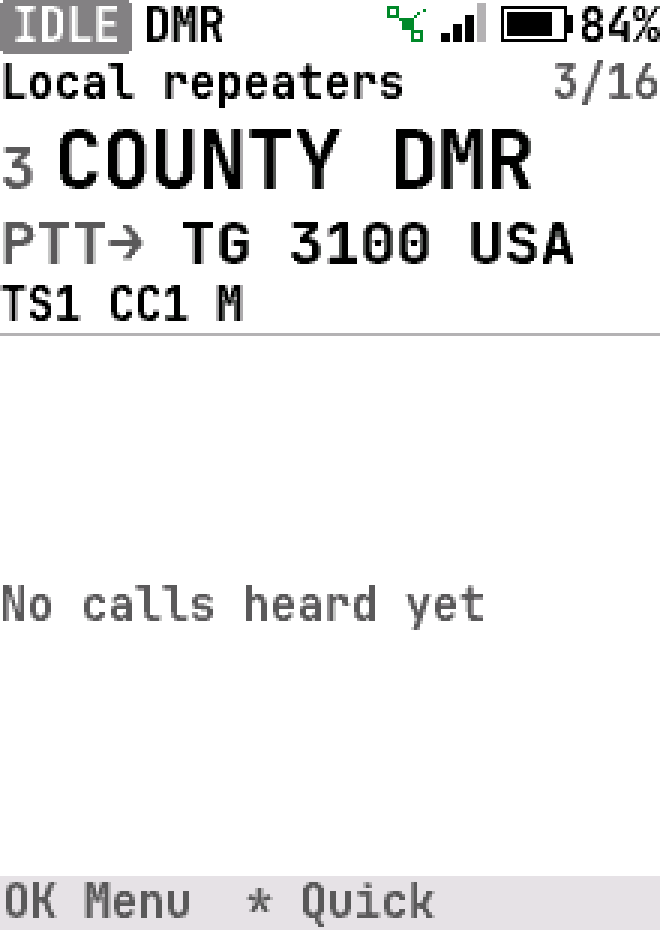
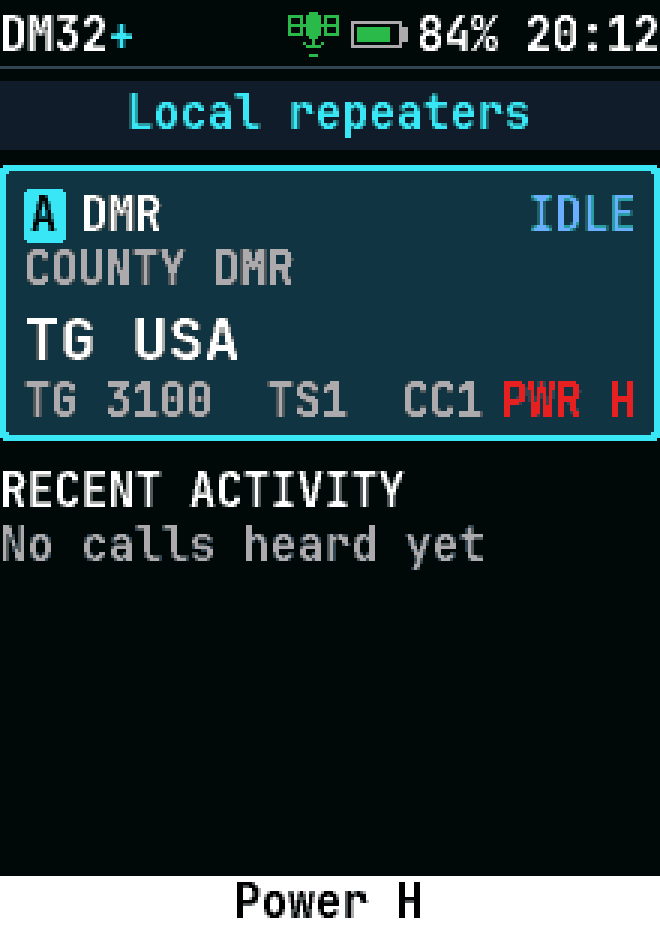
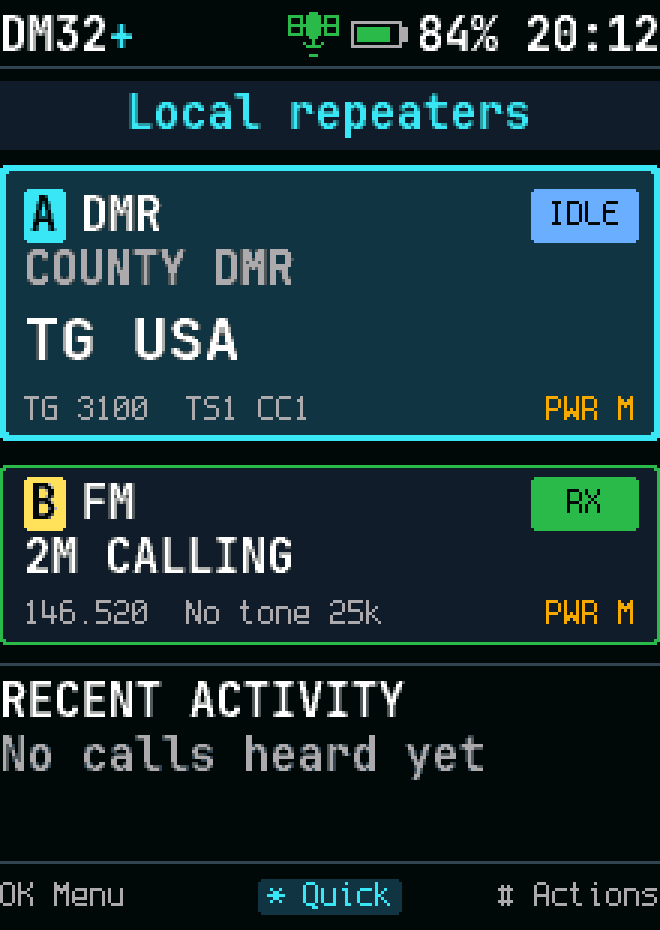
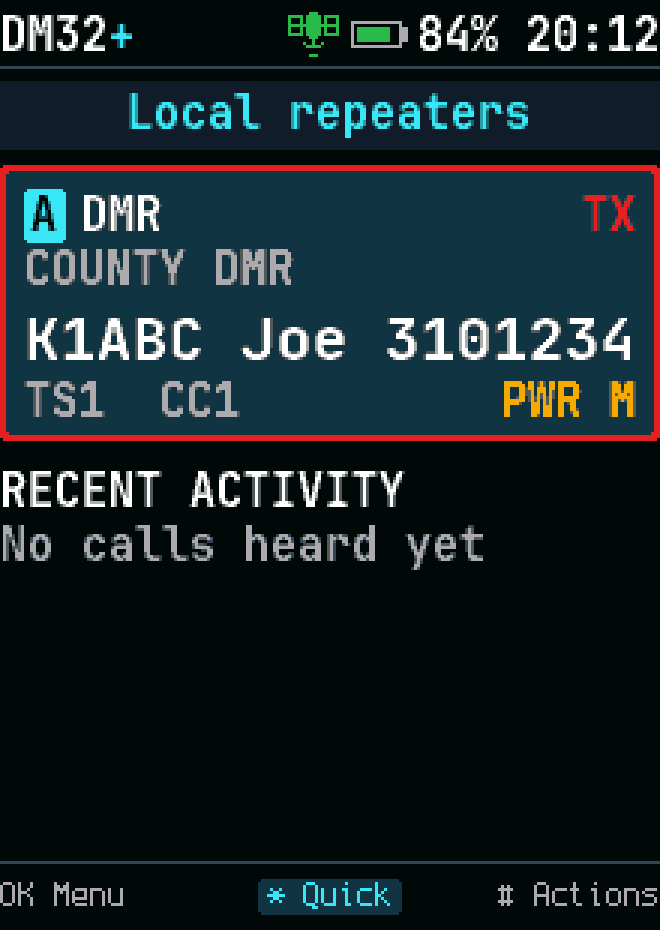
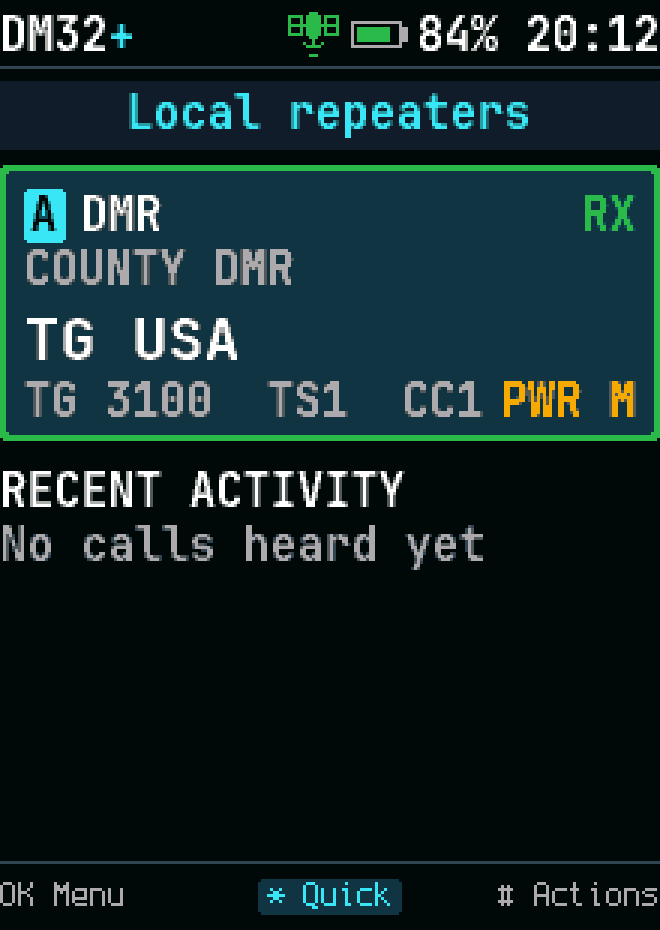
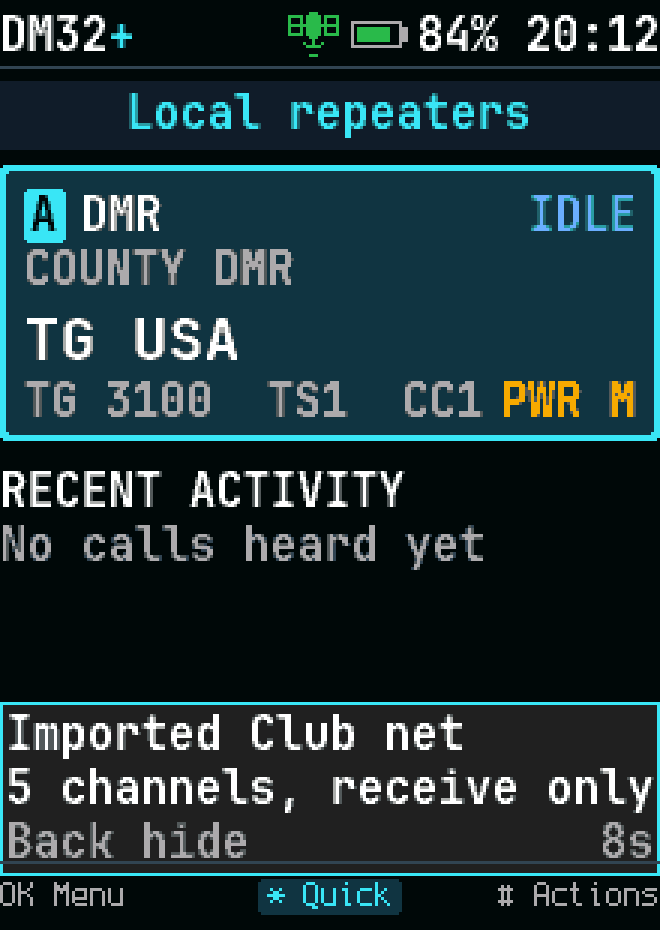
Home, DMR channel
Home, DMR channel
Home, DMR channel, high-contrast theme
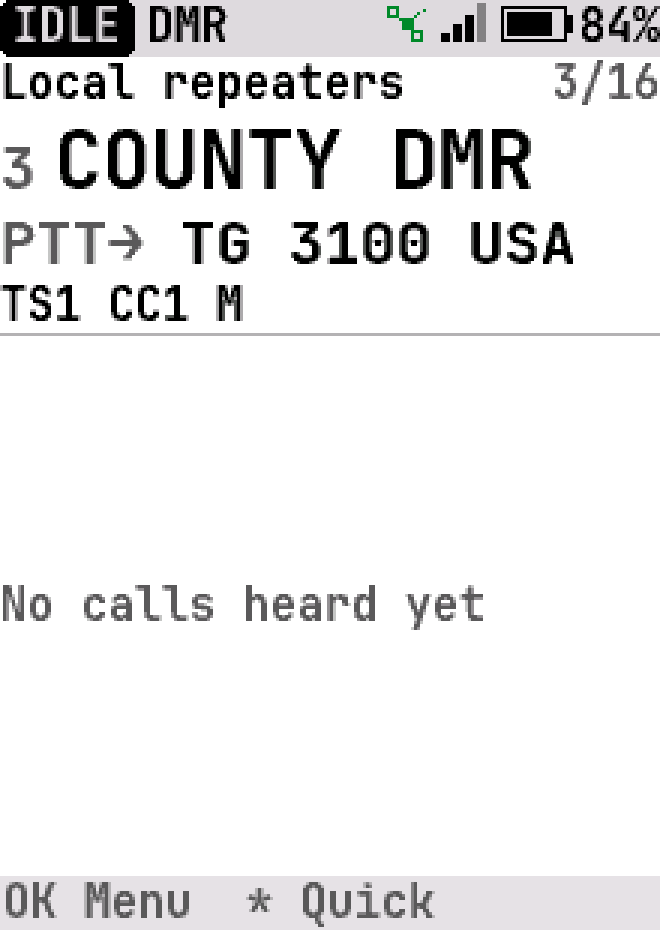
Home, DMR channel, light theme
Home, DMR channel, light blue highlight
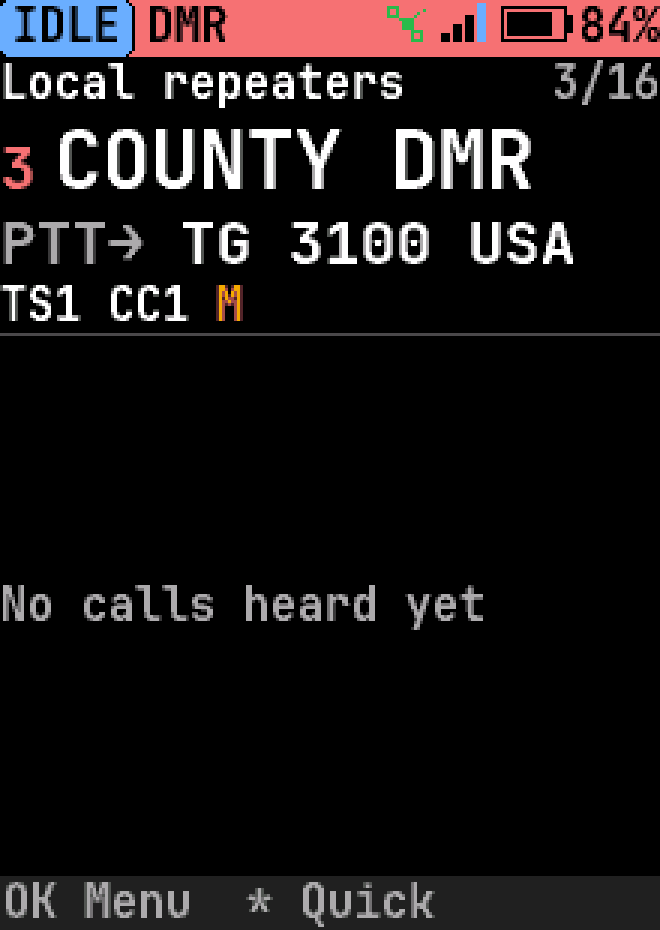
Home, DMR channel, red highlight
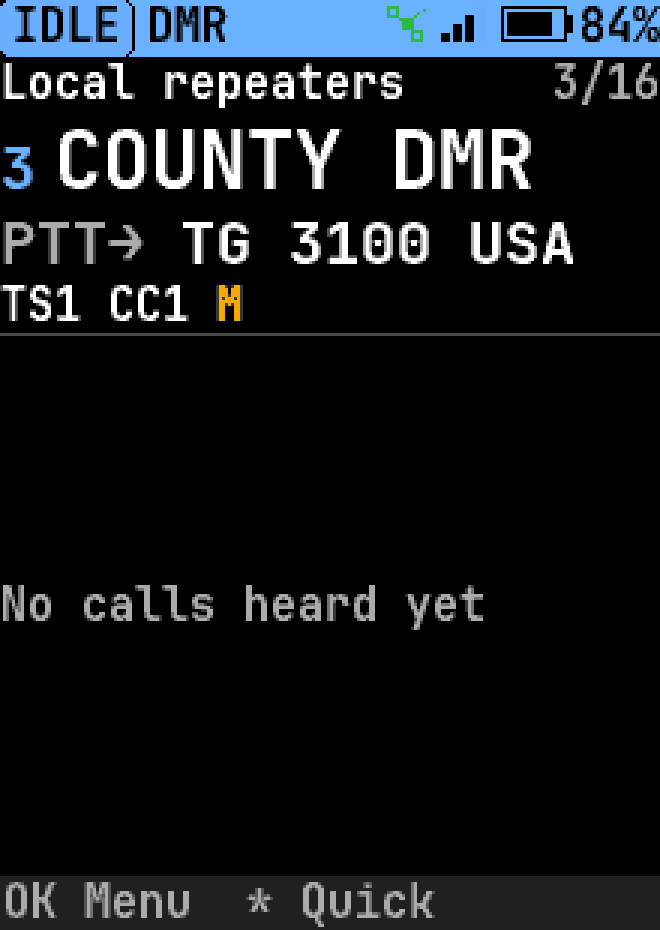
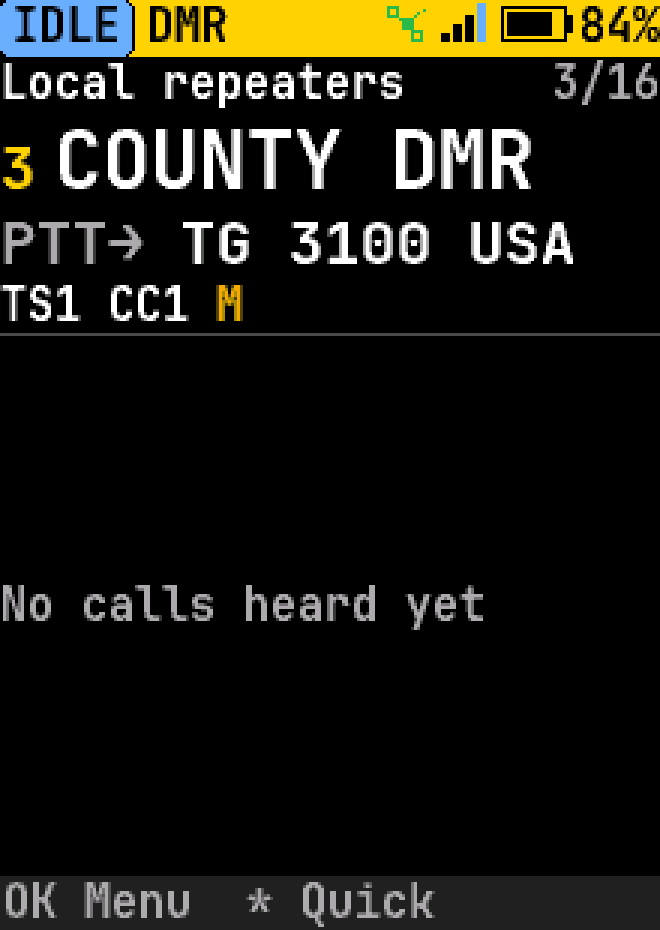
Home, DMR channel, yellow highlight
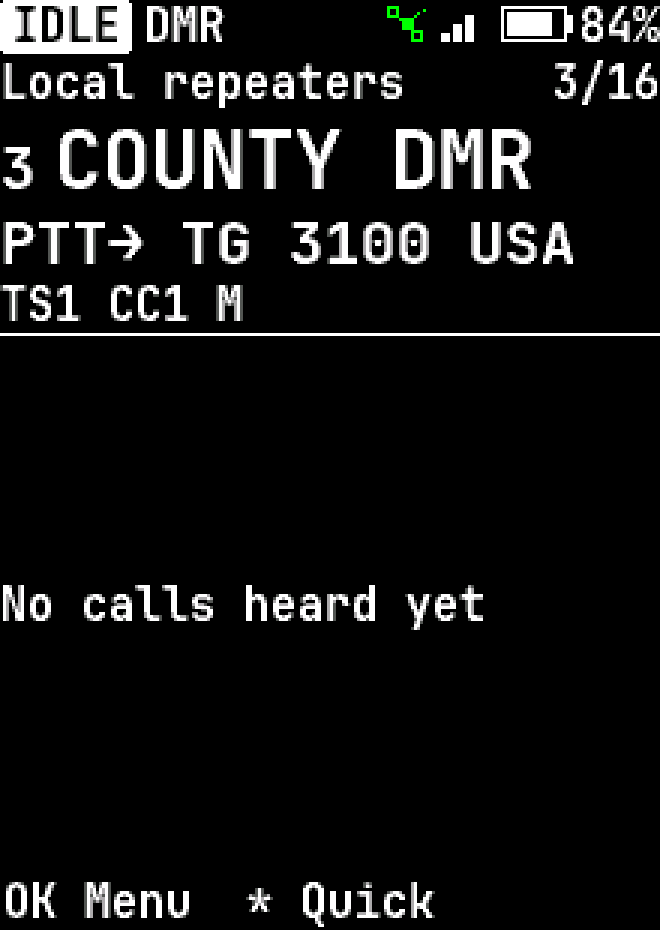
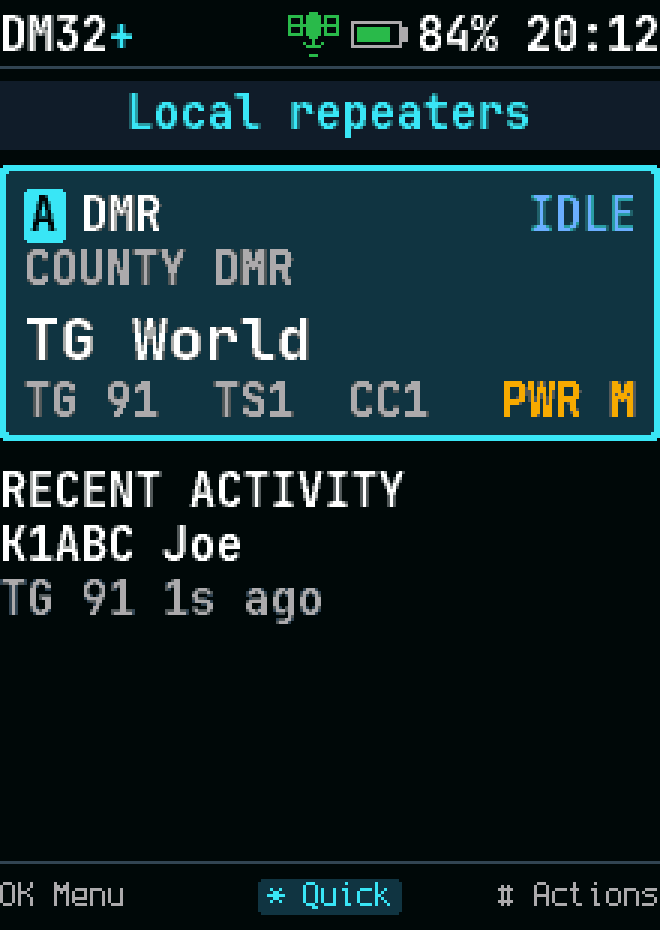
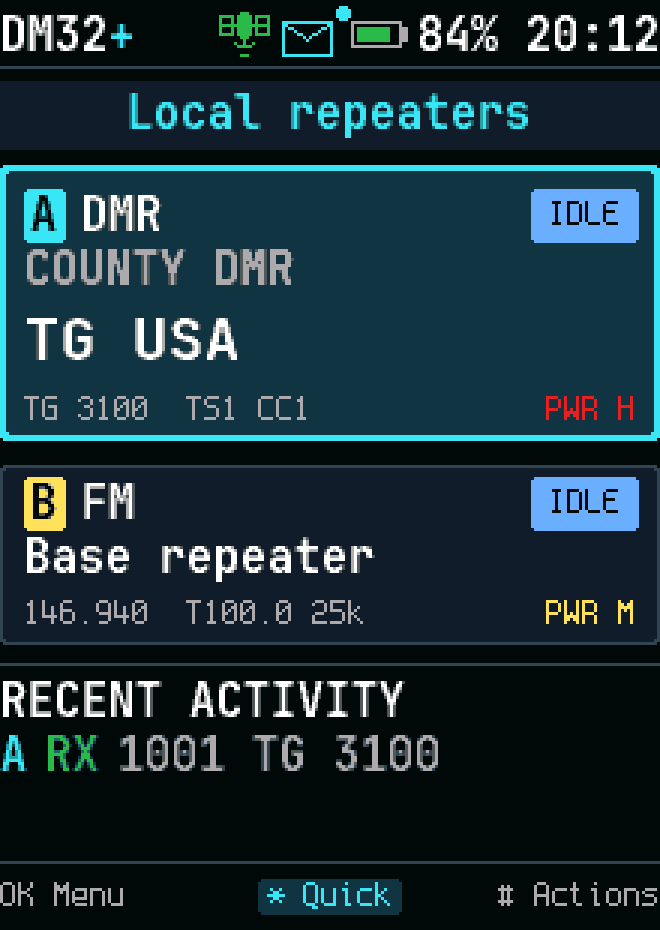
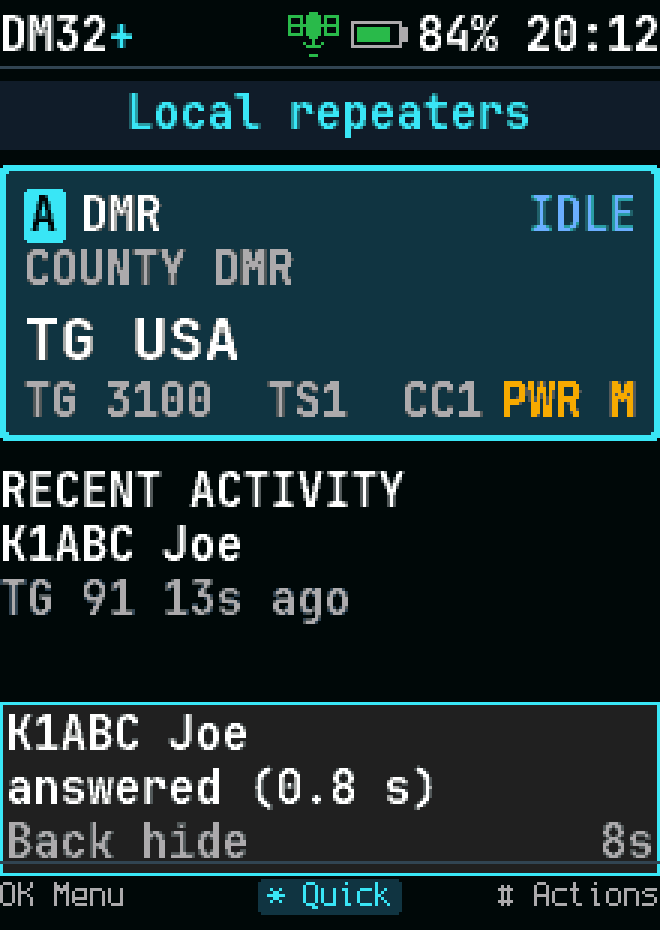
Home, DMR, last heard
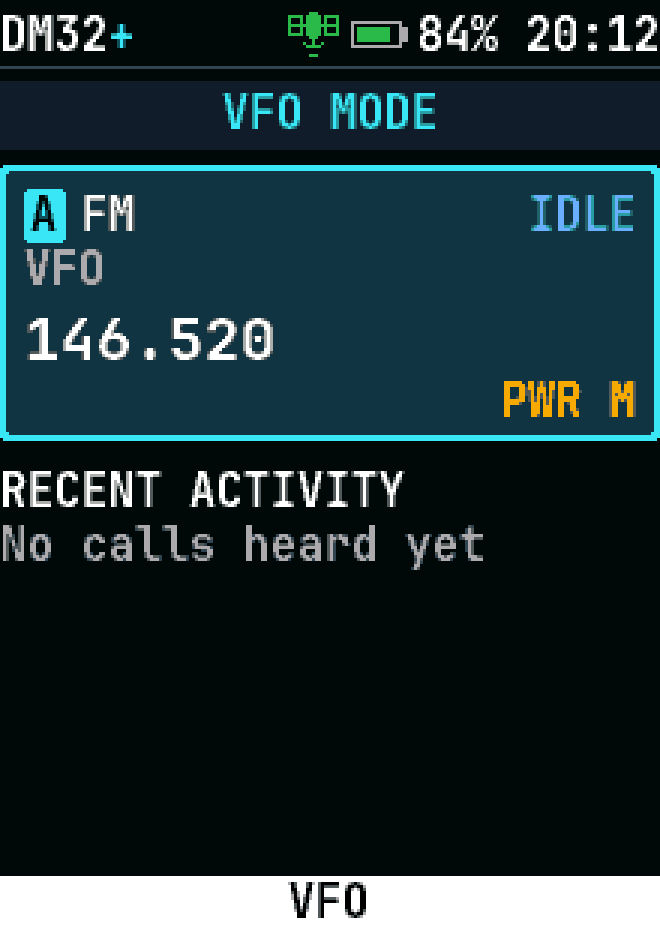
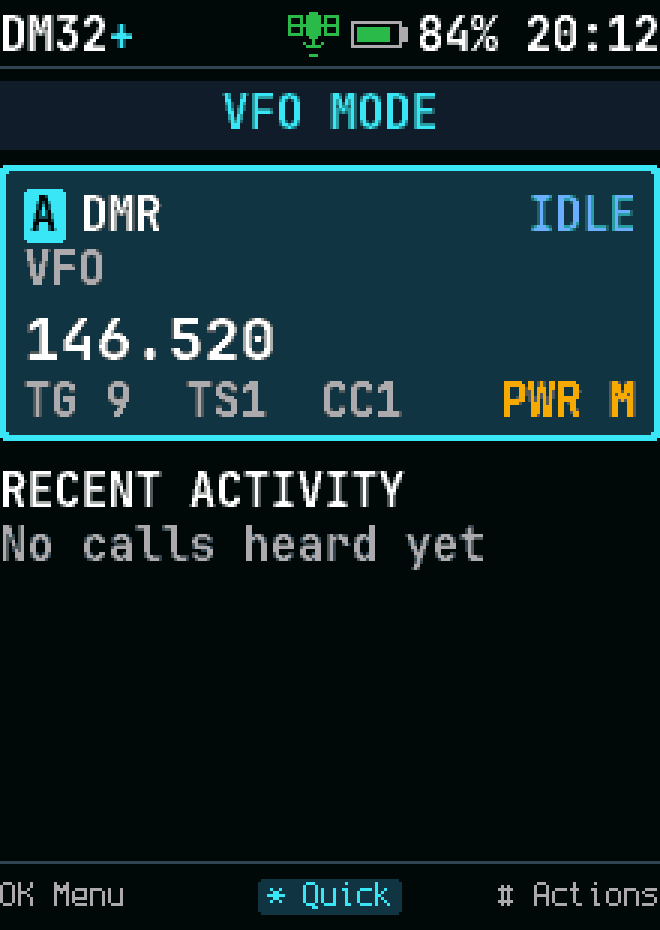
VFO
VFO
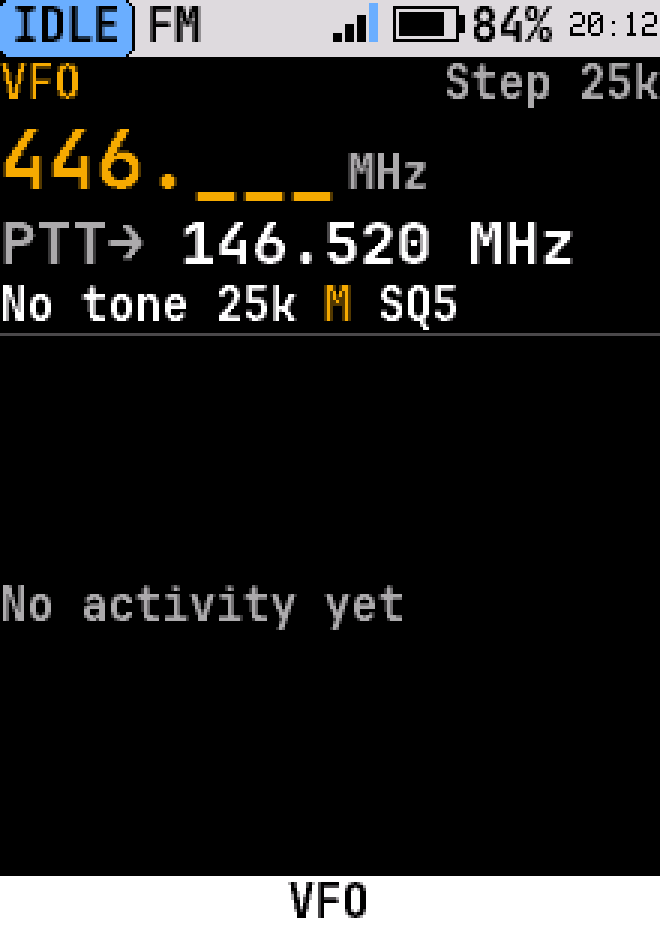
VFO, typing a frequency
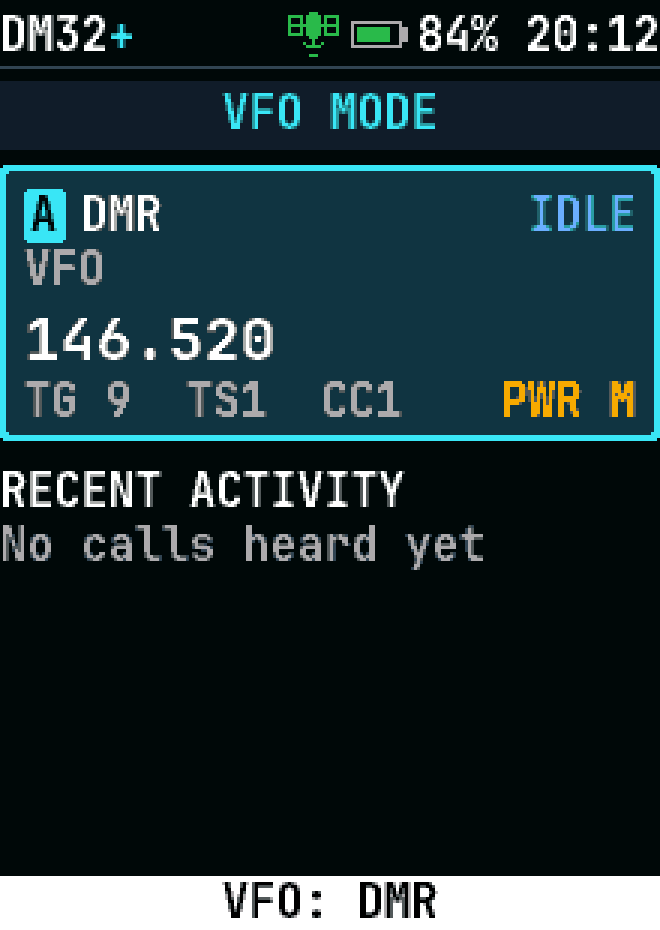
VFO, digital (DMR)
VFO, digital (DMR)
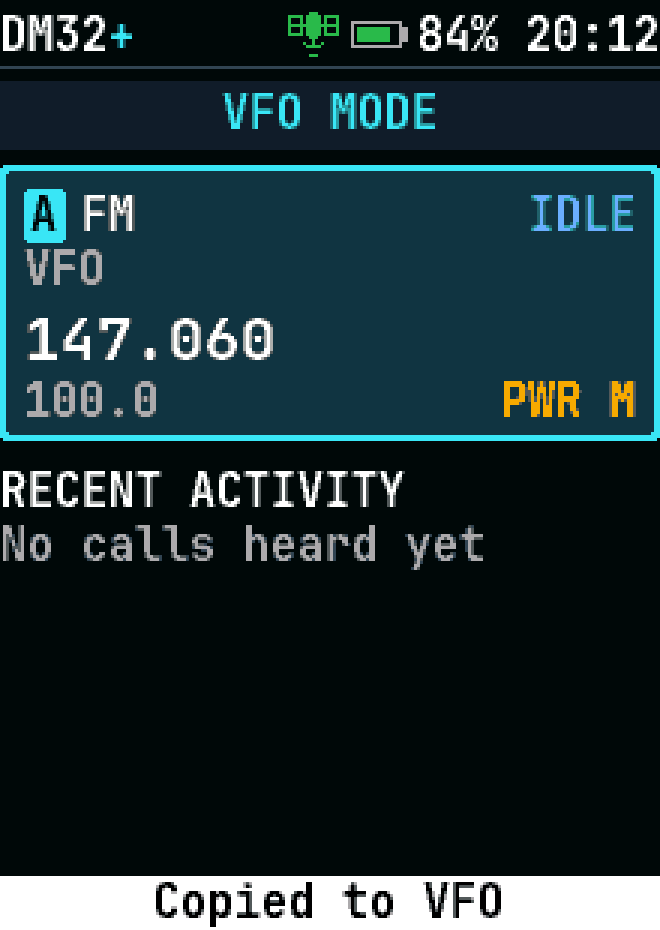
Copy to VFO
Copy to VFO
Home, large text
Home, large text
Home on FM, Monitor held: squelch open, RX
Home, status bar not filled
Home, status bar not filled, high-contrast theme
Home, status bar not filled, light theme
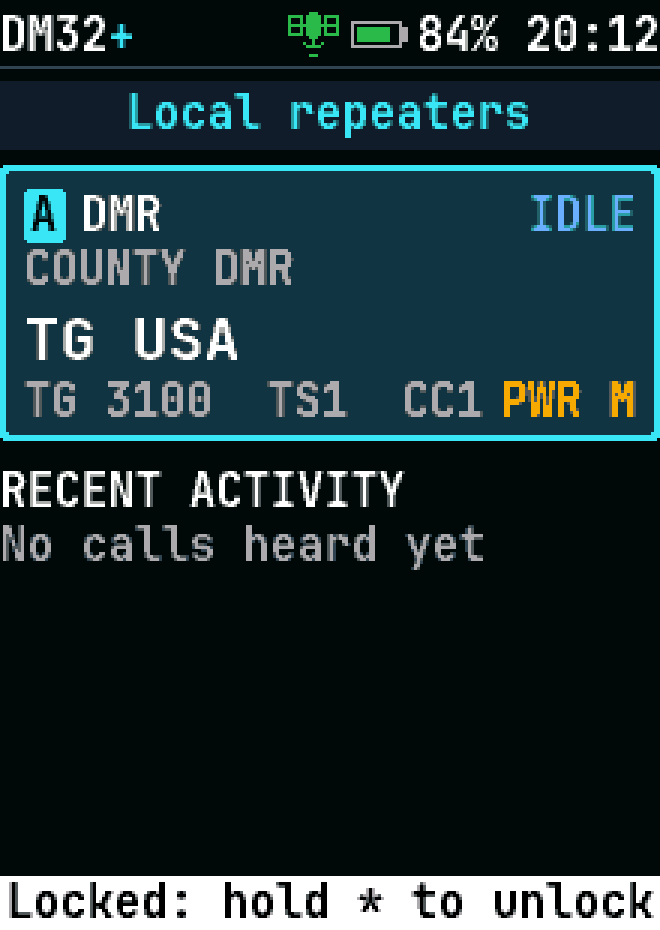
Home, keys locked
Home, keys locked
Home, temporary talk target
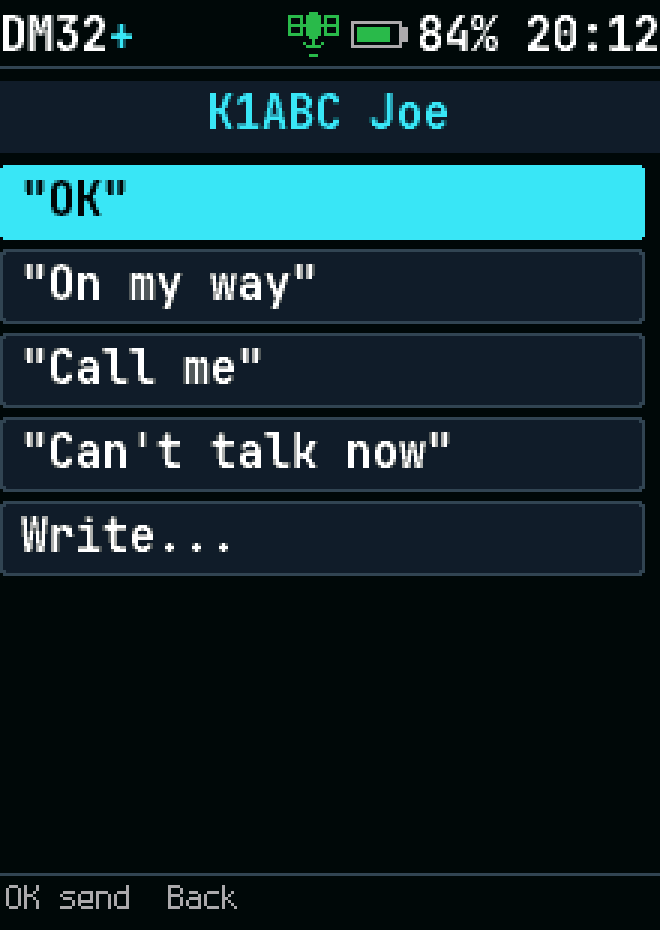
Home, reply to caller
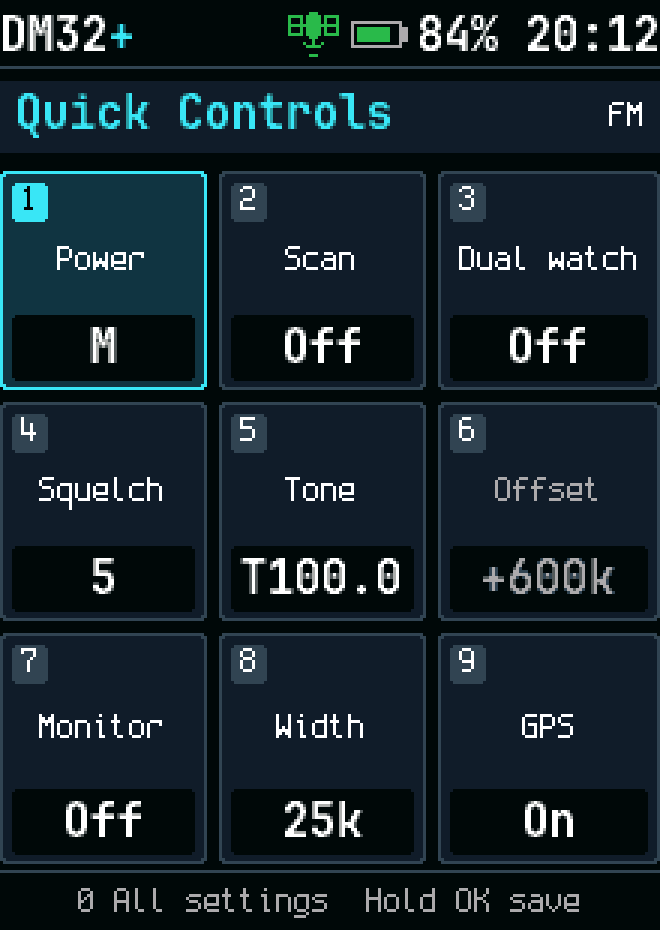
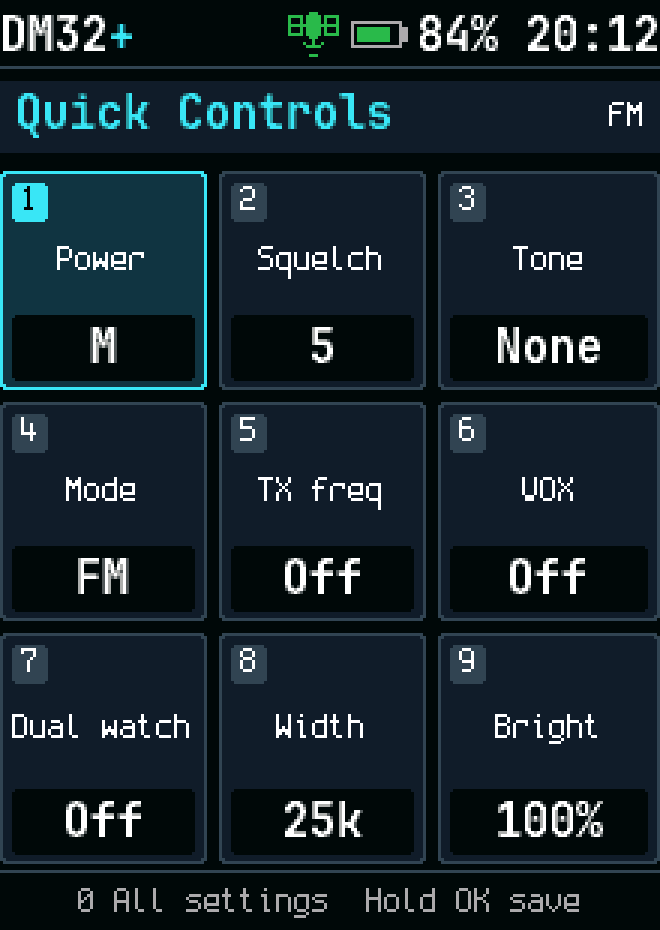
Quick settings, FM
Quick settings, FM
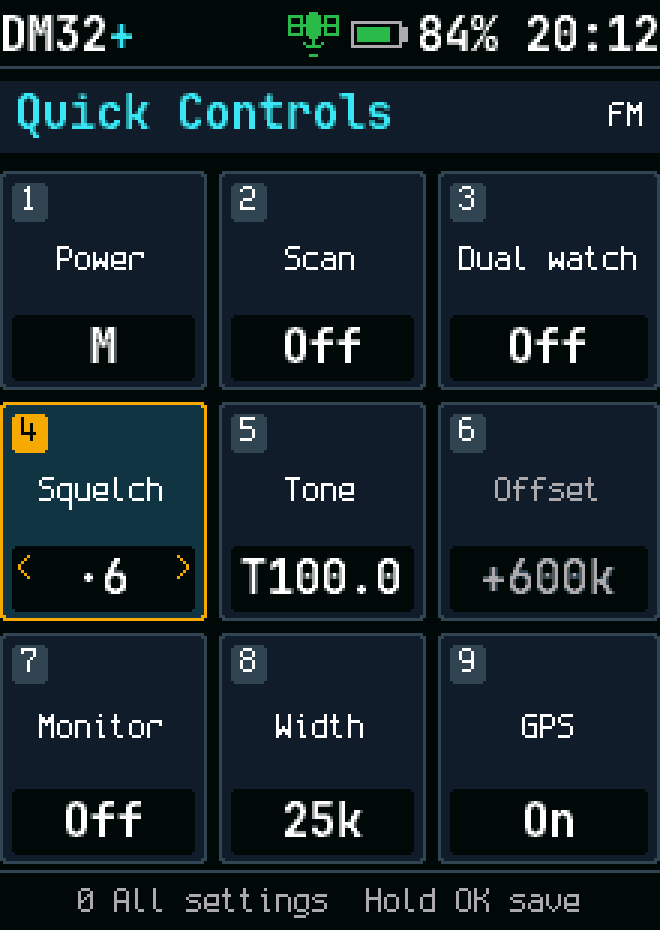
Squelch
Squelch
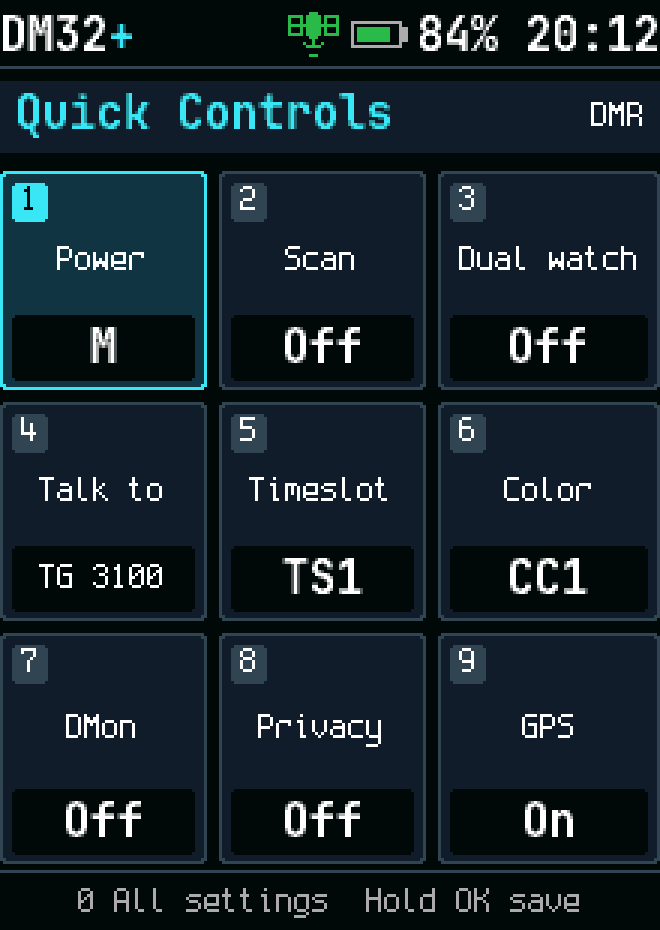
Quick settings, DMR
Quick settings, DMR
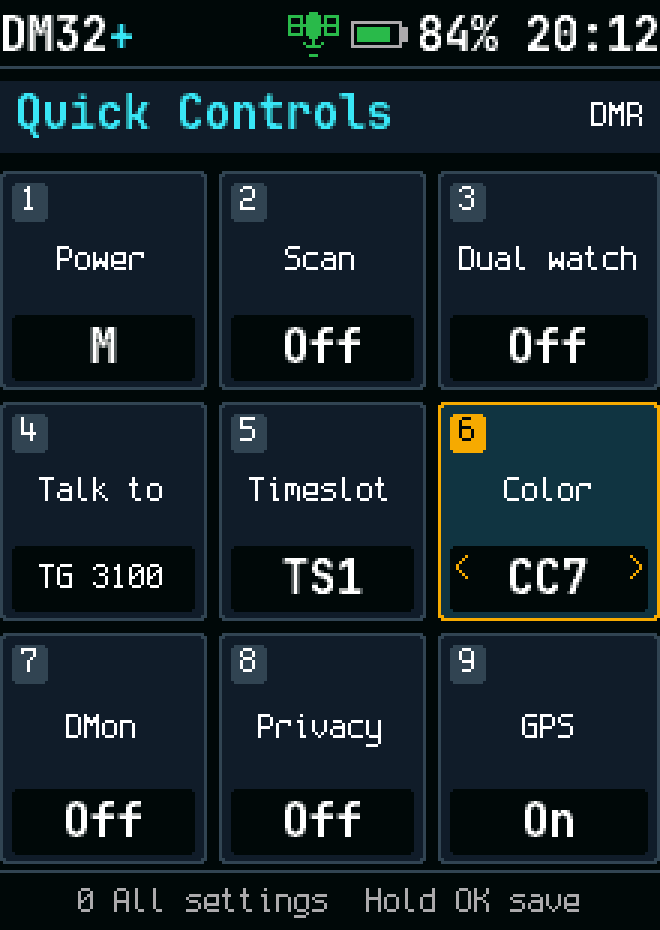
Color code
Color code
Quick settings, FM VFO
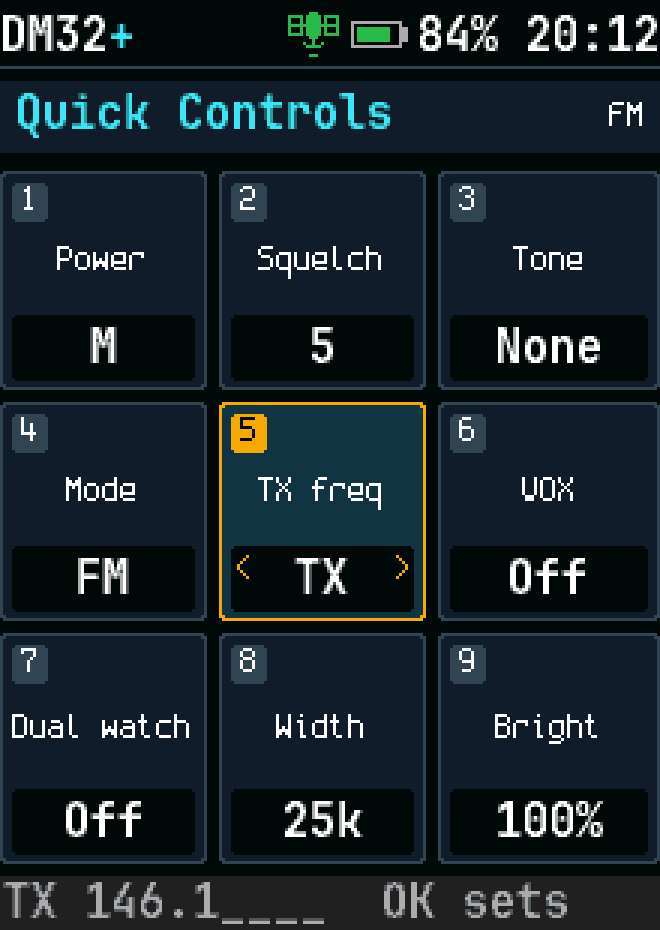
Quick settings: typing a TX frequency
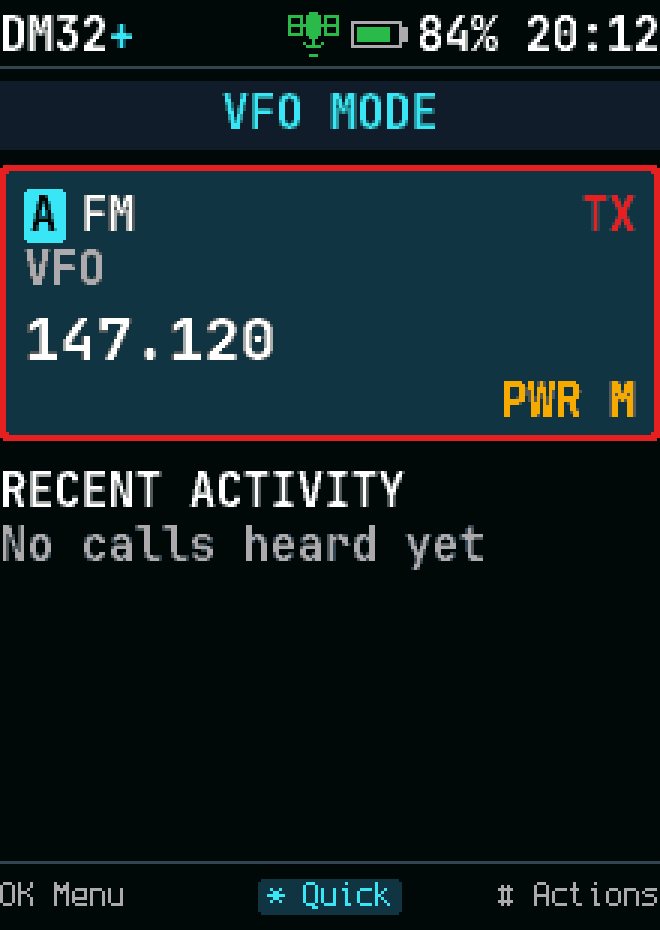
VFO, FM, transmitting on a split
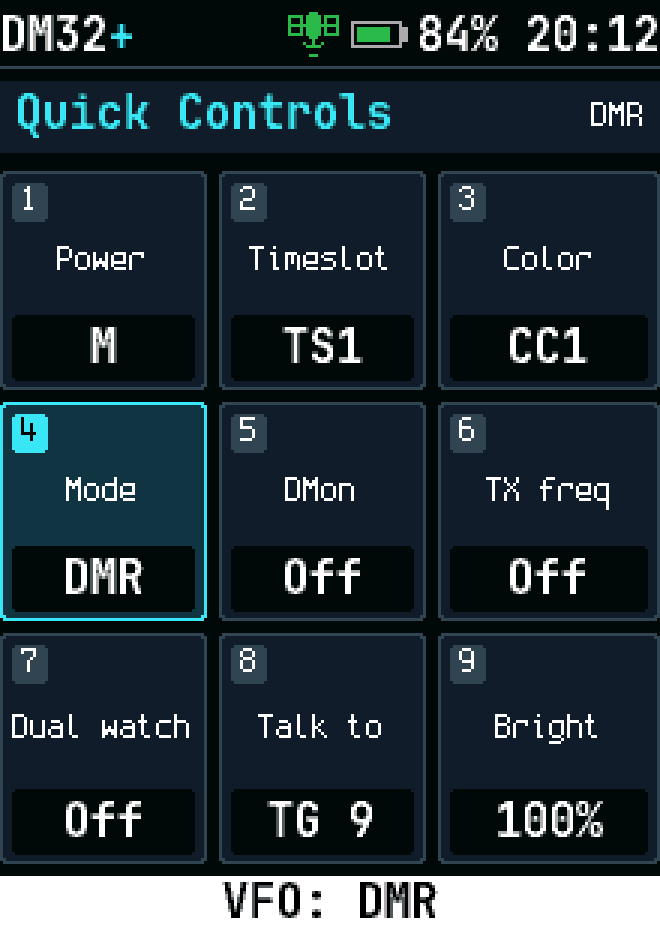
Quick settings, DMR VFO
VFO, DMR, with a split TX frequency
VFO, DMR, transmitting on a split
VFO color code
VFO color code
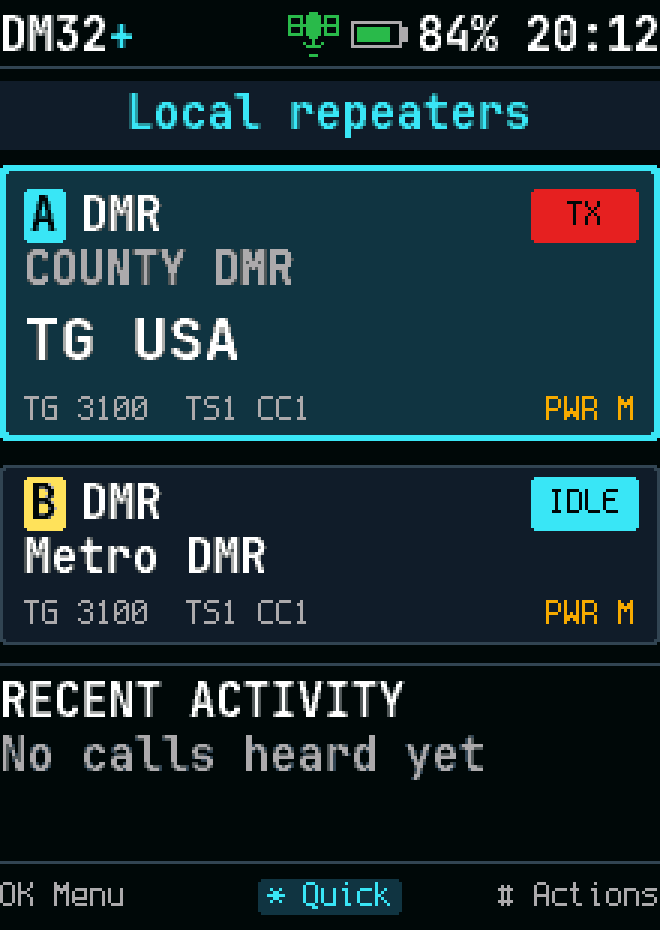
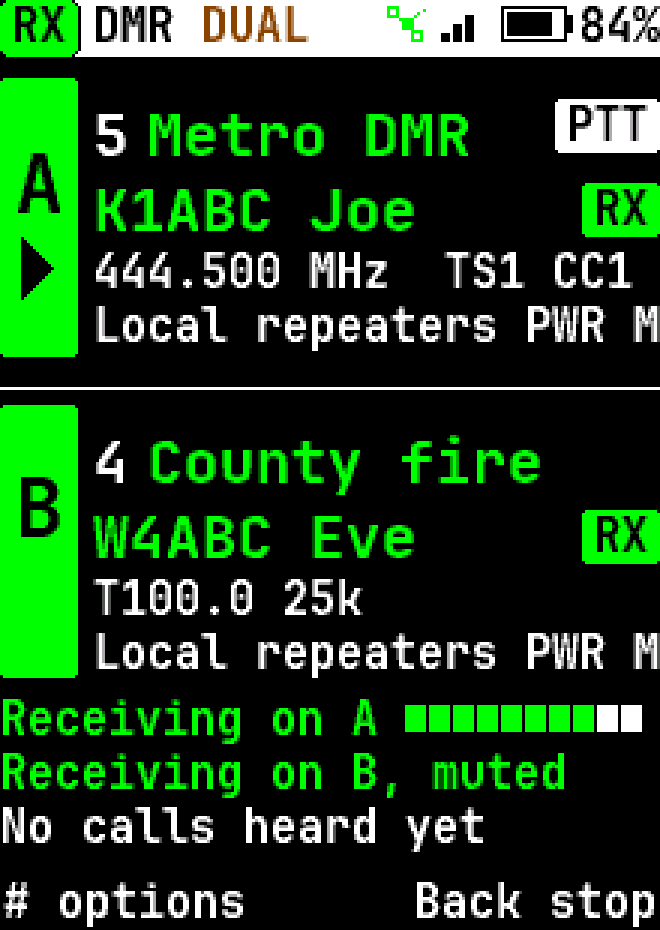
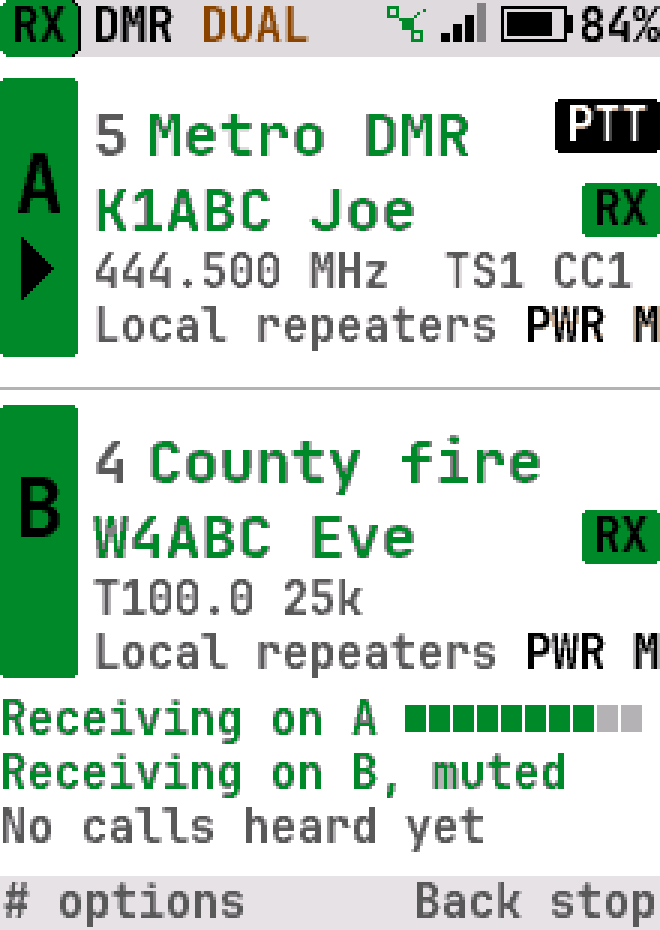
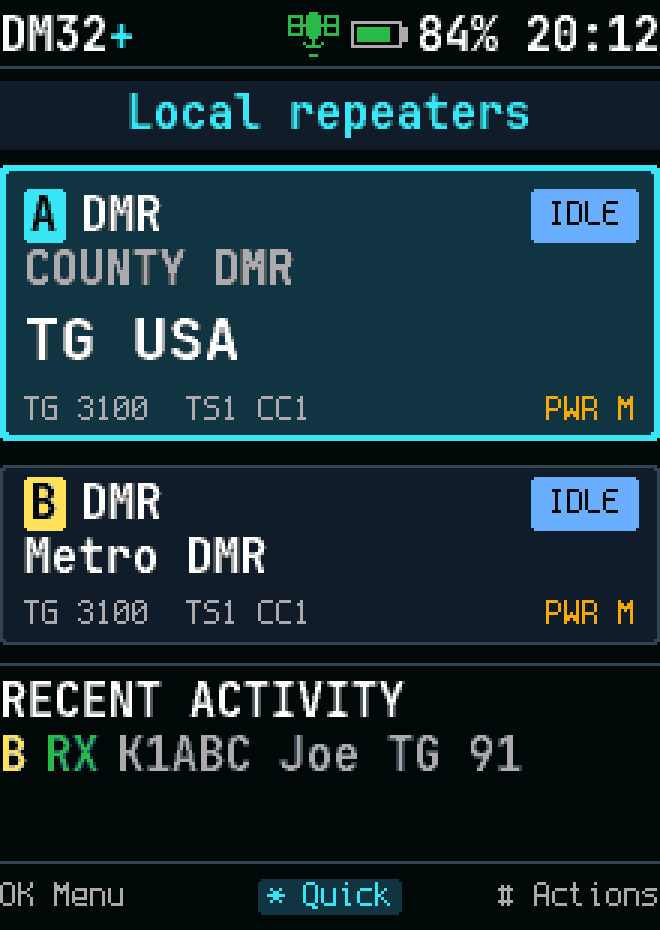
Dual watch: A and B, PTT on A
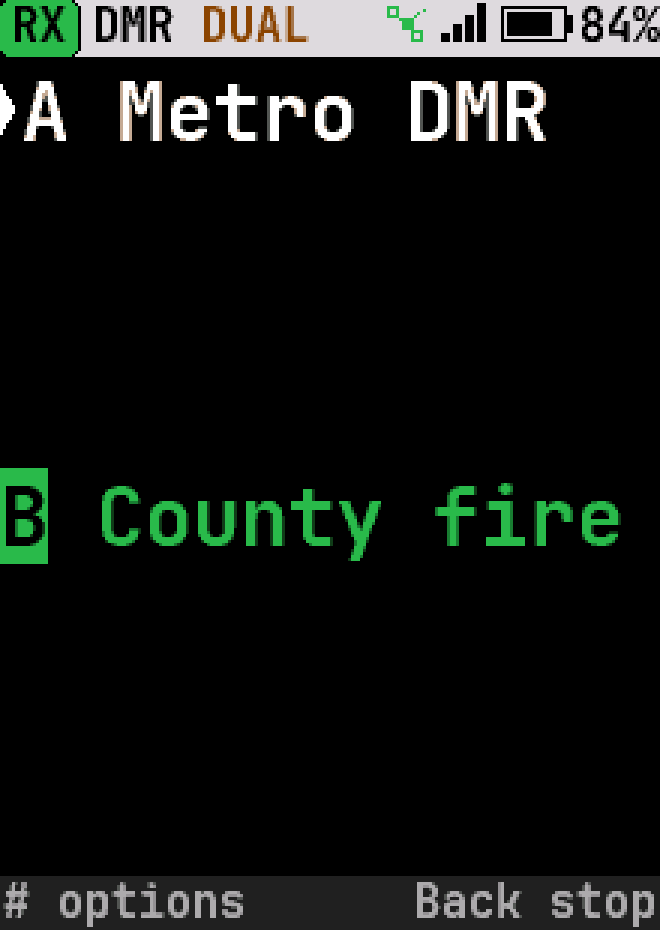
Dual watch: a call coming in on B
Dual watch: a call coming in on B, high-contrast theme
Dual watch: a call coming in on B, light theme
Dual watch: the last calls, with their channel
Dual watch: busy on A during the wait after a call on B
Dual watch: talking on B
Dual watch: a long channel name moves the PTT pill to row 3
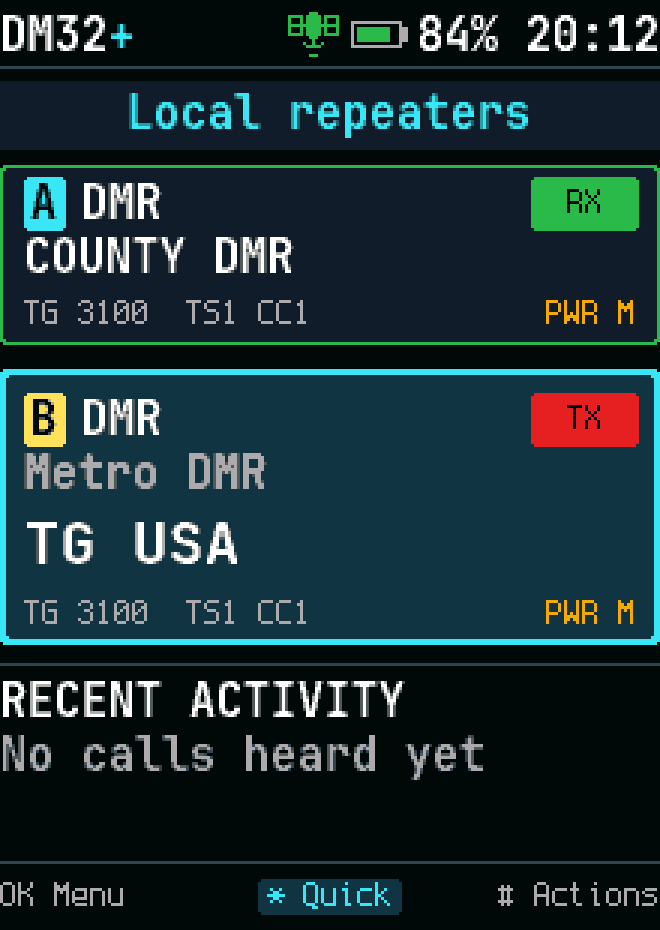
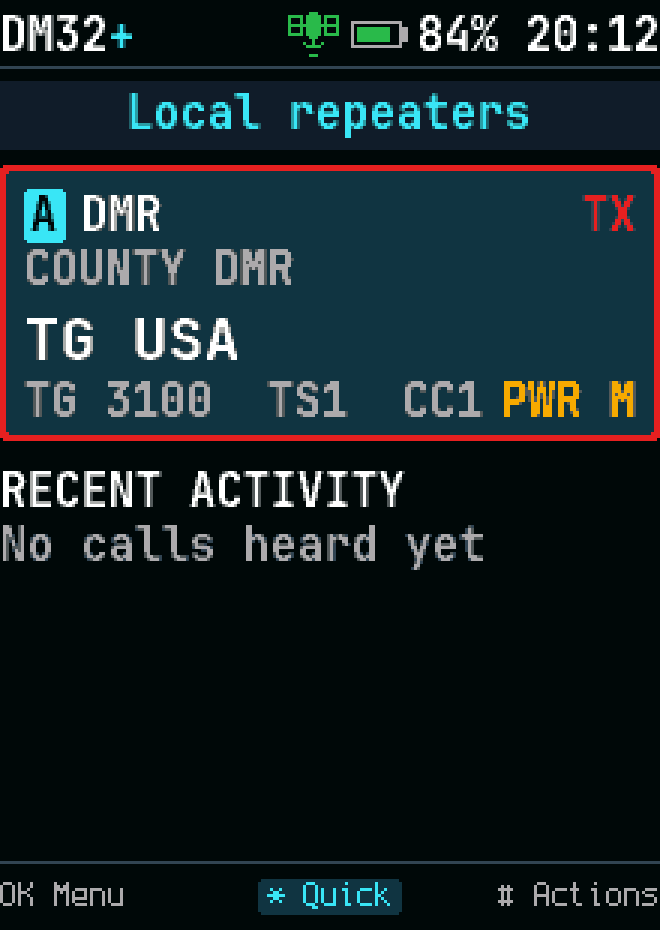
Dual watch: transmitting on A
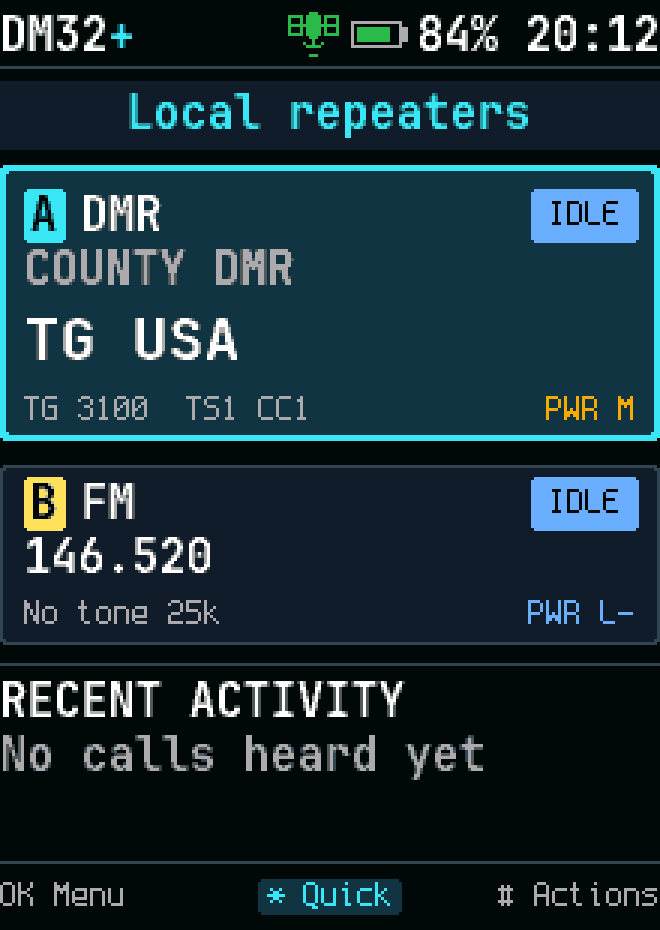
Dual watch: the VFO as B
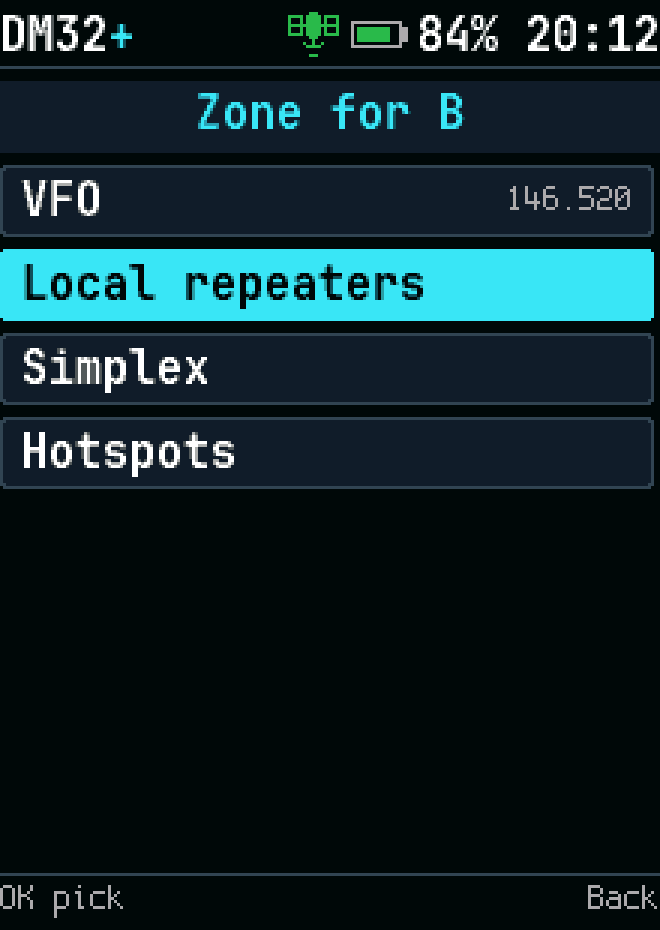
Dual watch: B in another zone
Dual watch: an FM channel as B
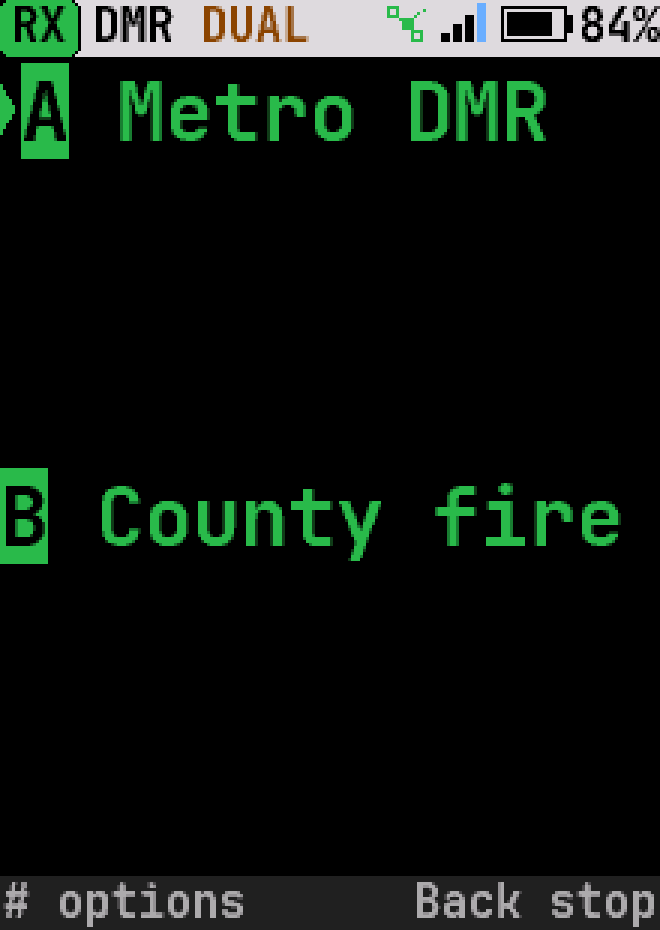
Dual watch, large text
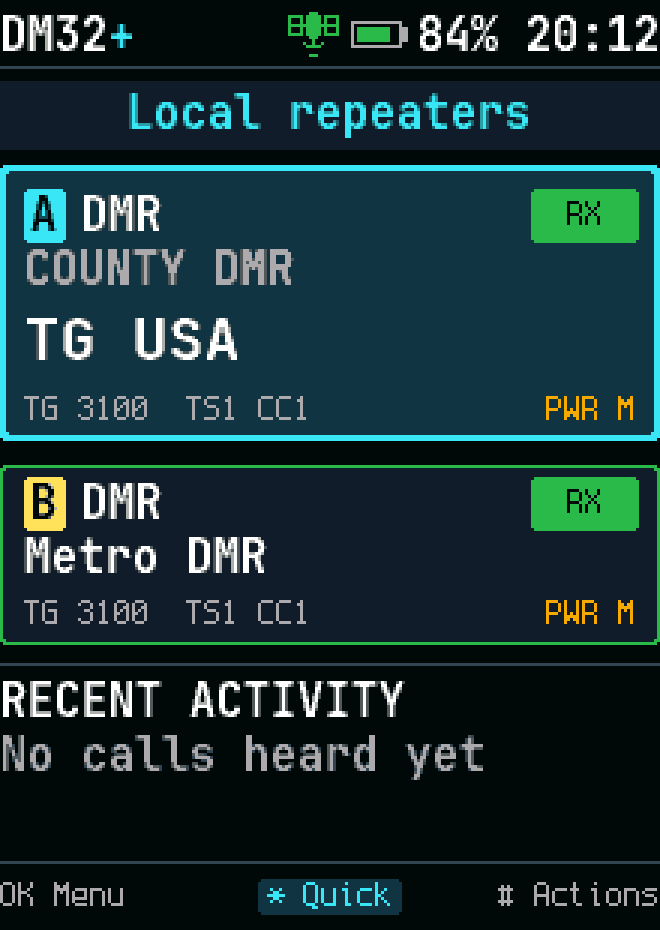
Dual watch on two receivers: a call on each
Dual watch on two receivers: a call on each, high-contrast theme
Dual watch on two receivers: a call on each, light theme
Dual watch: talking on B while a call arrives on A
Dual watch on two receivers, large text
Dual watch: talk back on B after its call

Calls

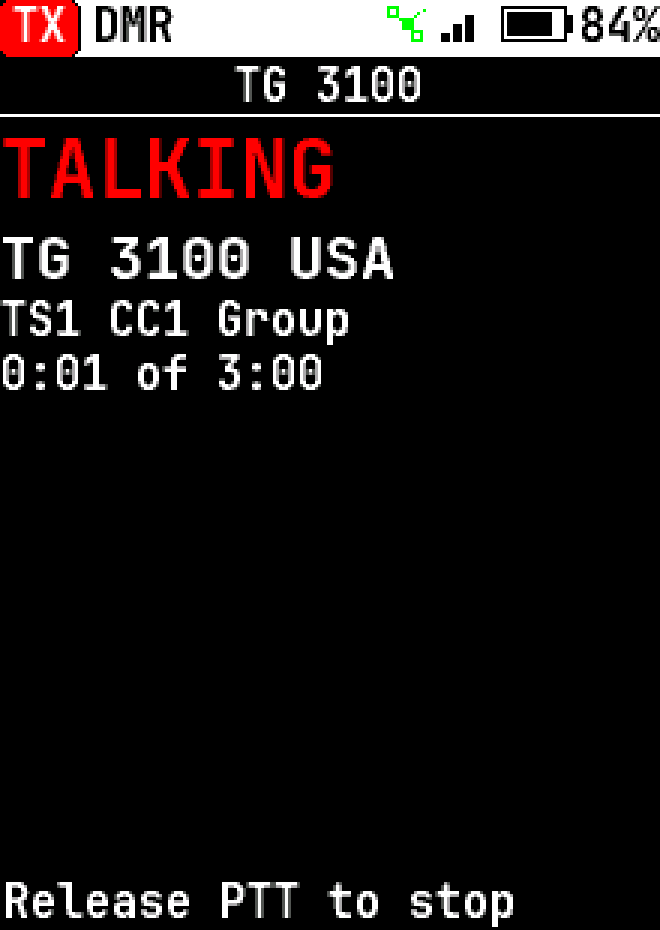
Transmitting
Transmitting
Transmitting, high-contrast theme
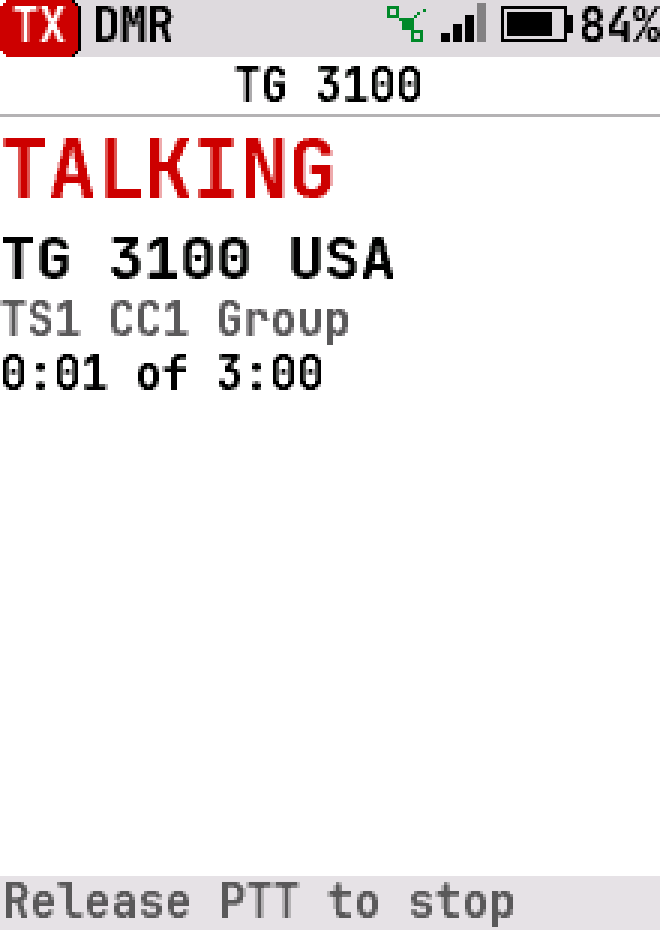
Transmitting, light theme
Transmitting a private call
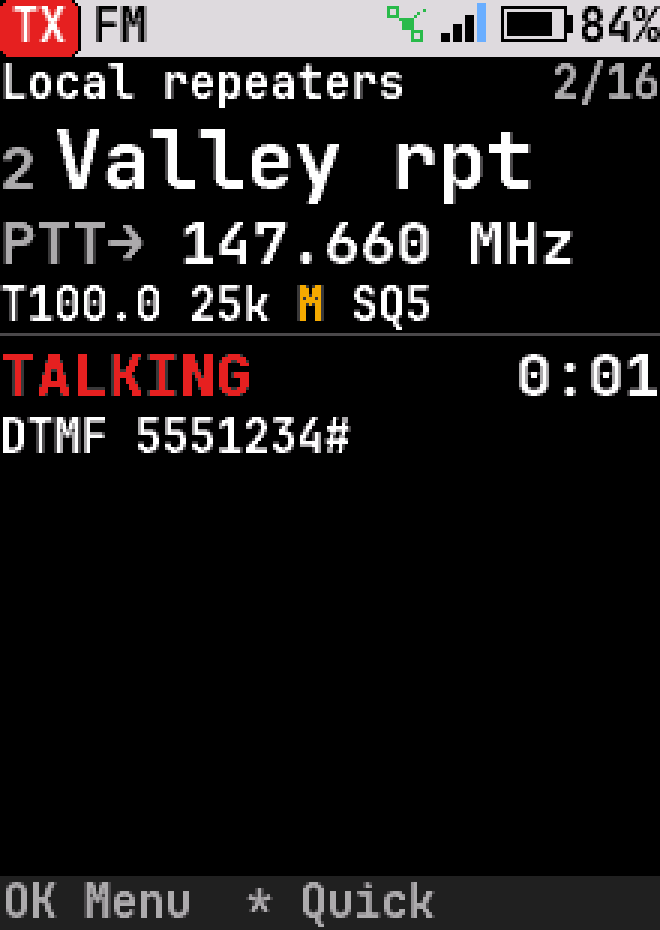
Sending touch tones (DTMF) on FM
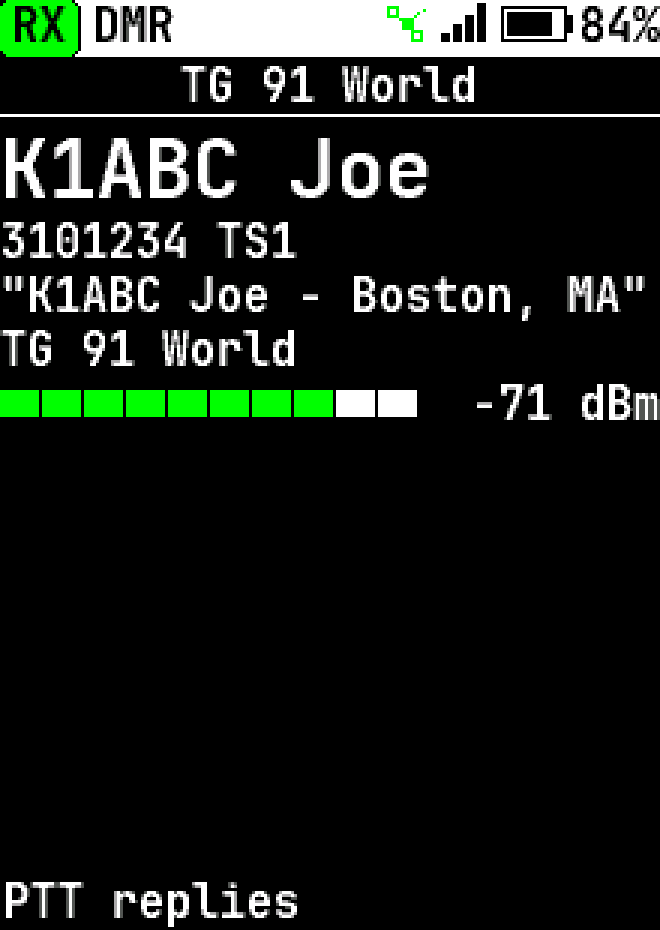
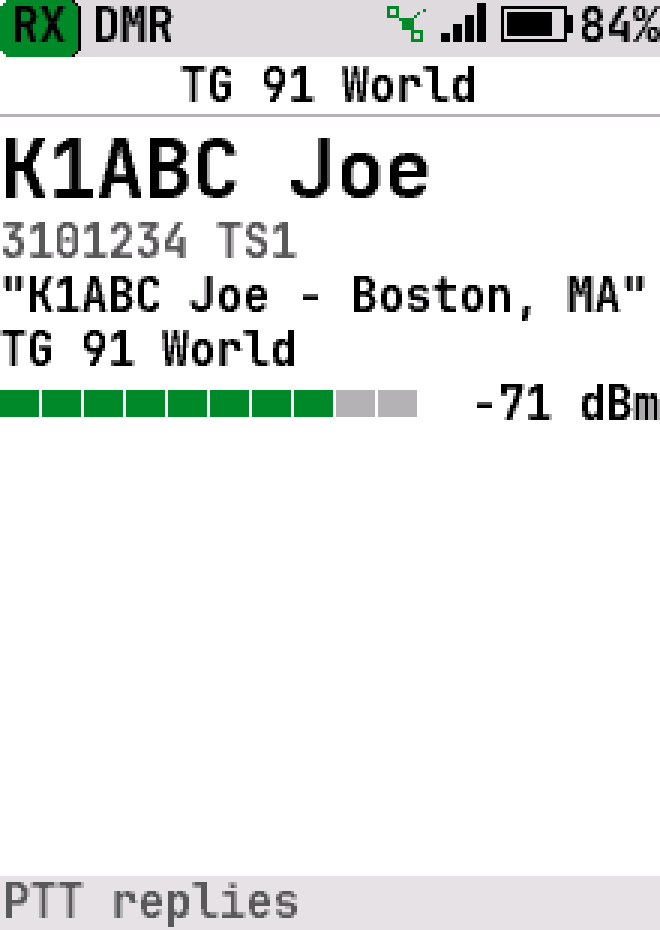
Receiving a group call
Receiving a group call, high-contrast theme
Receiving a group call, light theme
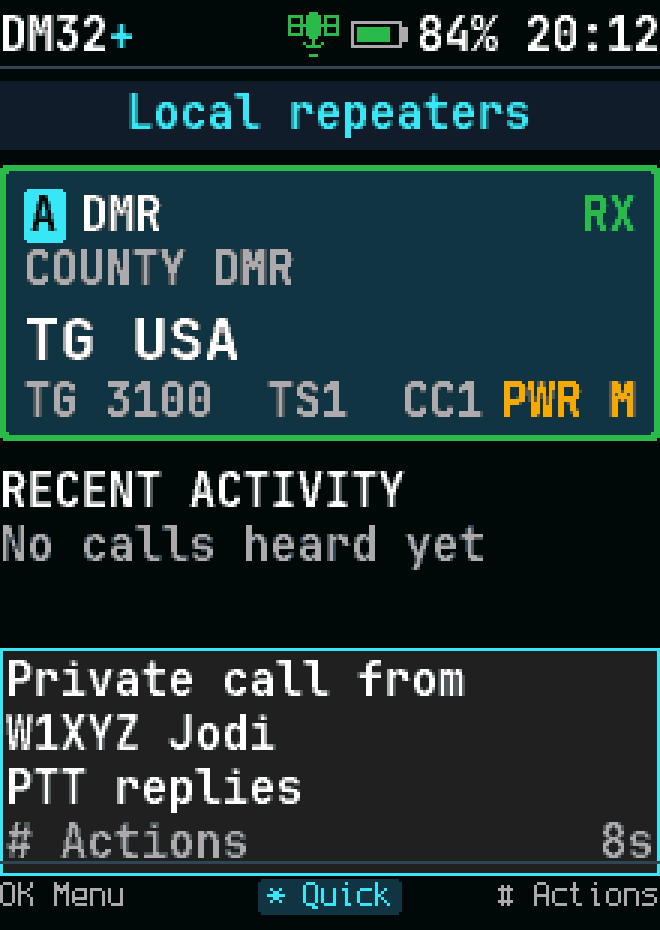
Receiving a private call
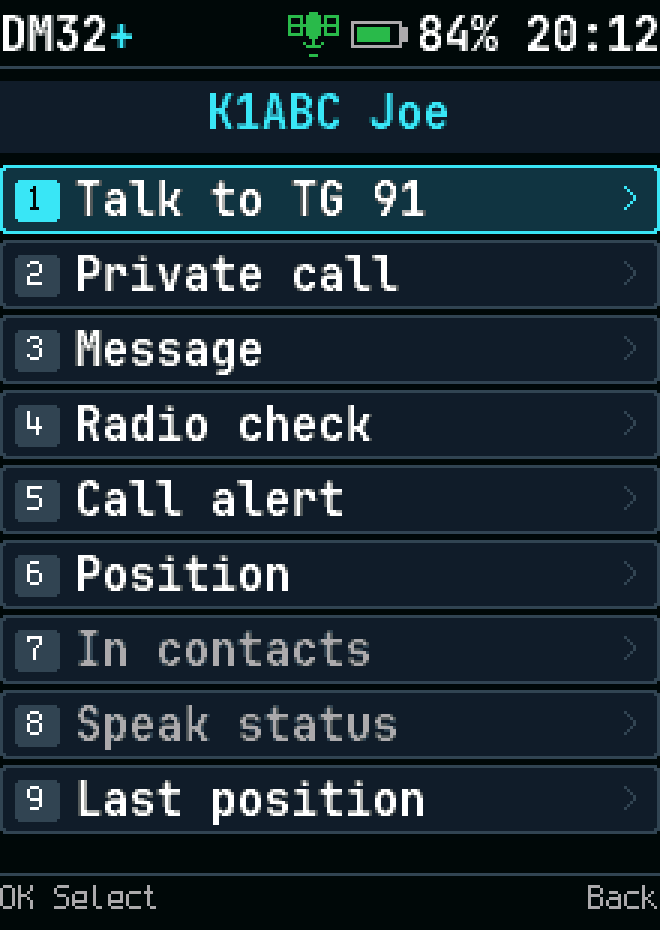
Caller actions
Caller actions
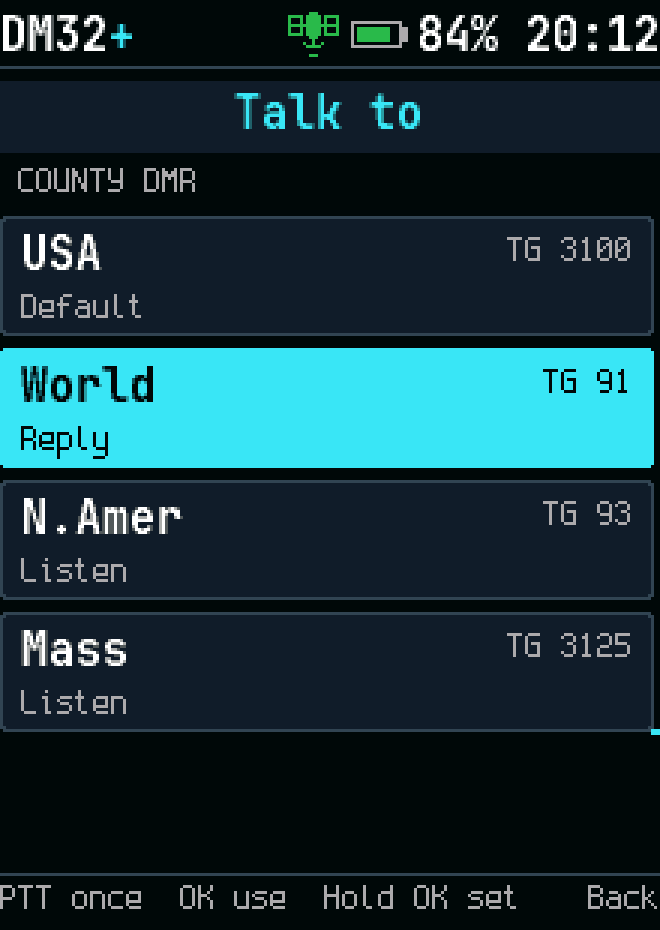
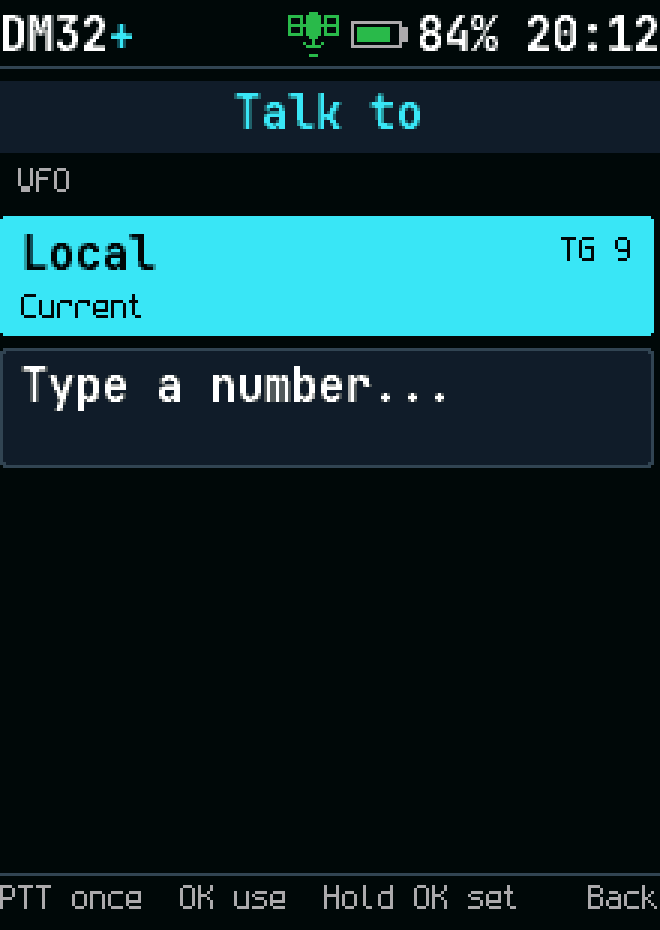
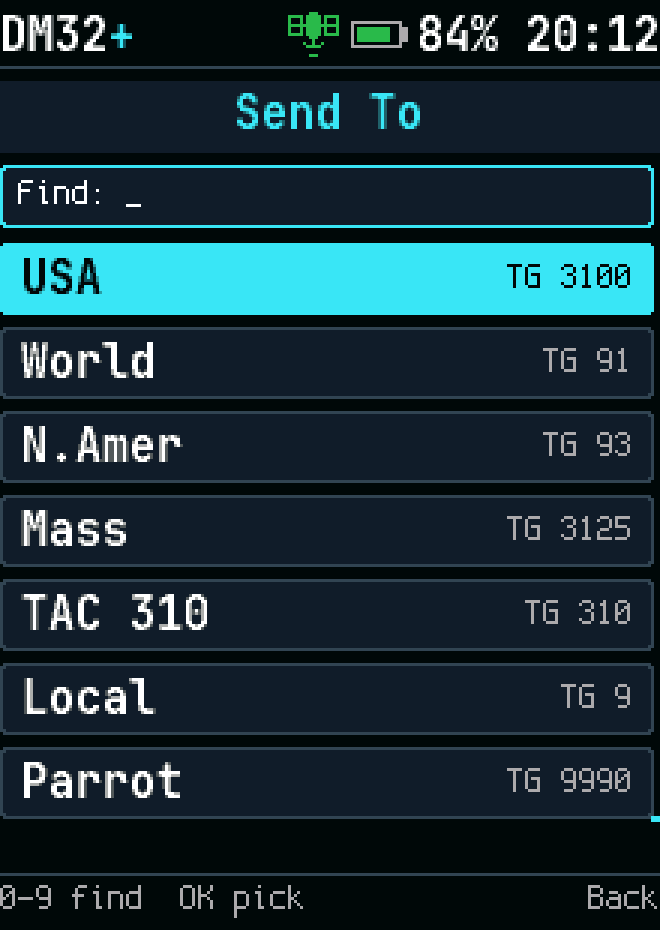
Talk target
Talk target
Talk target, DMR VFO
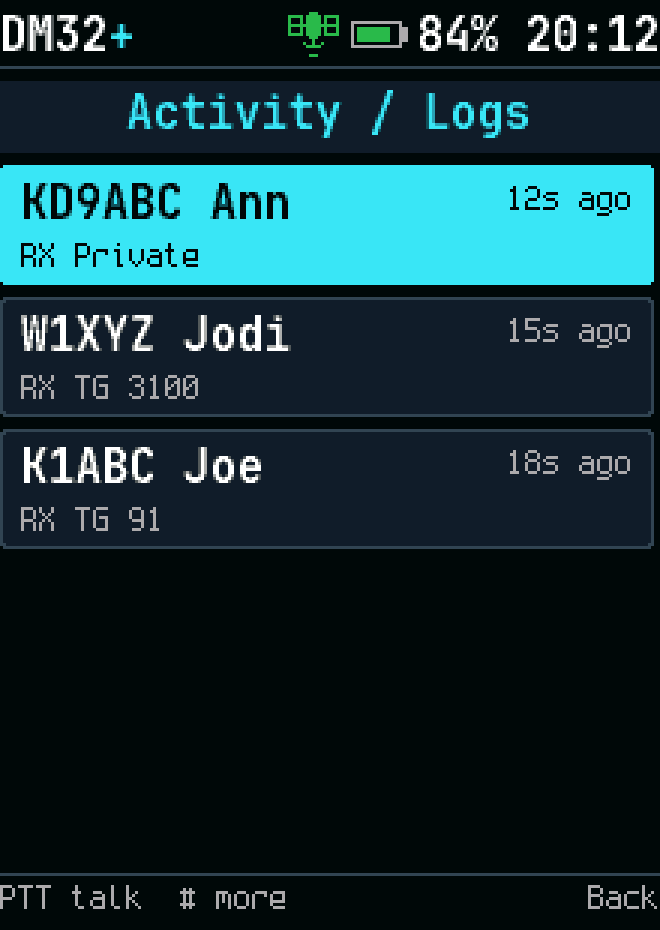
Recent calls
Recent calls
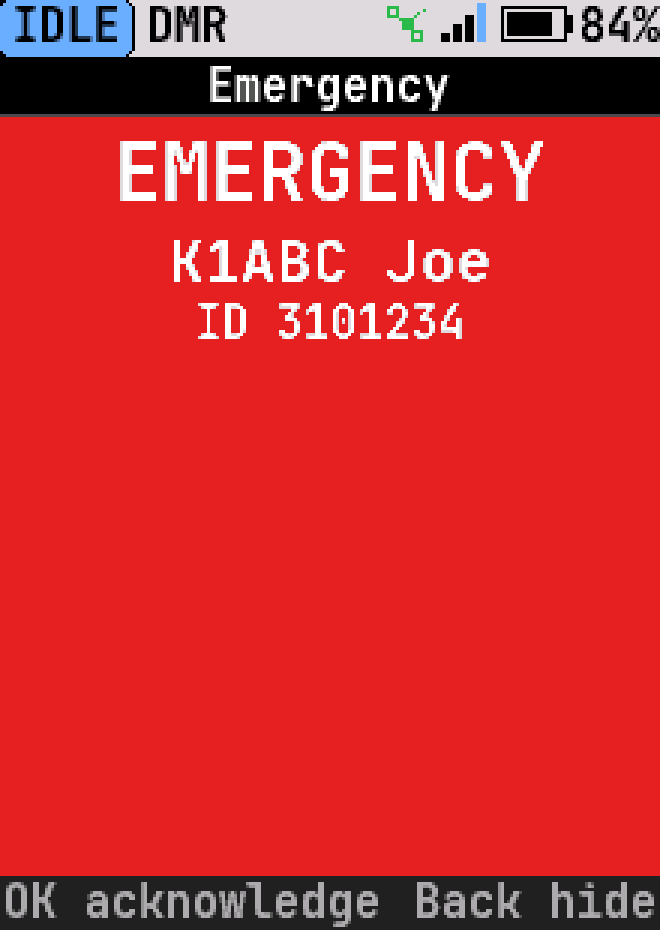
Emergency
Emergency
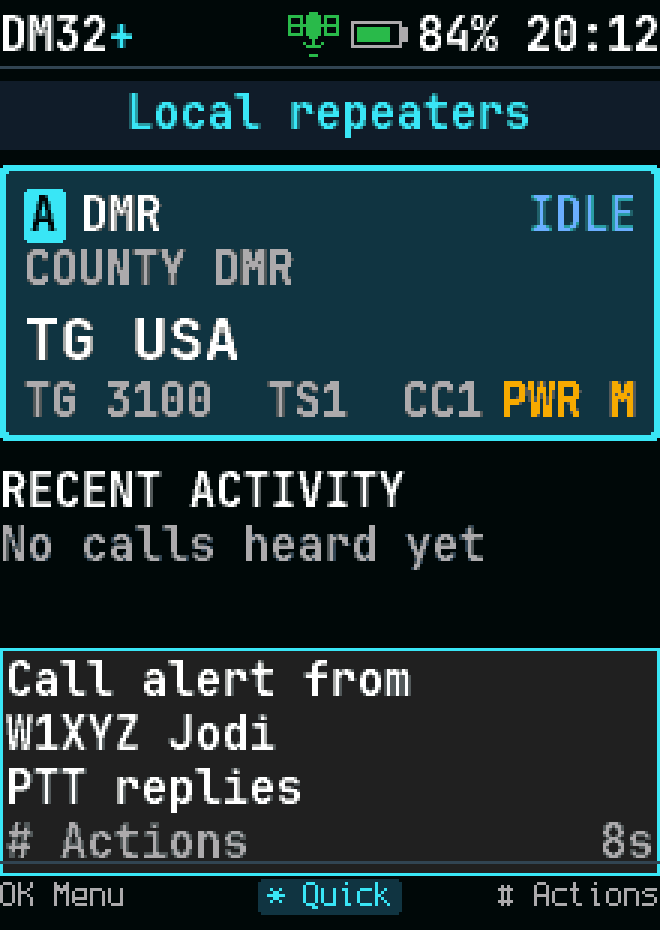
Call alert received
Call alert received
Radio check
Radio check
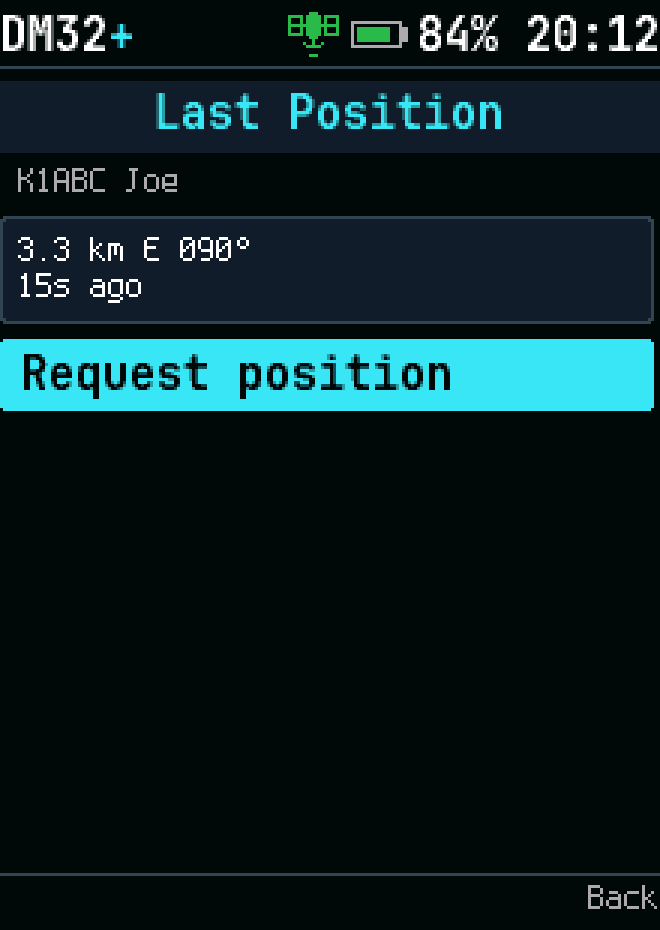
Contact position
Contact position
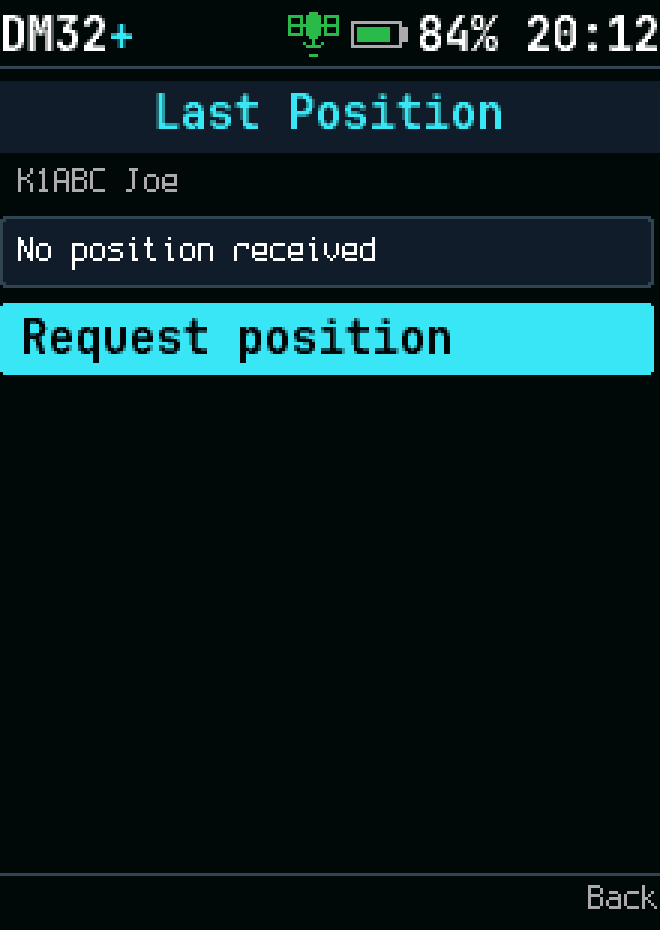
Contact position unavailable

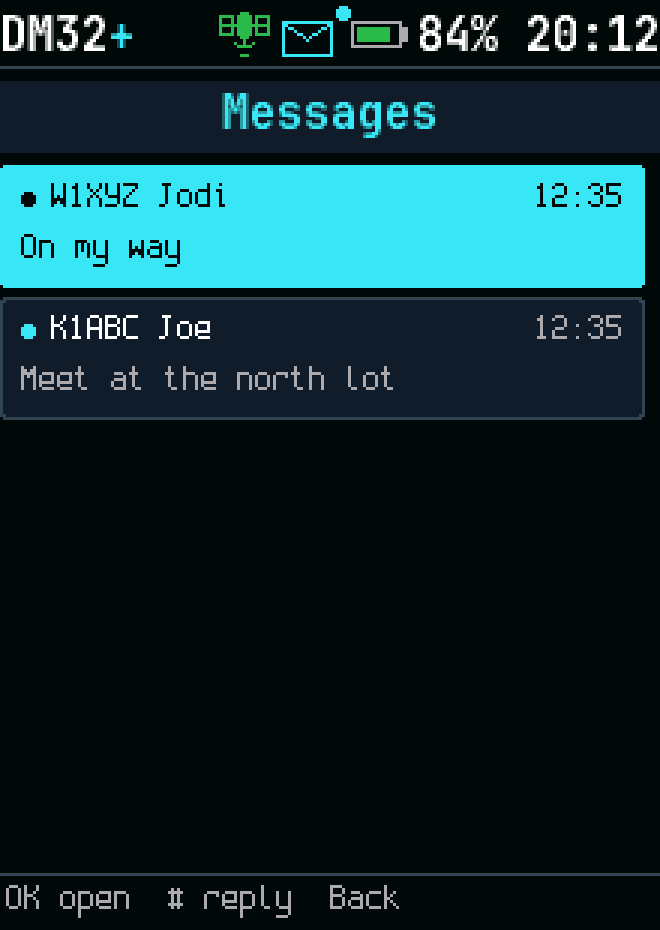
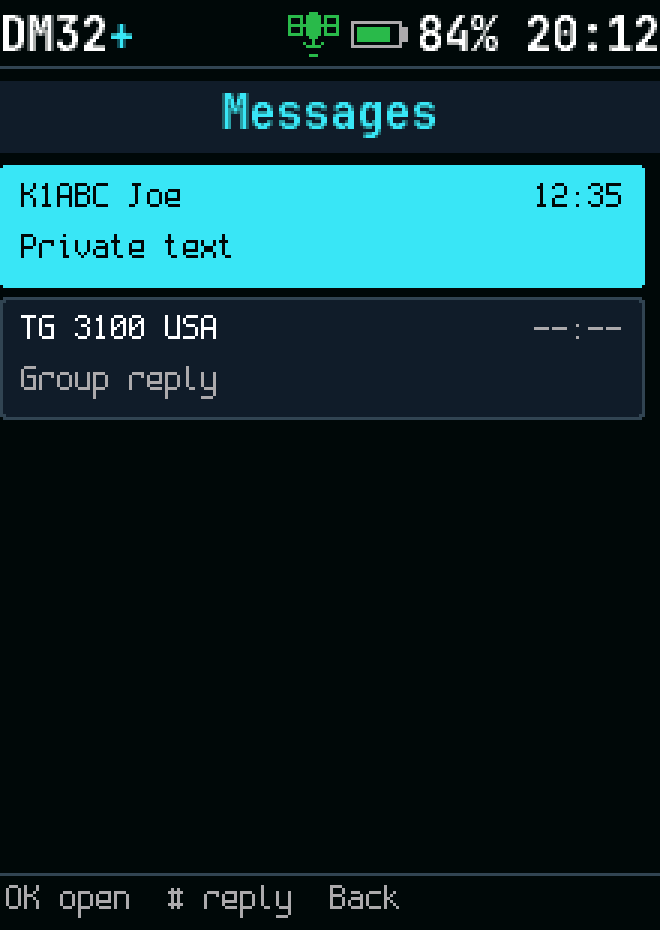
Messages

Messages
Messages
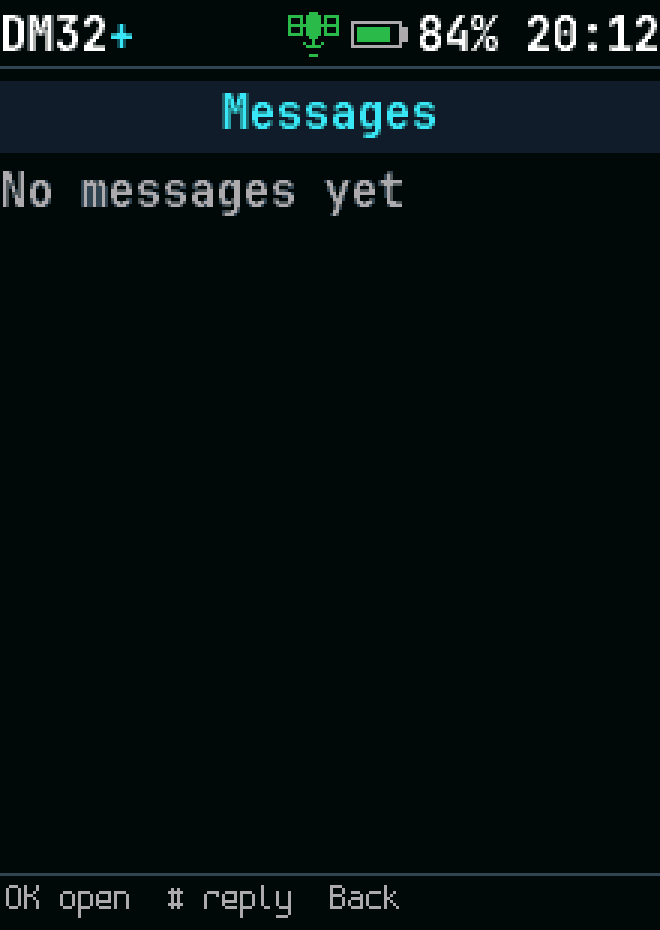
Messages, empty
Messages, empty
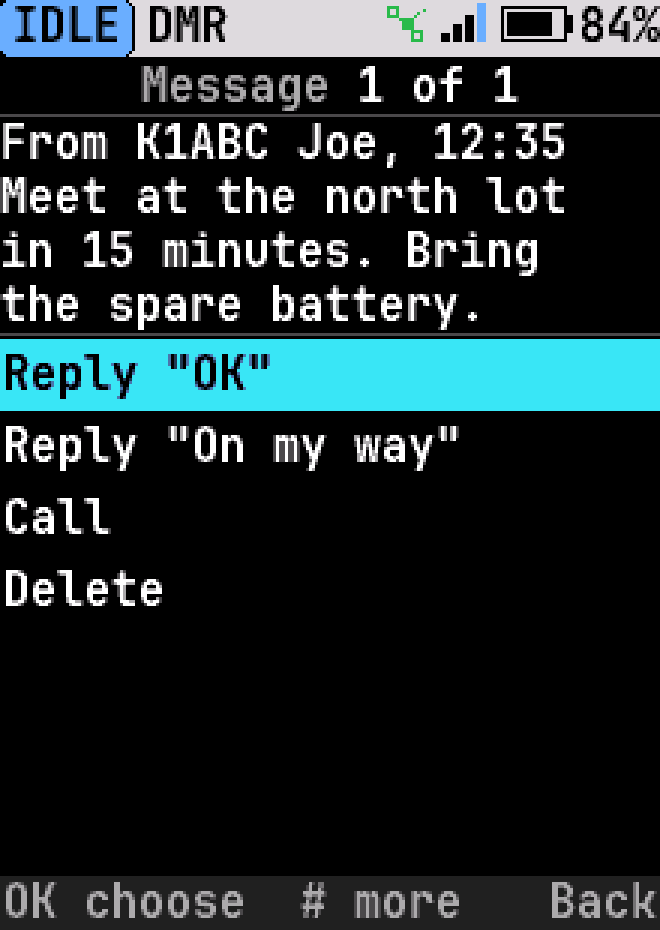
Reading a message
Reading a message
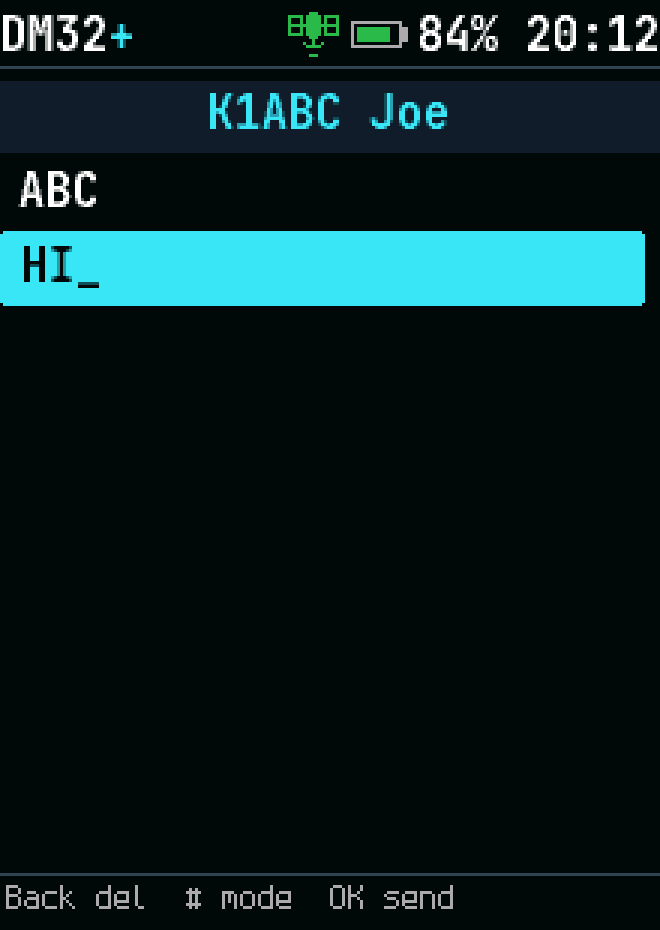
Write a message
Write a message
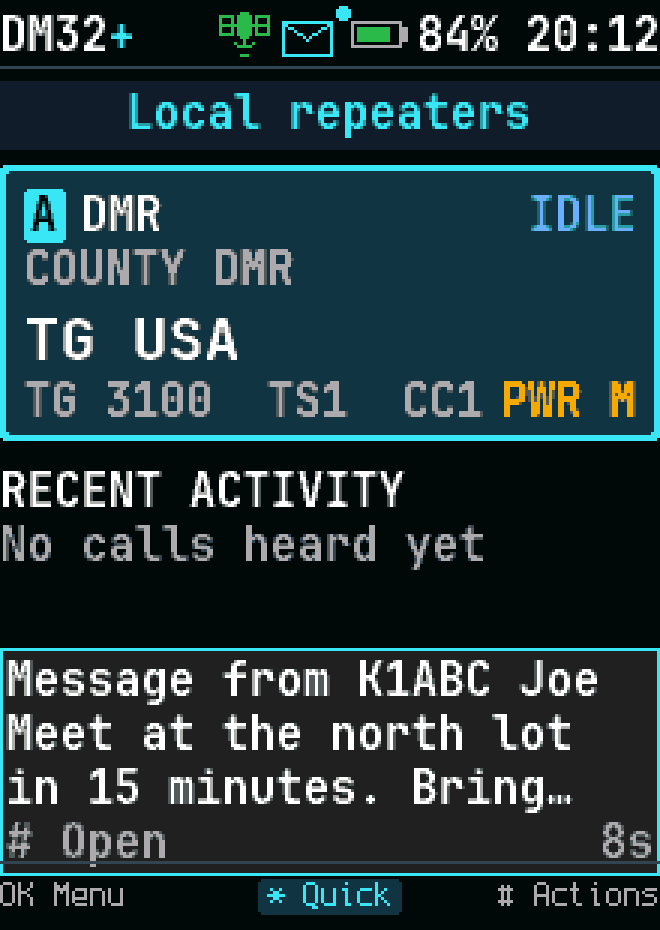
New message
New message
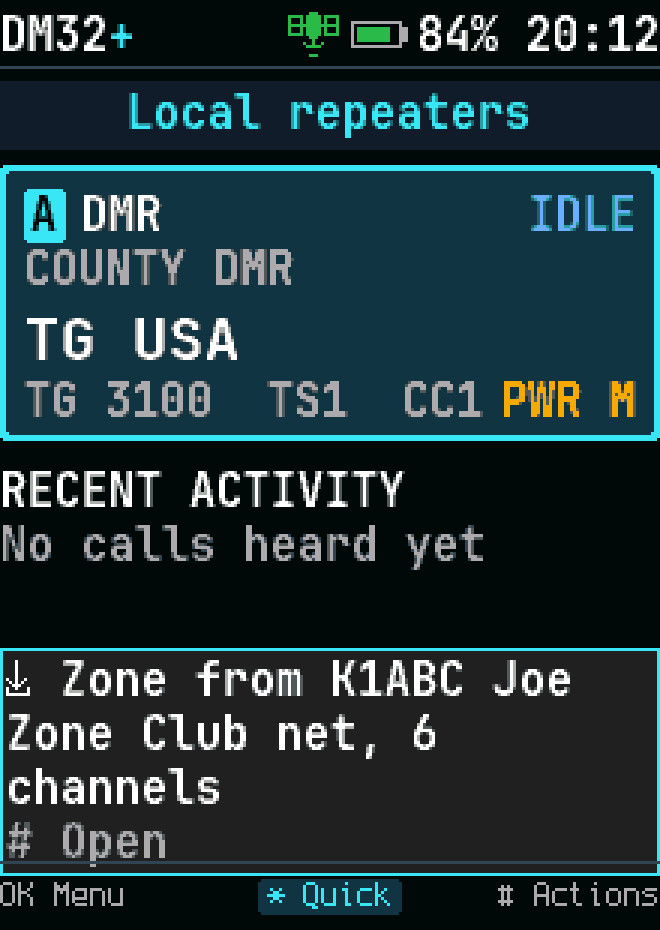
A zone offered by another radio
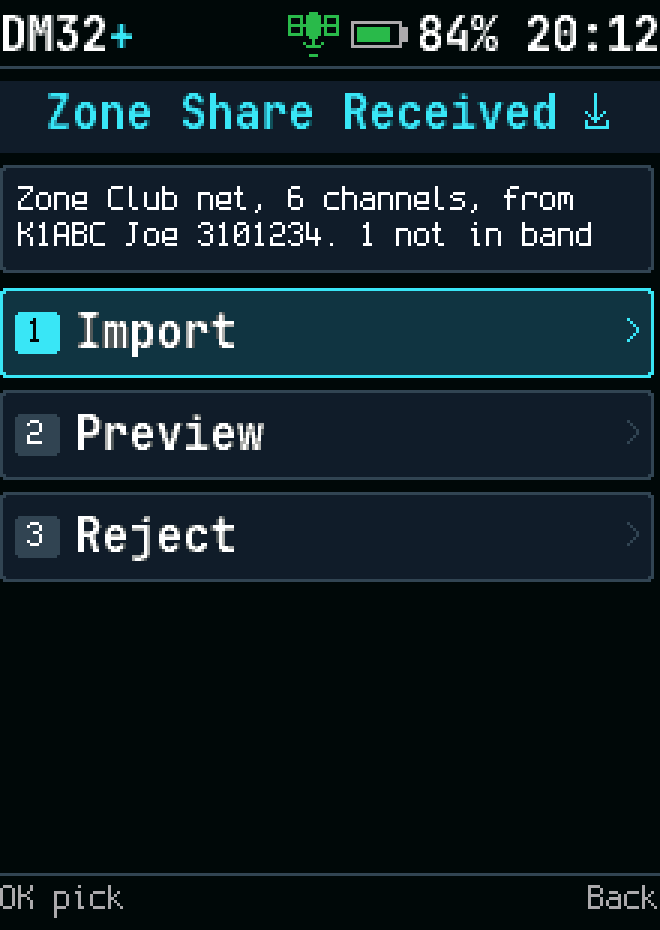
What to do with an offered zone
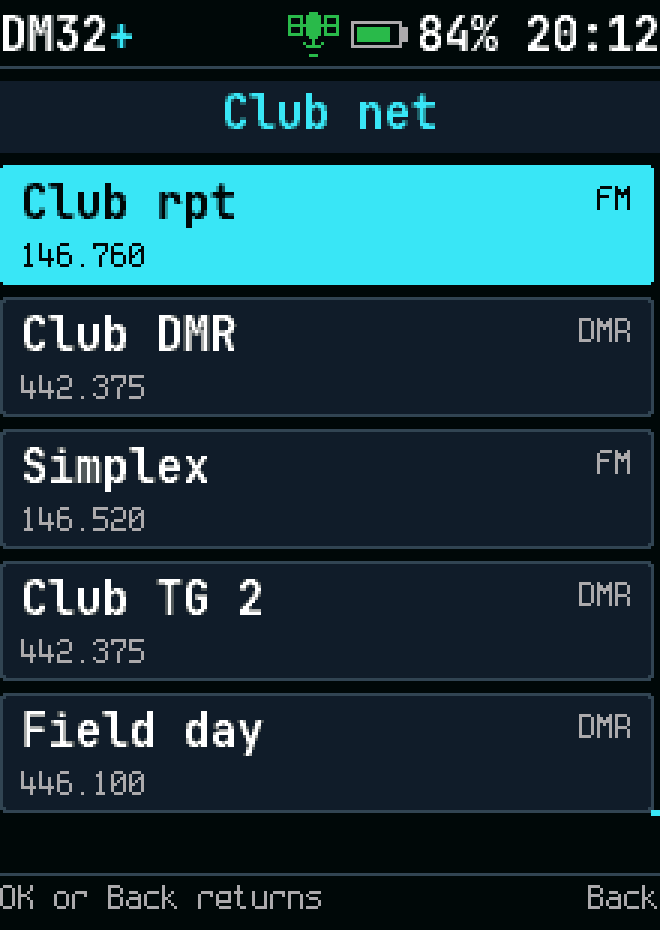
The channels of an offered zone
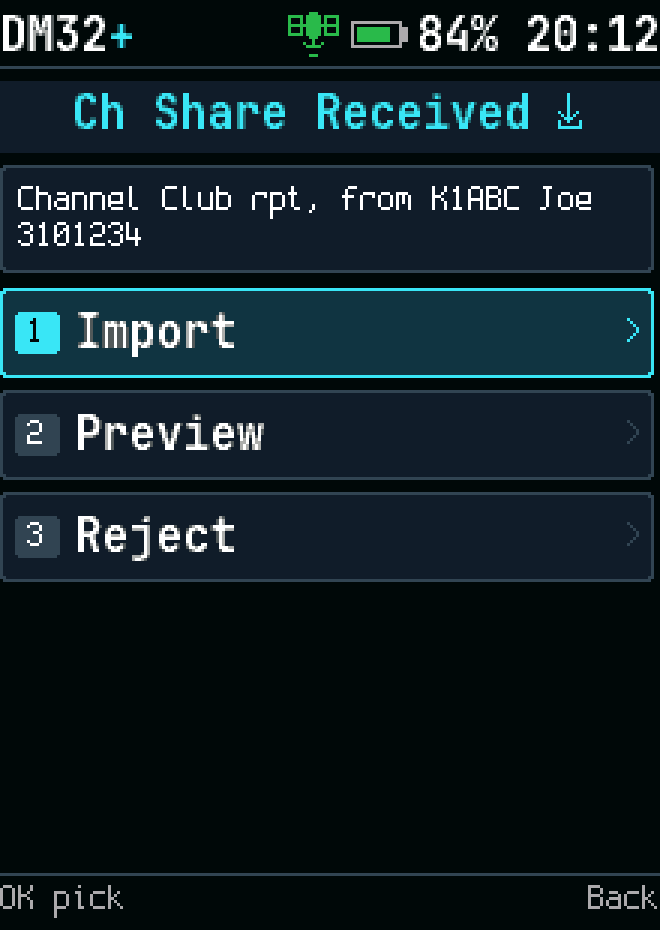
One channel shared by another radio
Tools with a shared zone waiting
An offered channel
An offered channel
Write a message
Write a message
Saved conversations
Saved conversations
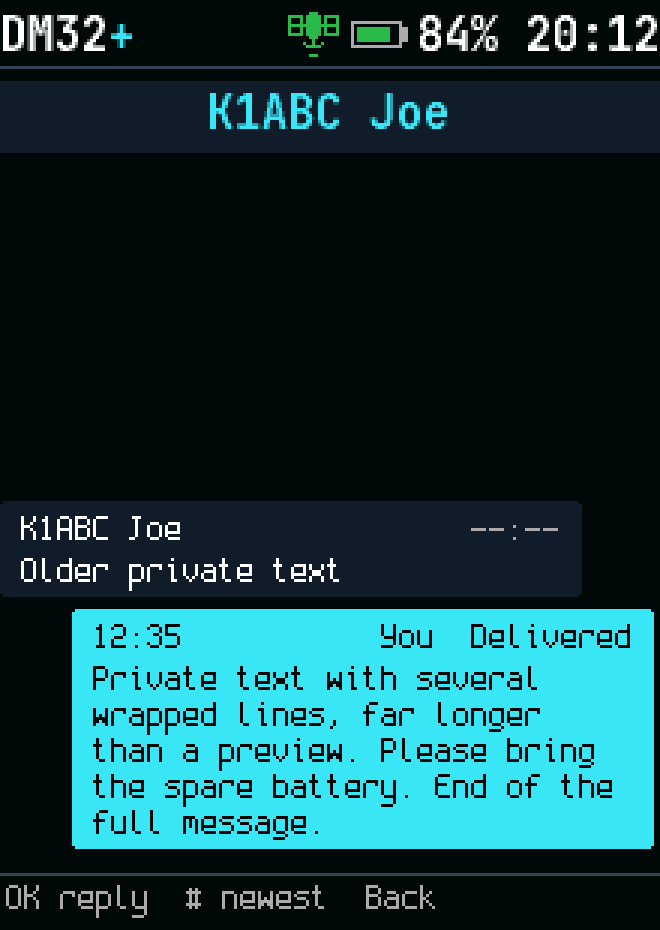
Message conversation
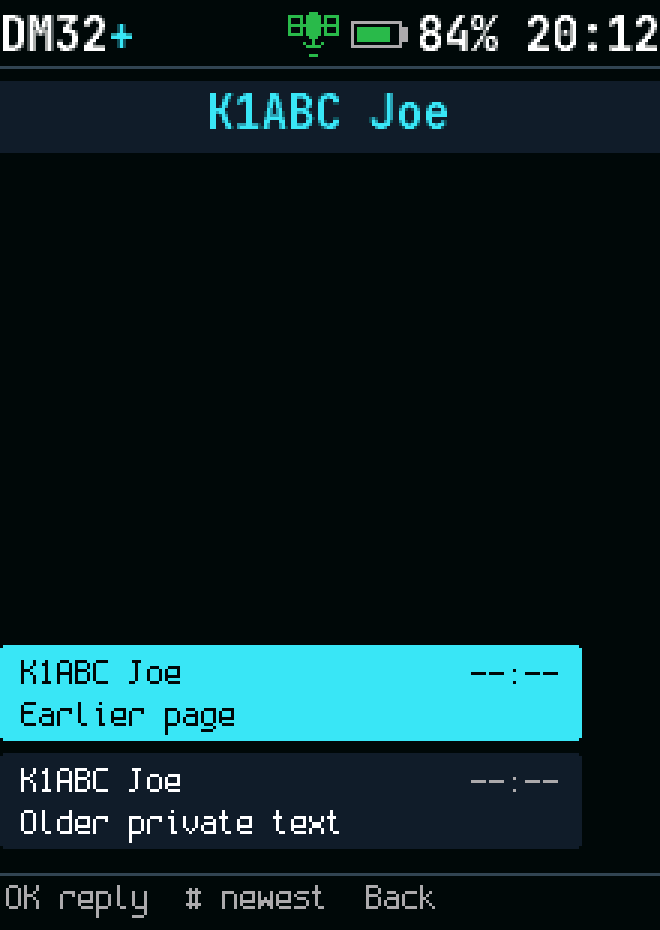
Older conversation messages

Channels and contacts

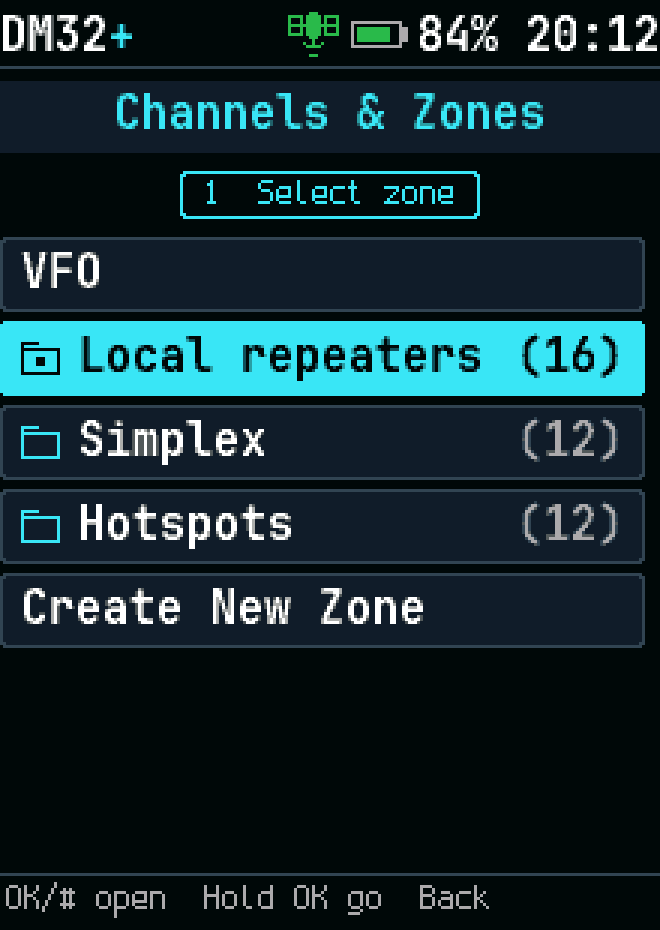
Zones, with the VFO
Zones, with the VFO
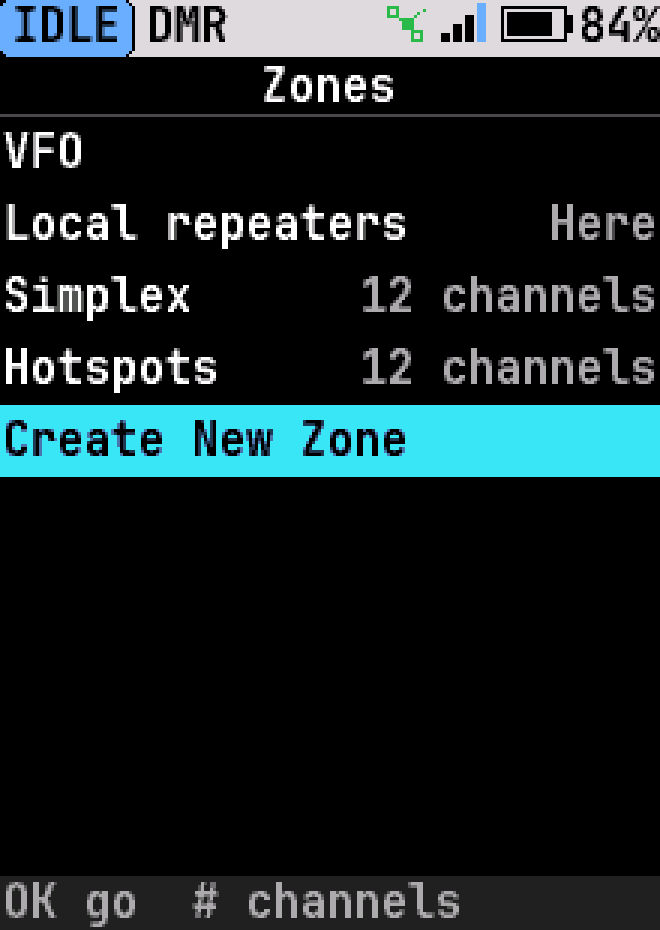
Zones: creating a new zone
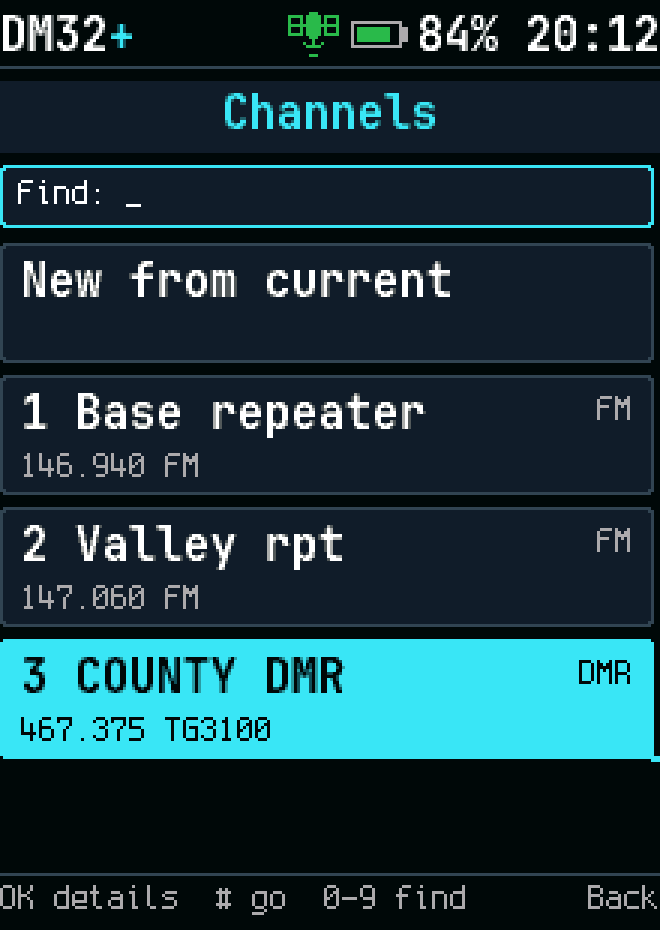
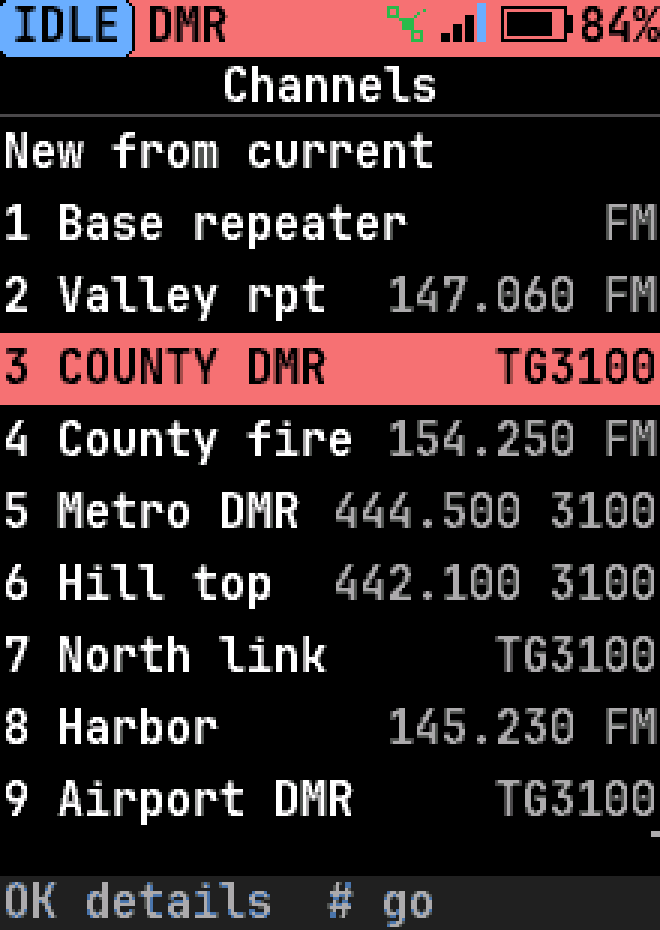
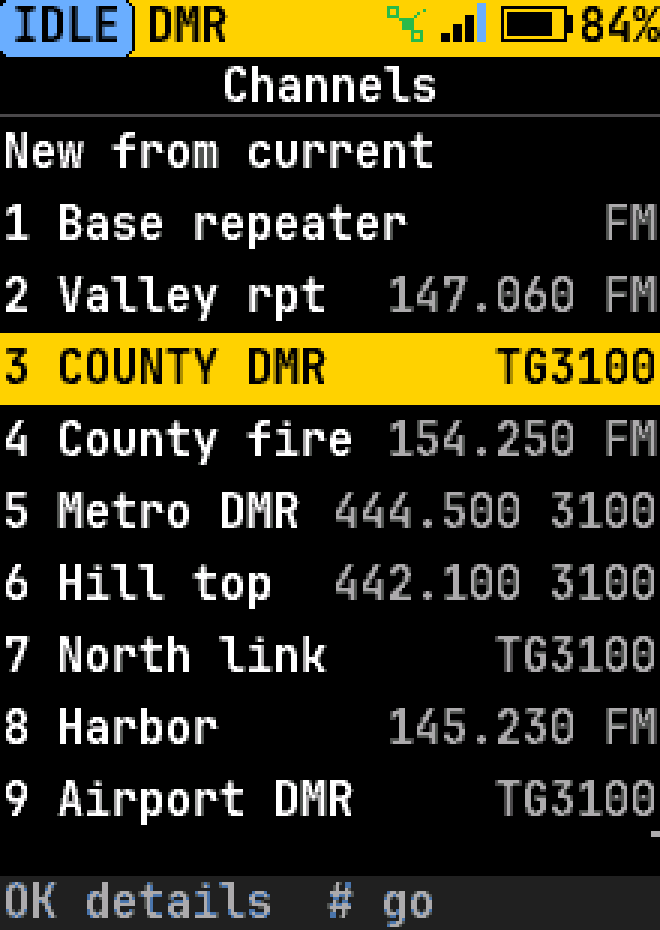
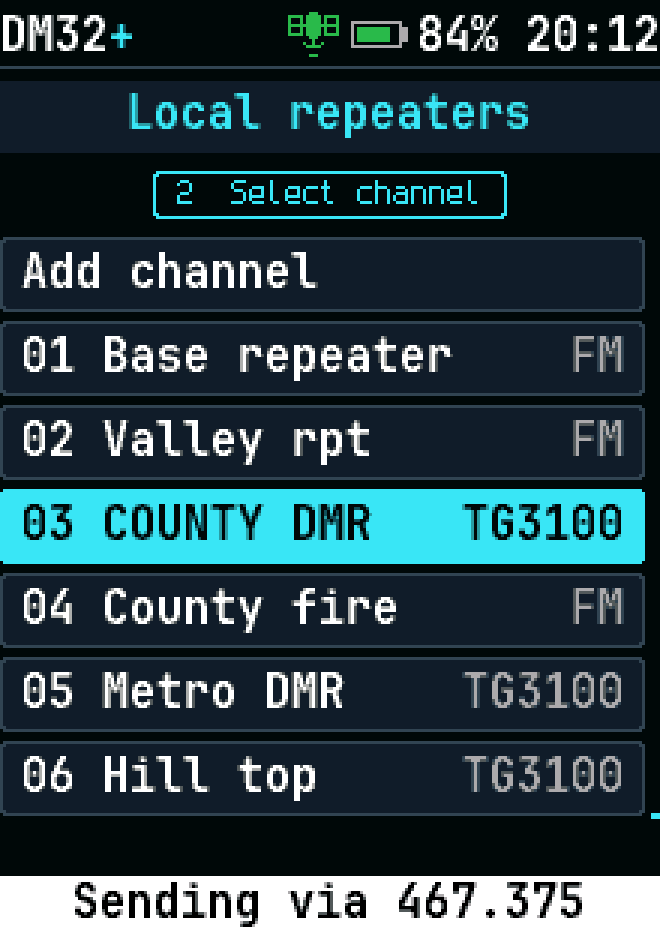
Every channel by number
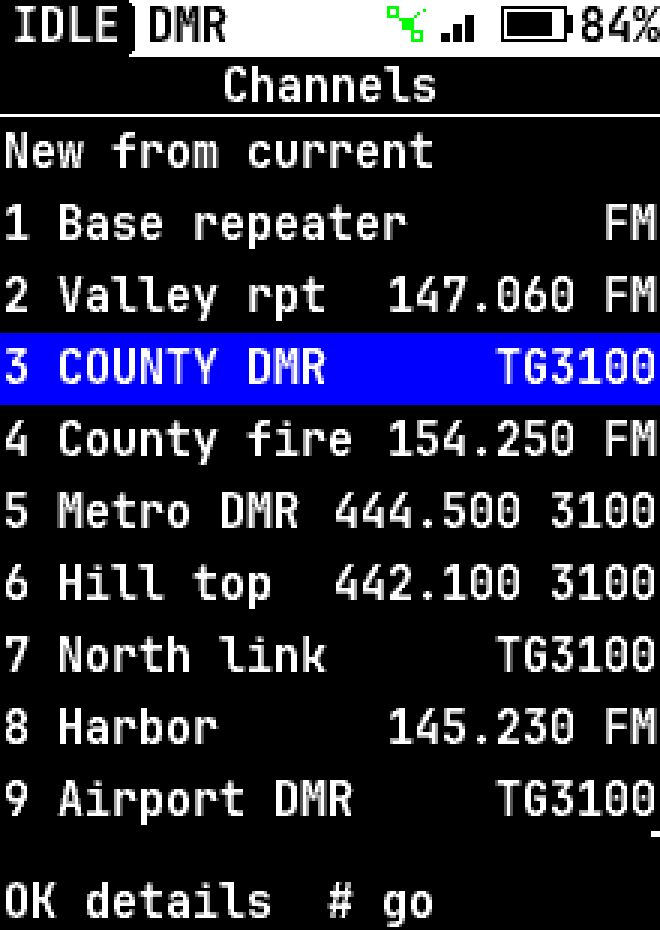
Every channel by number, high-contrast theme
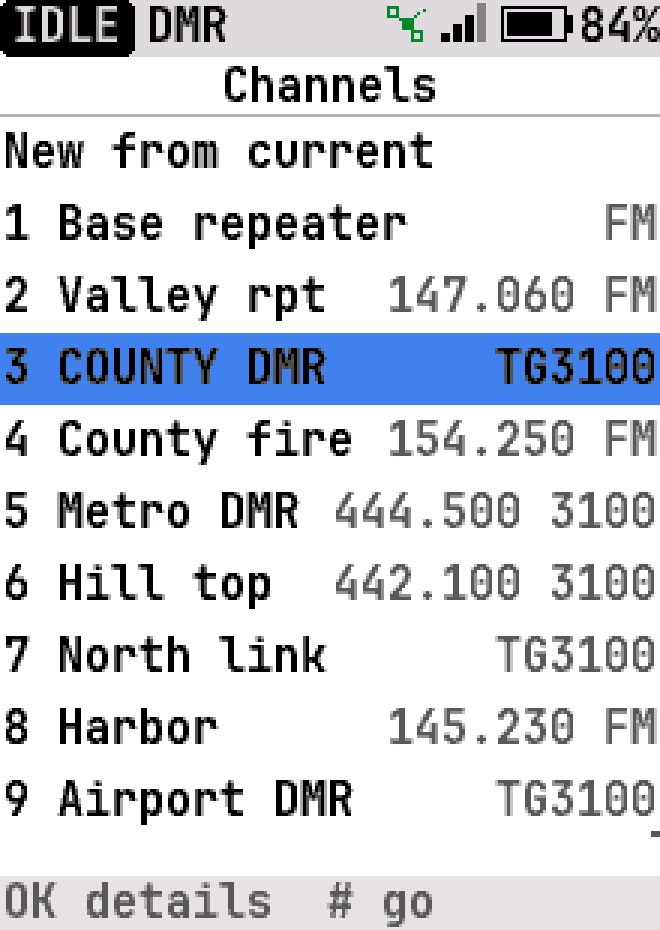
Every channel by number, light theme
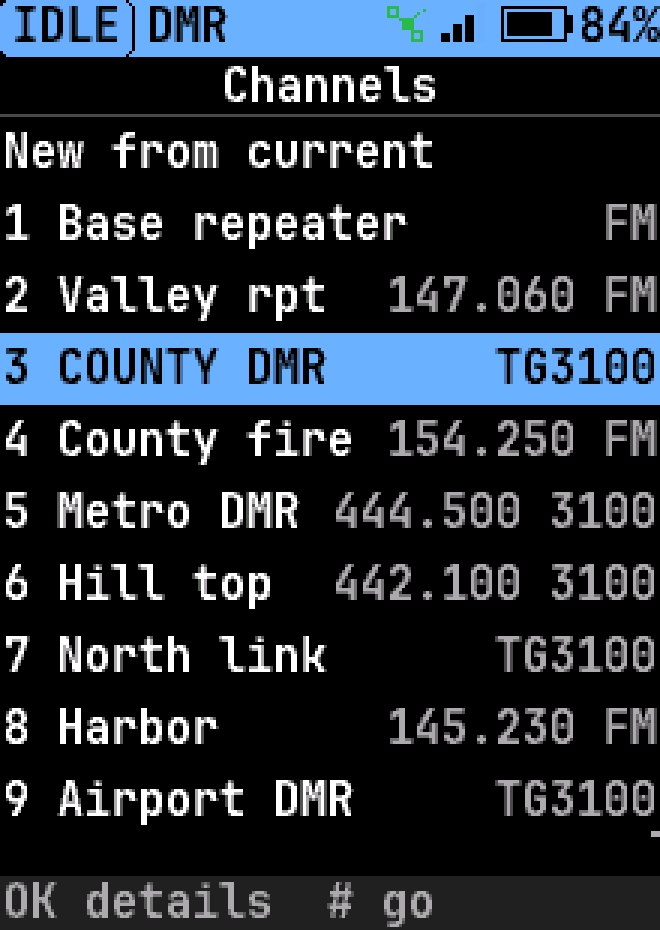
Every channel by number, light blue highlight
Every channel by number, red highlight
Every channel by number, yellow highlight
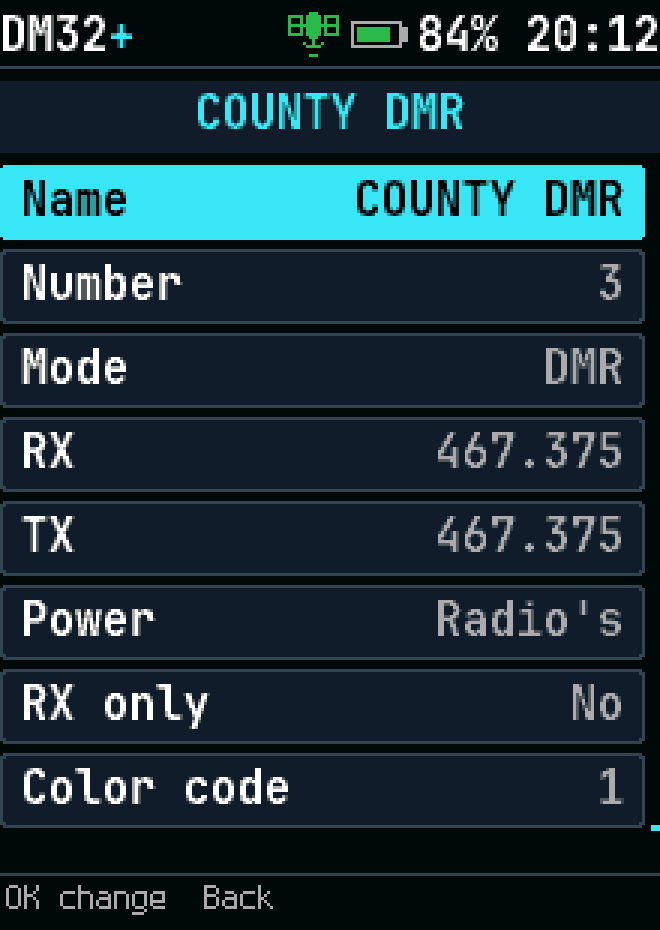
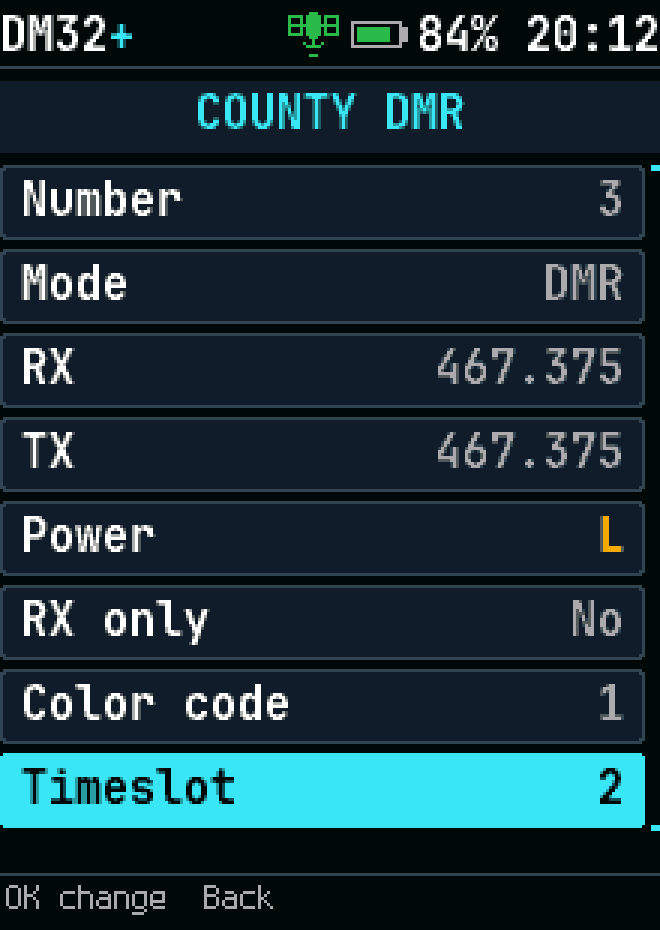
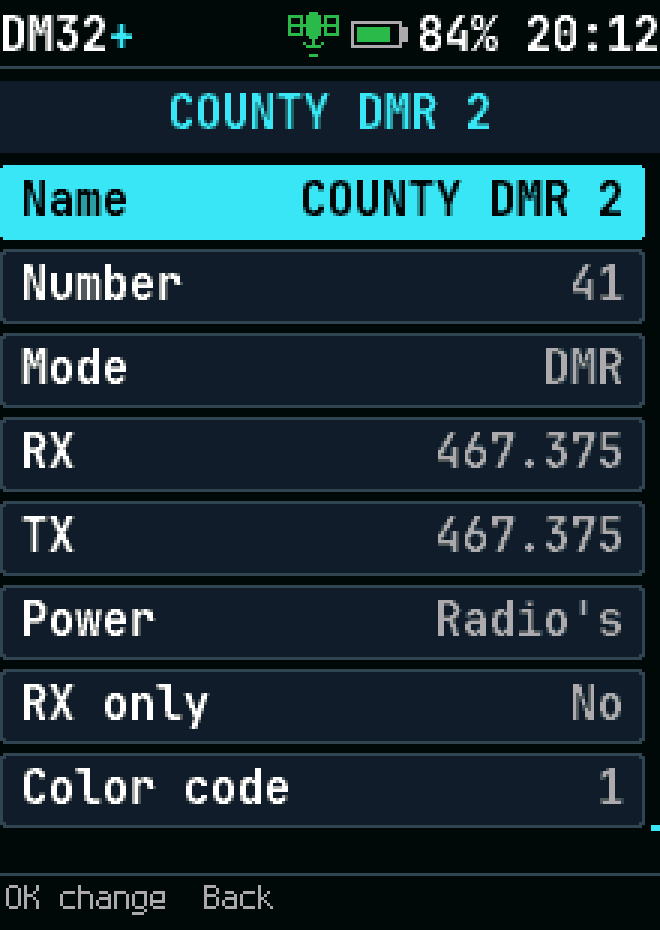
A channel's settings, ready to edit
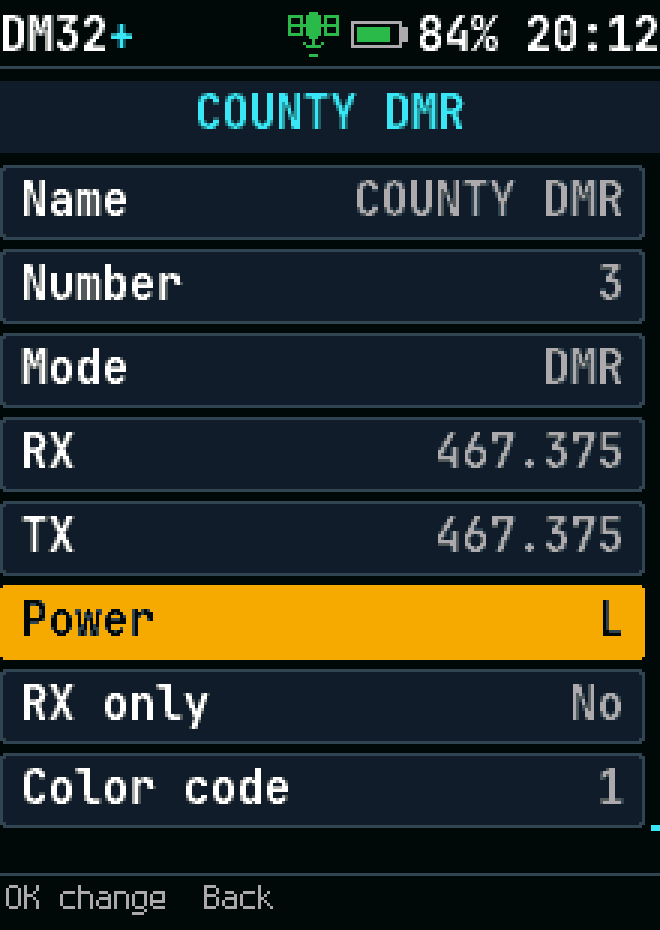
Channel editor: picking the power with the knob
Channel editor: changed rows marked until saved
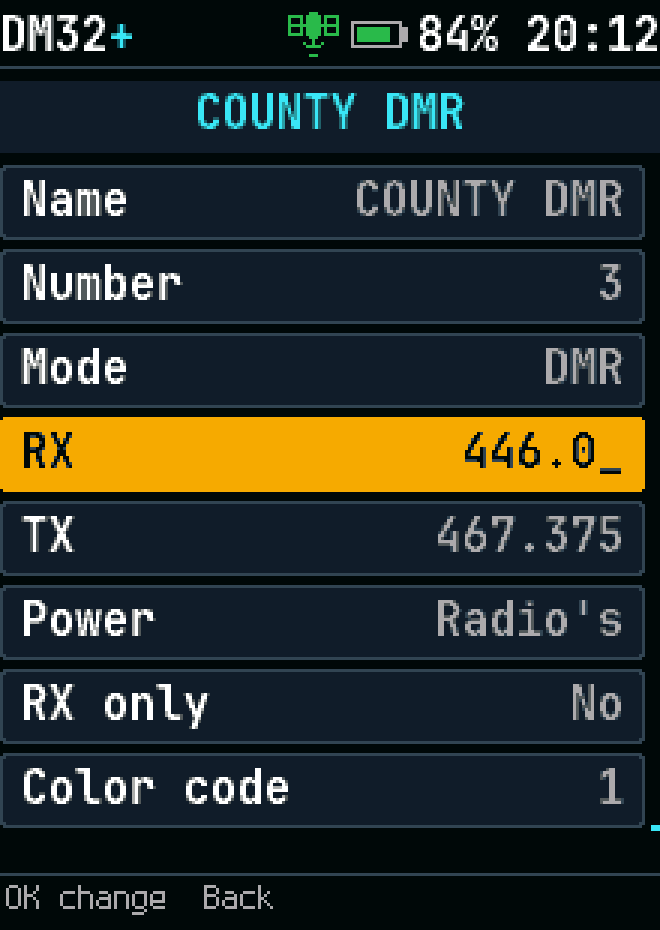
Channel editor: typing an RX frequency
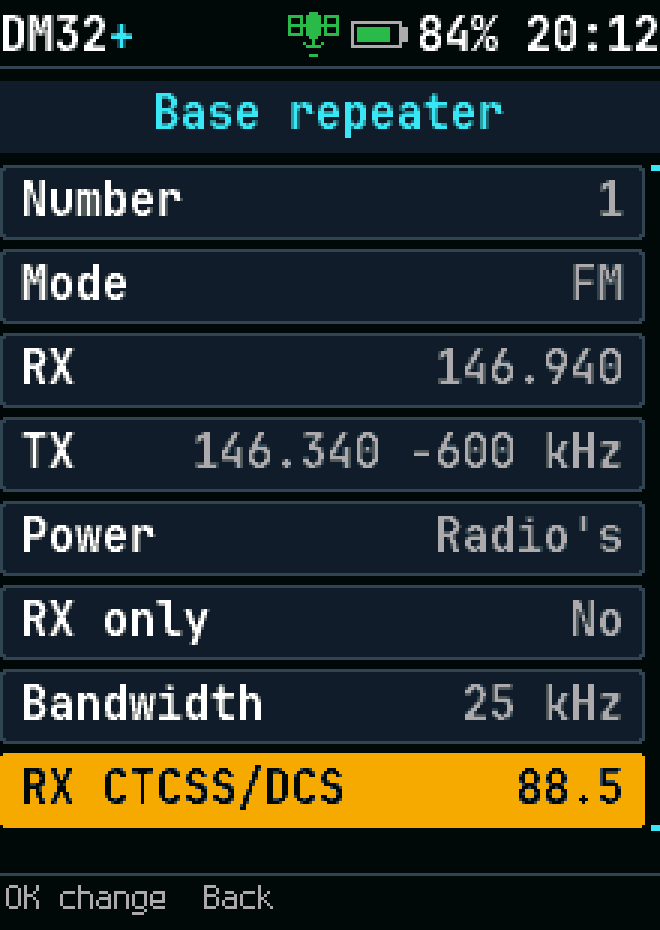
Channel editor: typing a tone
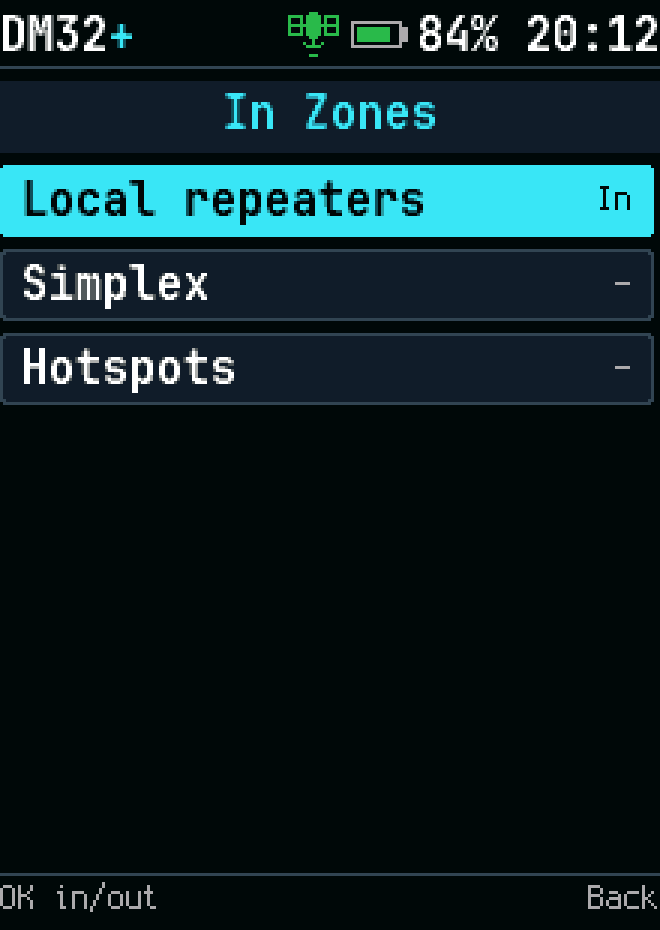
Channel editor: the zones a channel is in
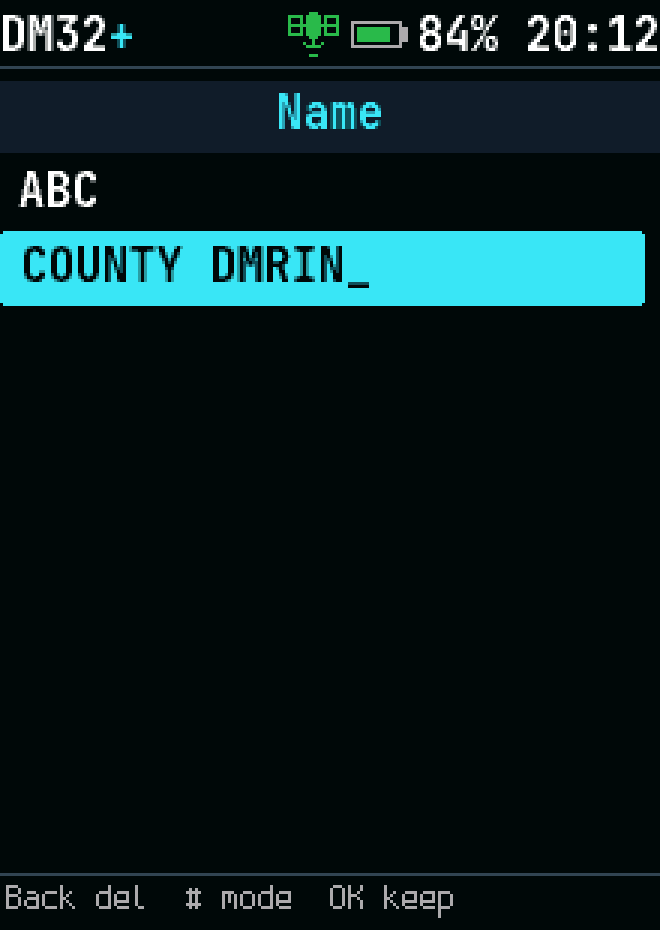
Text entry: a channel name on the keypad
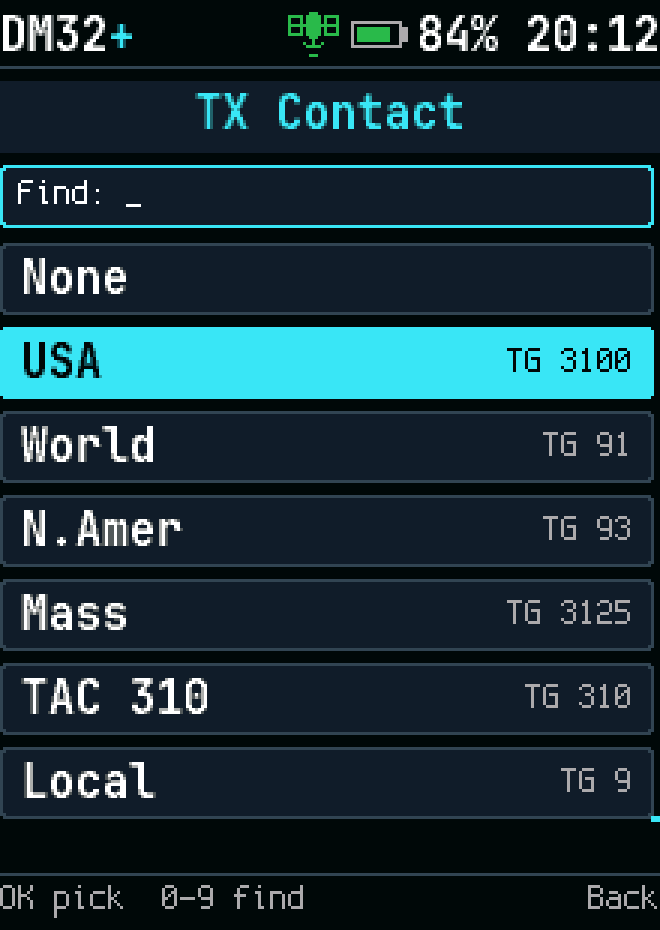
Channel editor: picking the TX contact
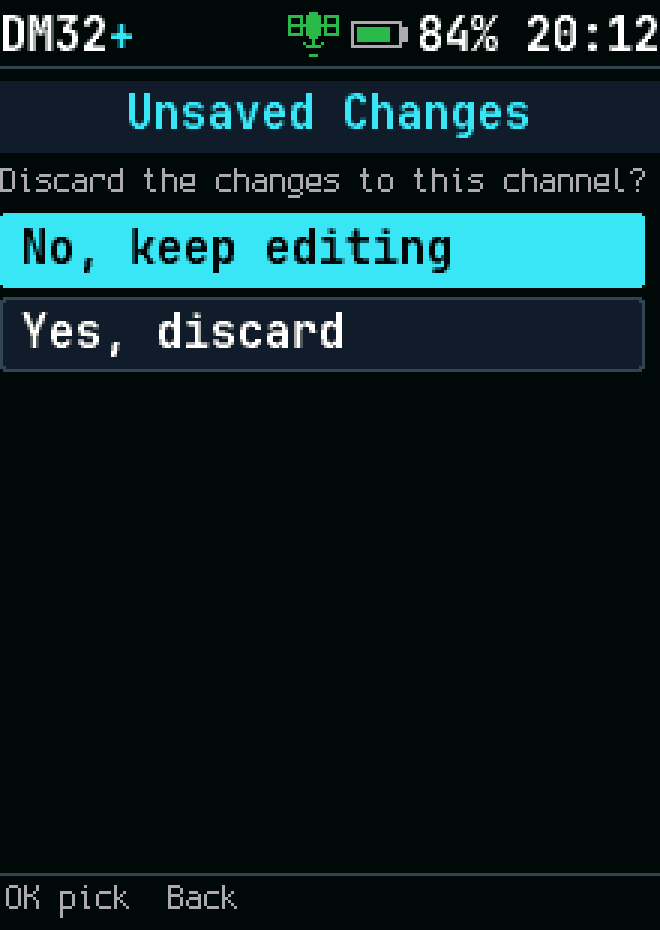
Leaving the channel editor with unsaved changes
New channel from current settings
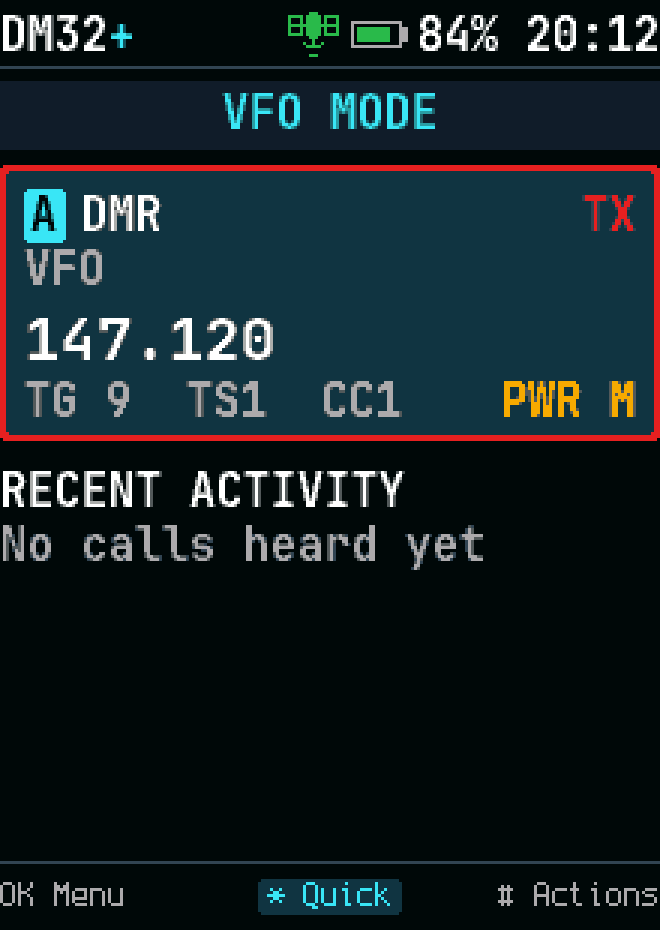
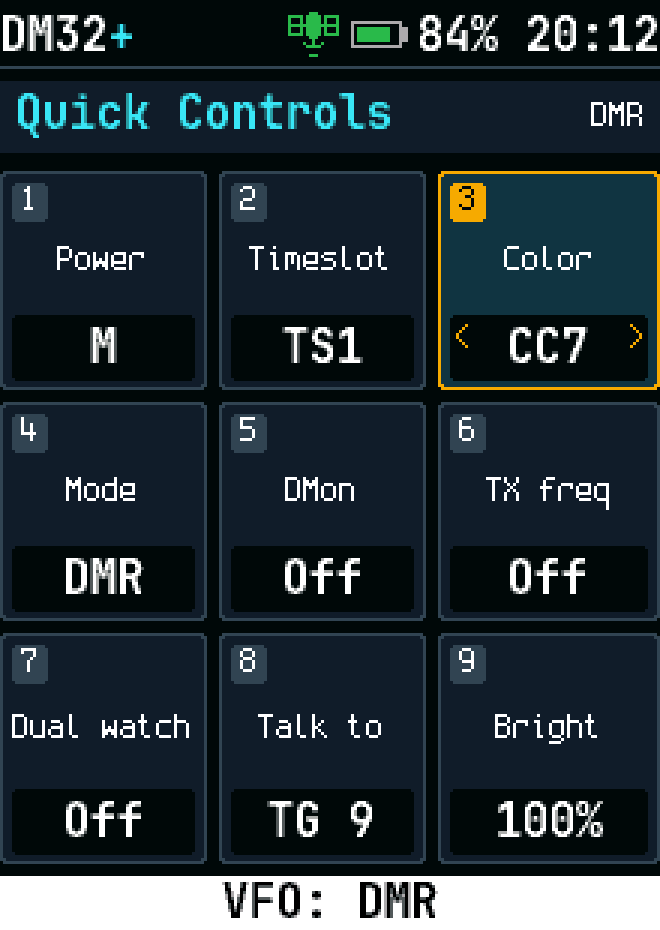
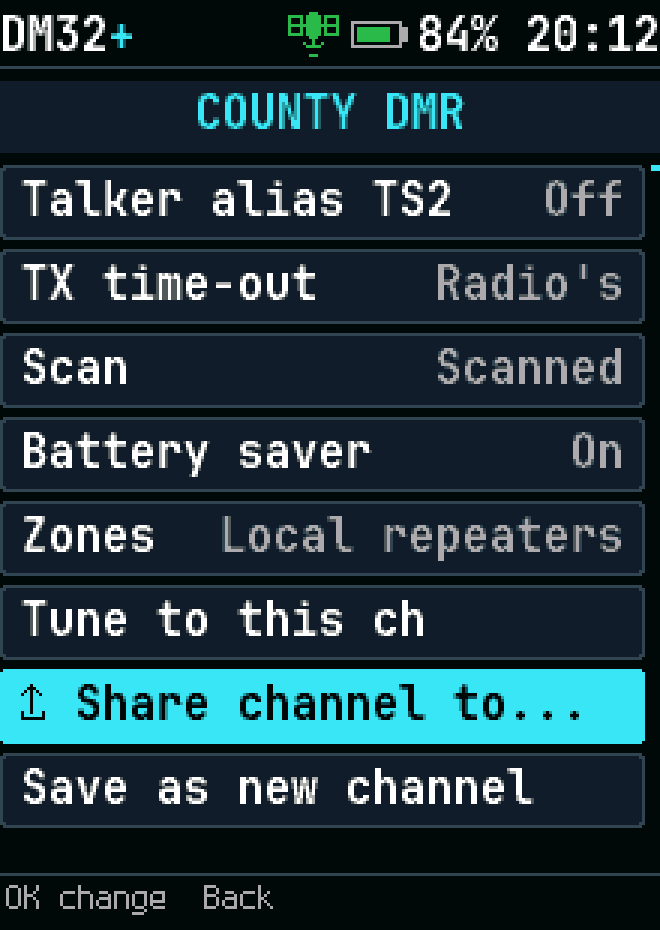
Sharing a channel from its settings
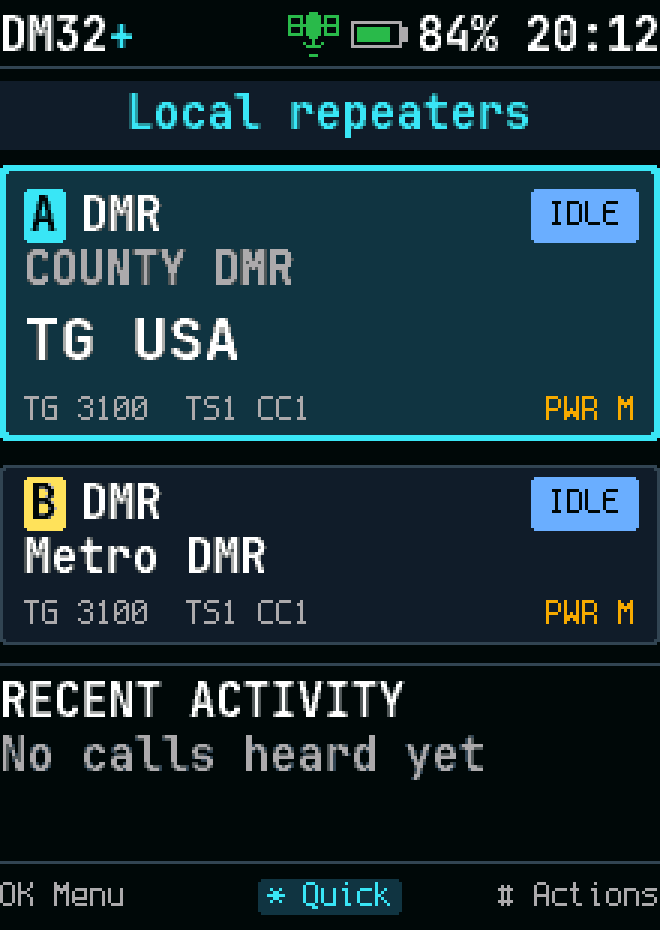
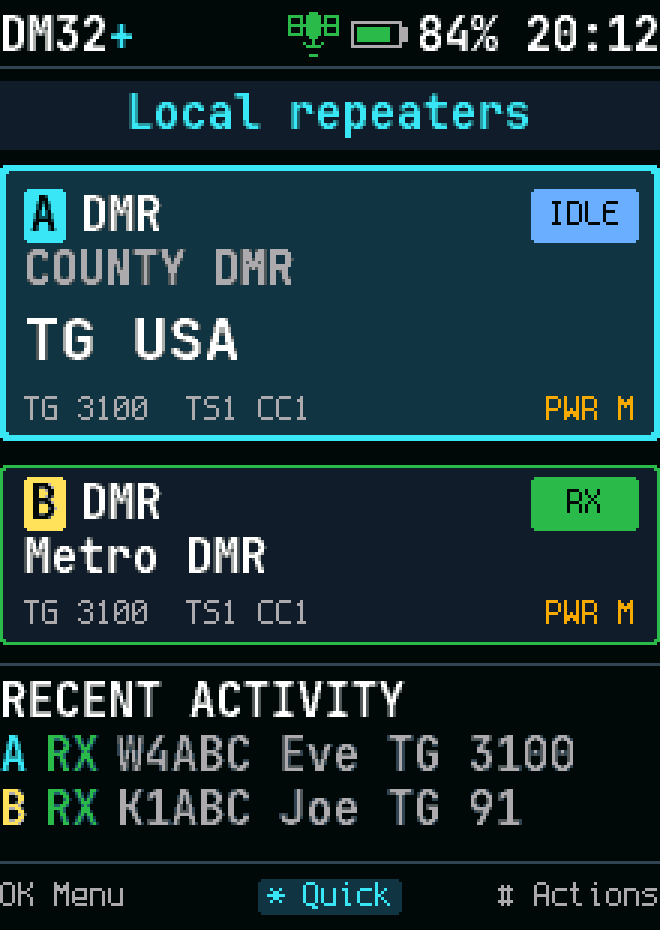
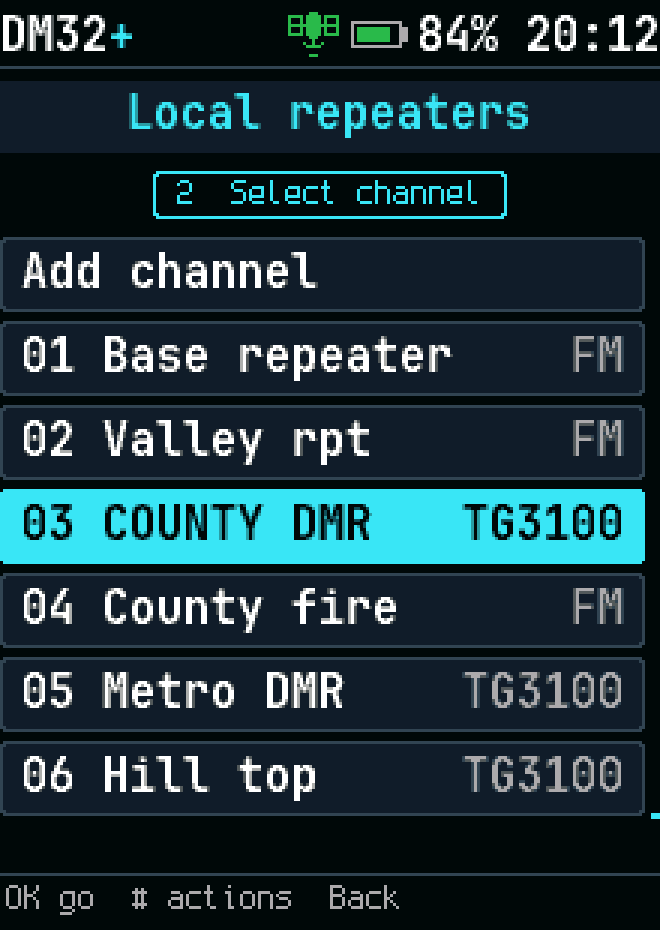
Channels in a zone
Channels in a zone
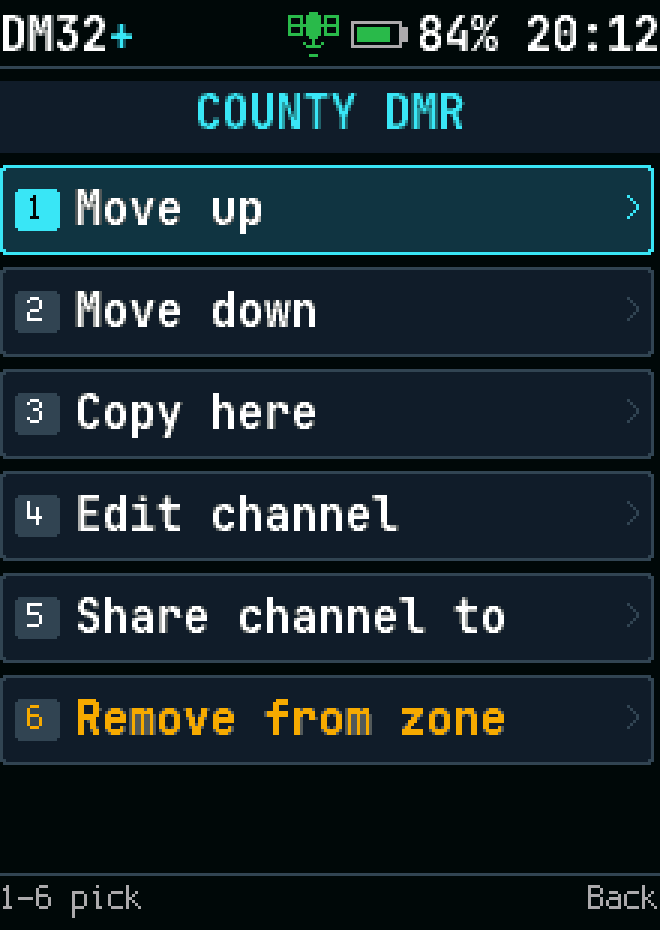
A channel's actions in a zone
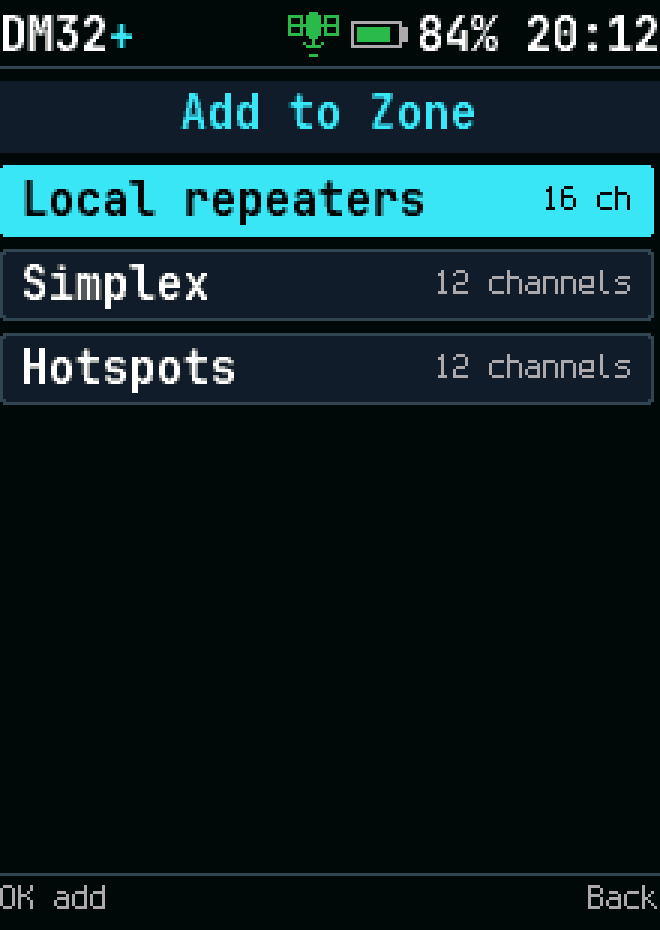
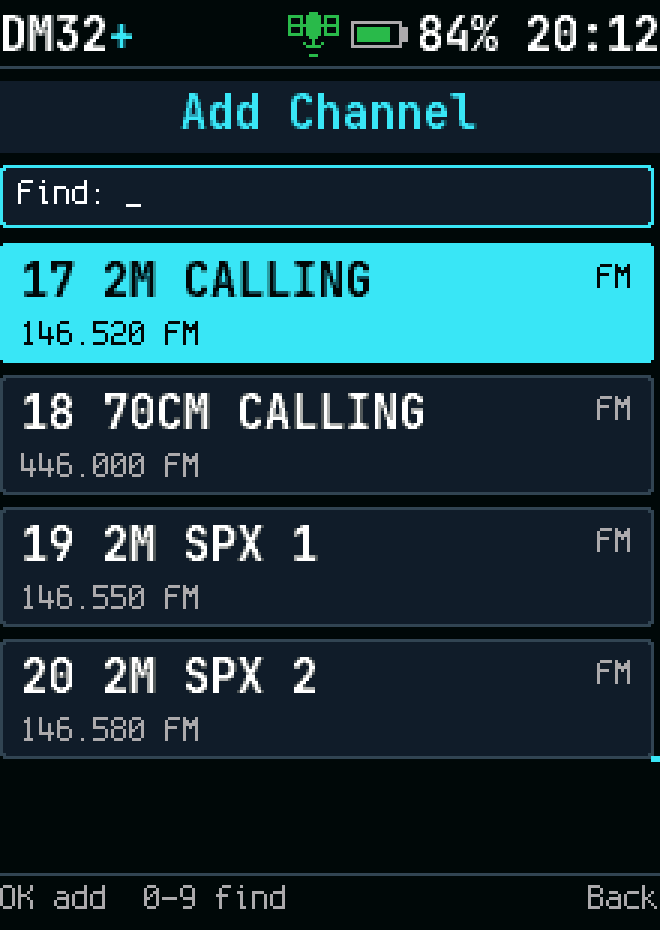
Adding a channel to a zone
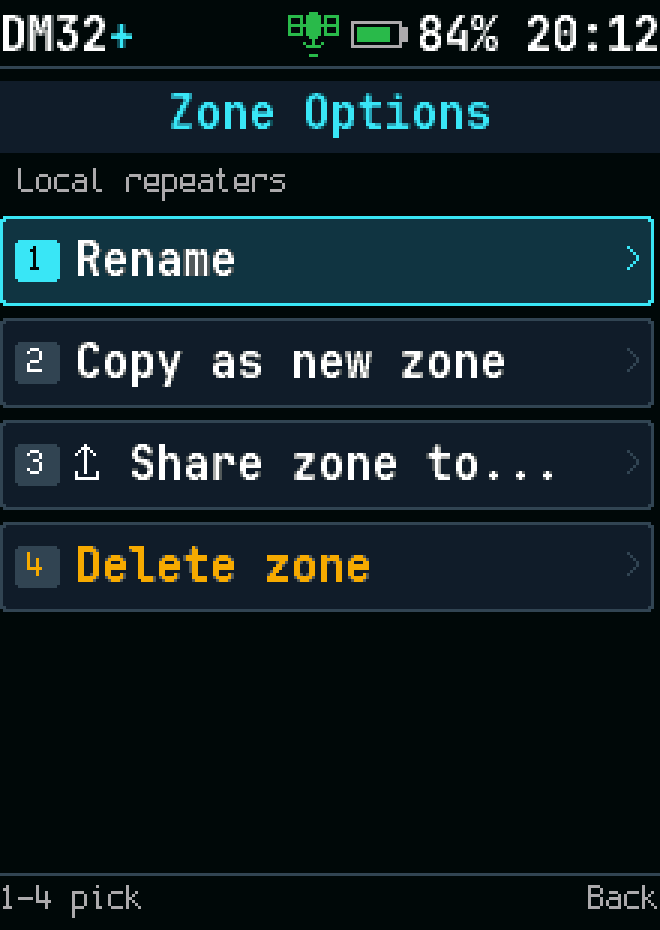
Zone options
Zone options
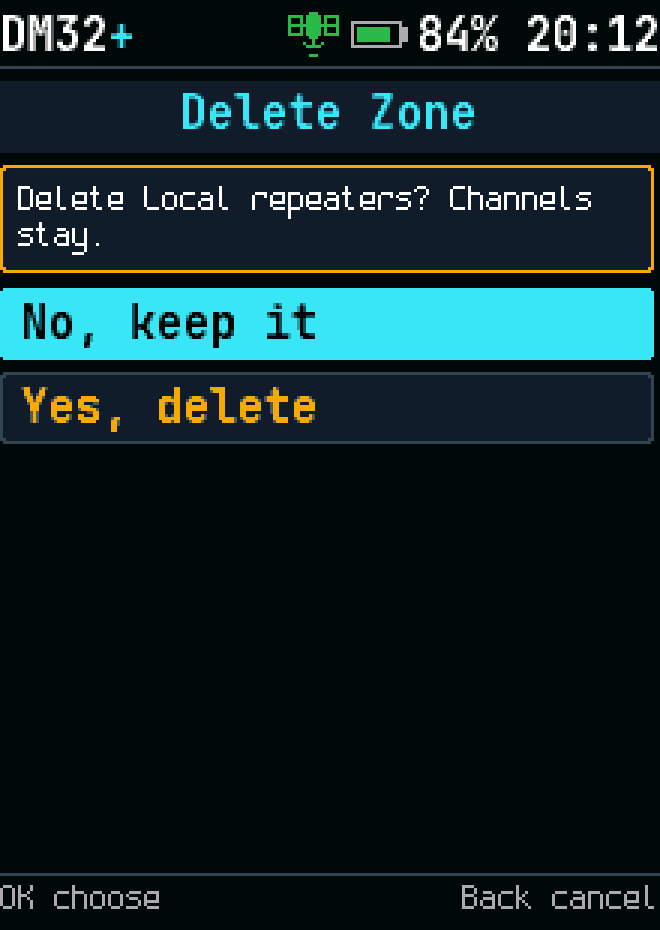
Deleting a zone asks first
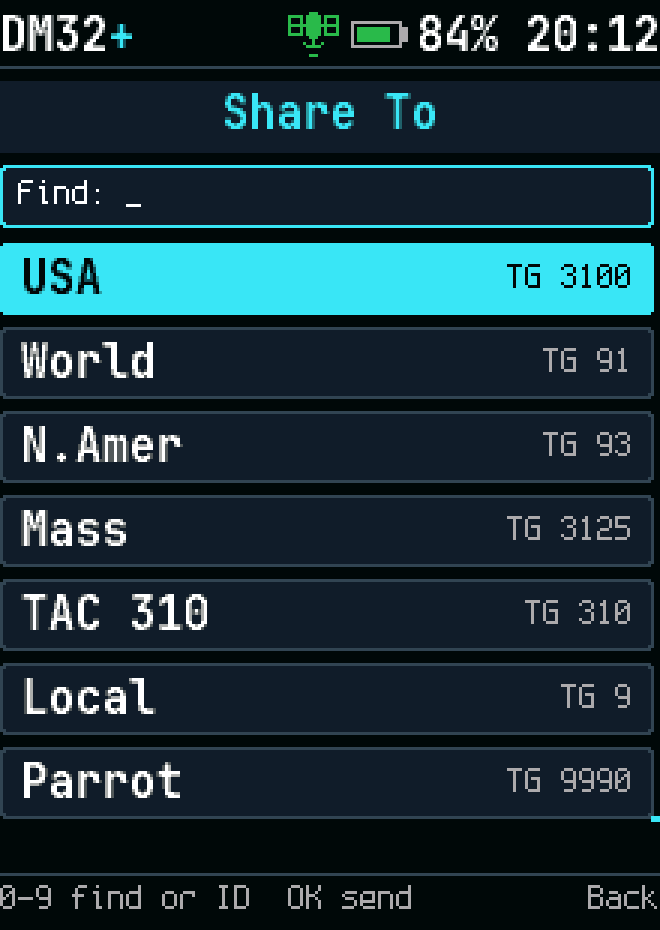
Sharing a zone or channel with another radio
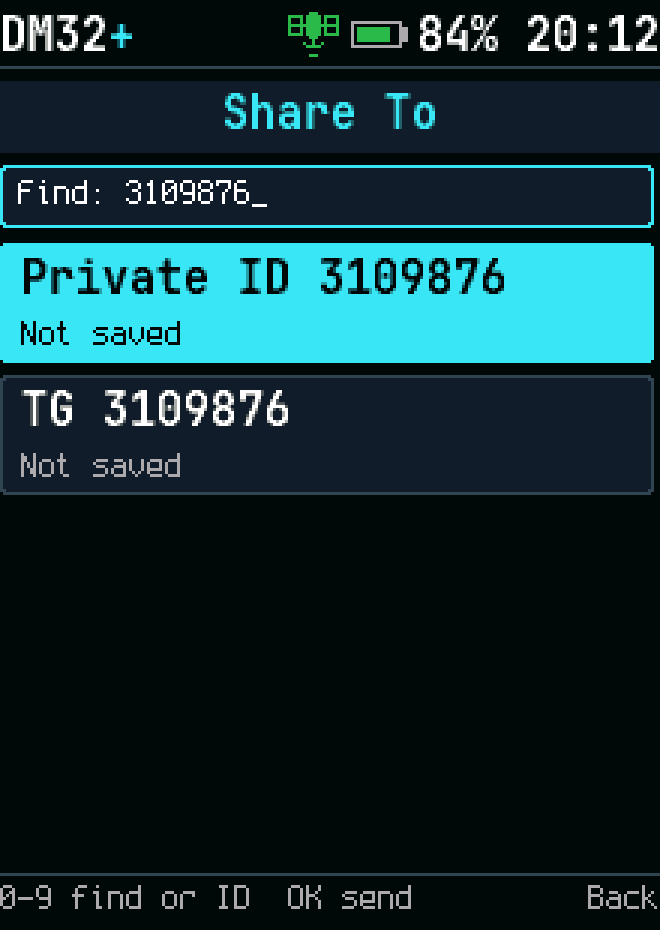
Sharing to an ID that isn't a contact
Sending a zone, and the frequency it goes on
A shared zone imported
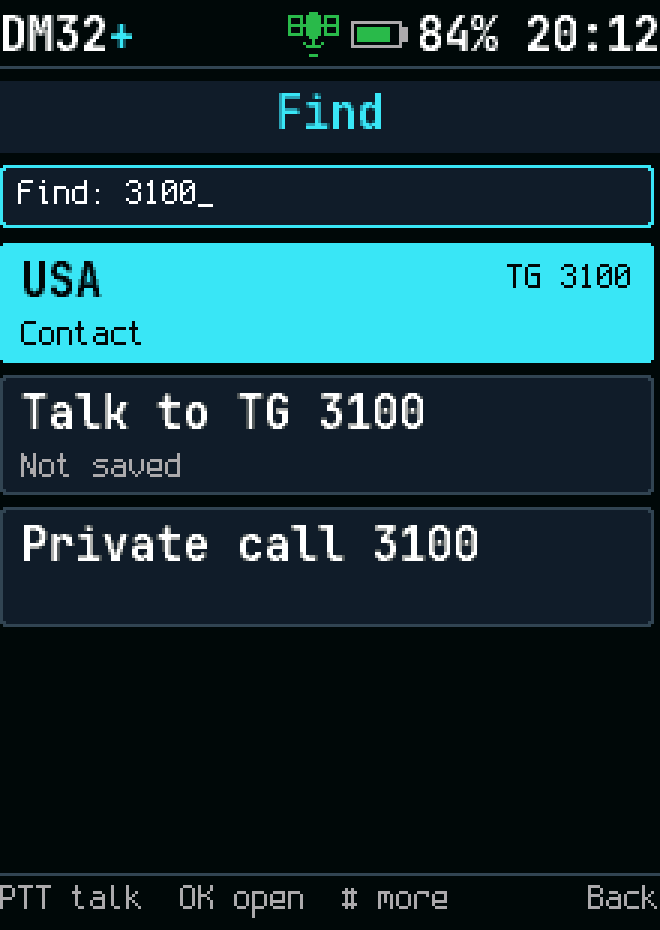
Find a channel
Find a channel
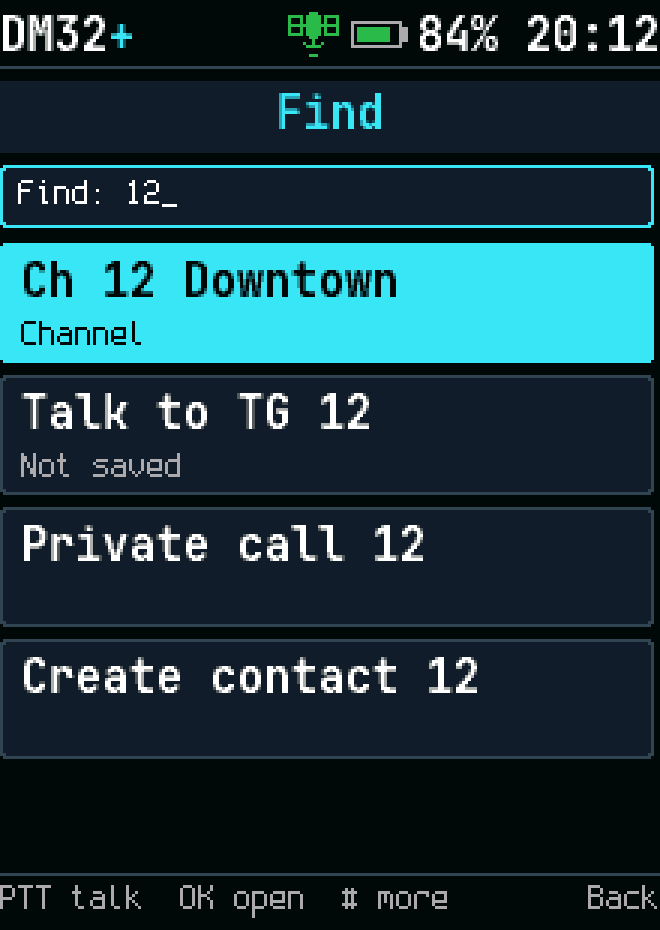
Find by name
Find by name
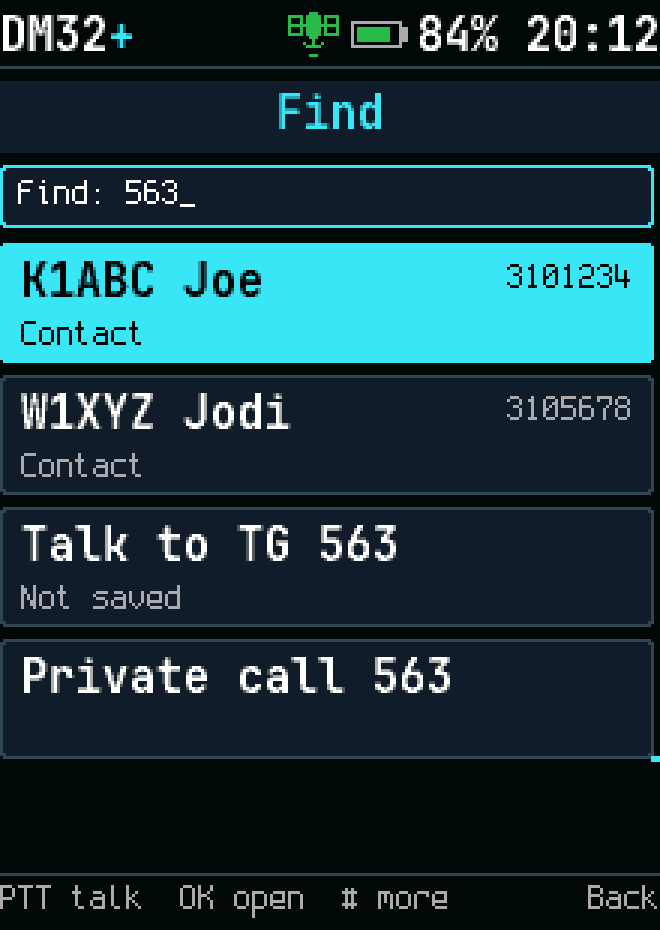
Find by number
Find by number
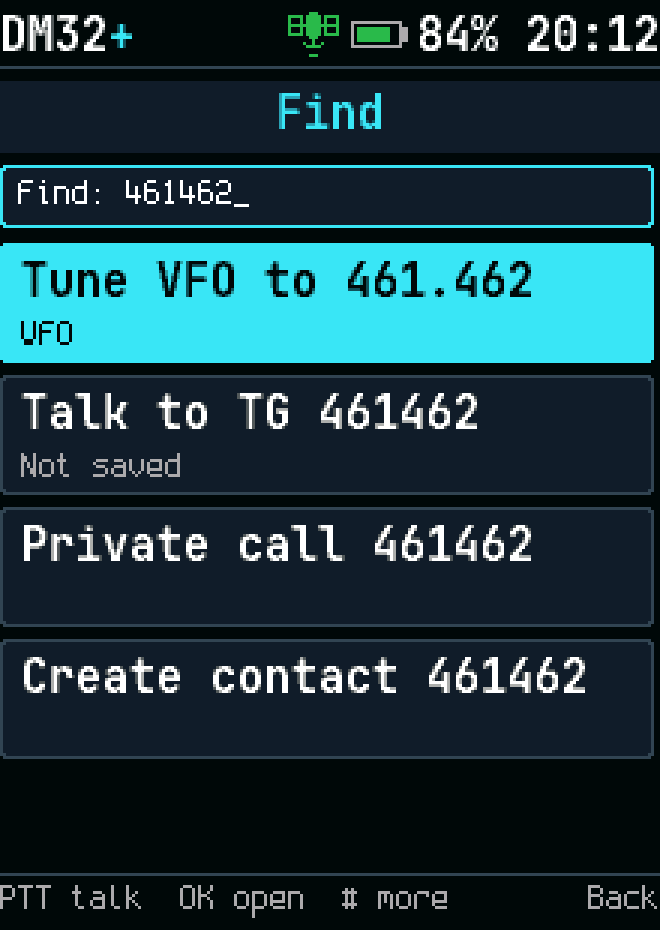
Find: tune the VFO to a typed frequency
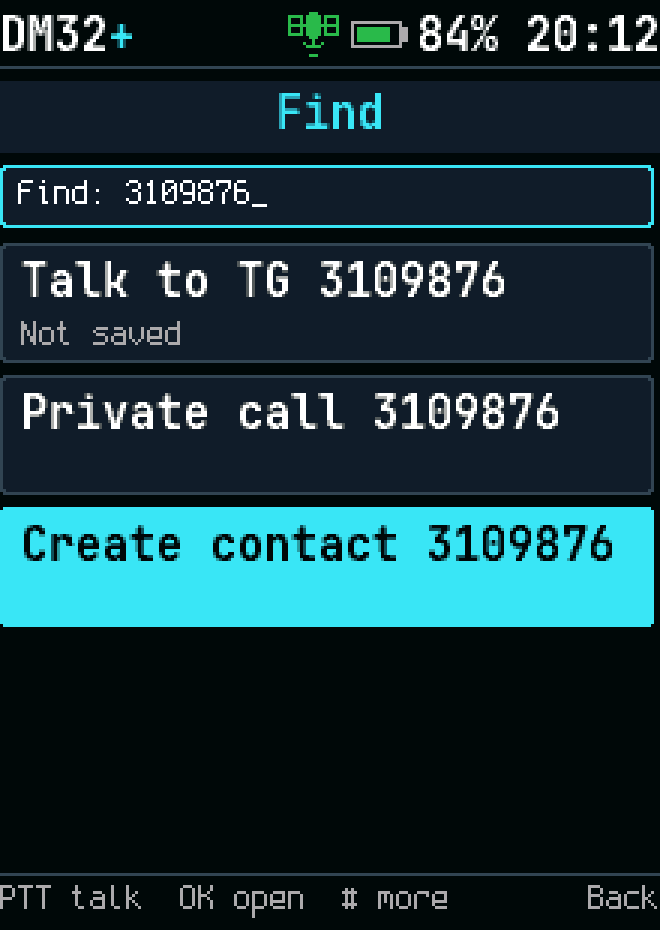
Find: create a contact from a typed number
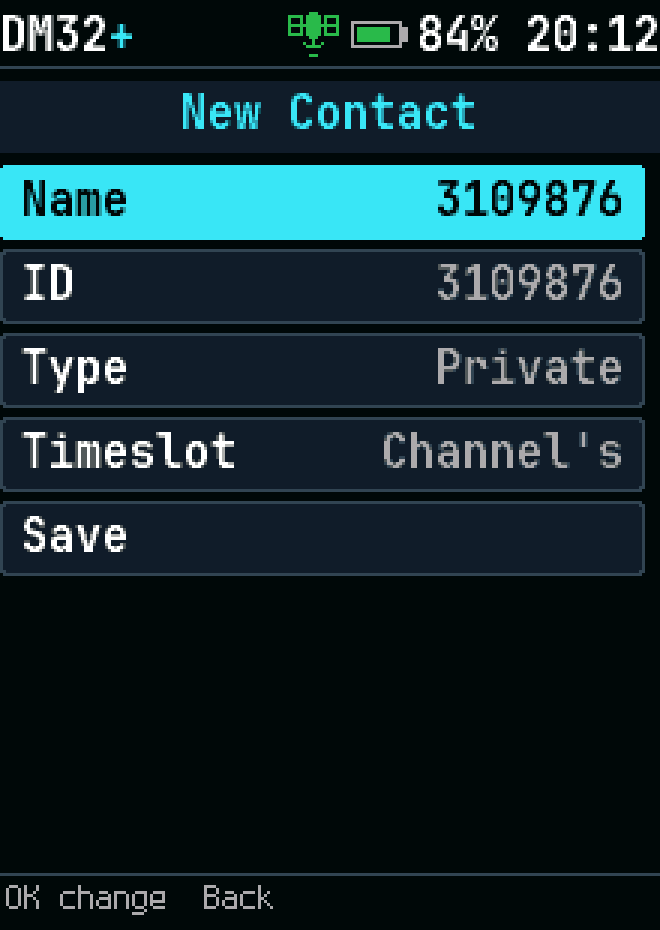
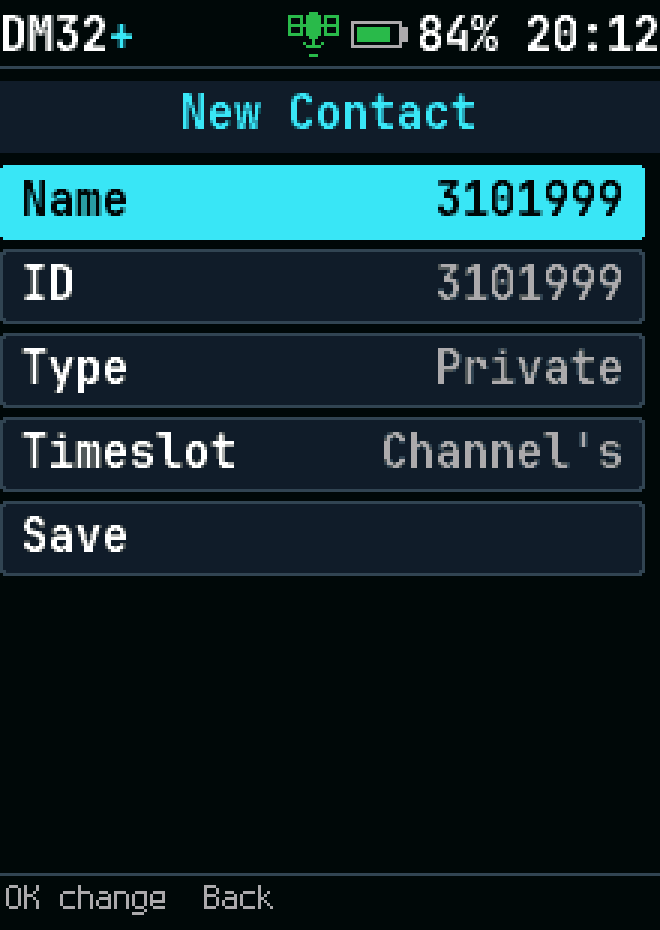
A new contact
A new contact
Saving a new contact
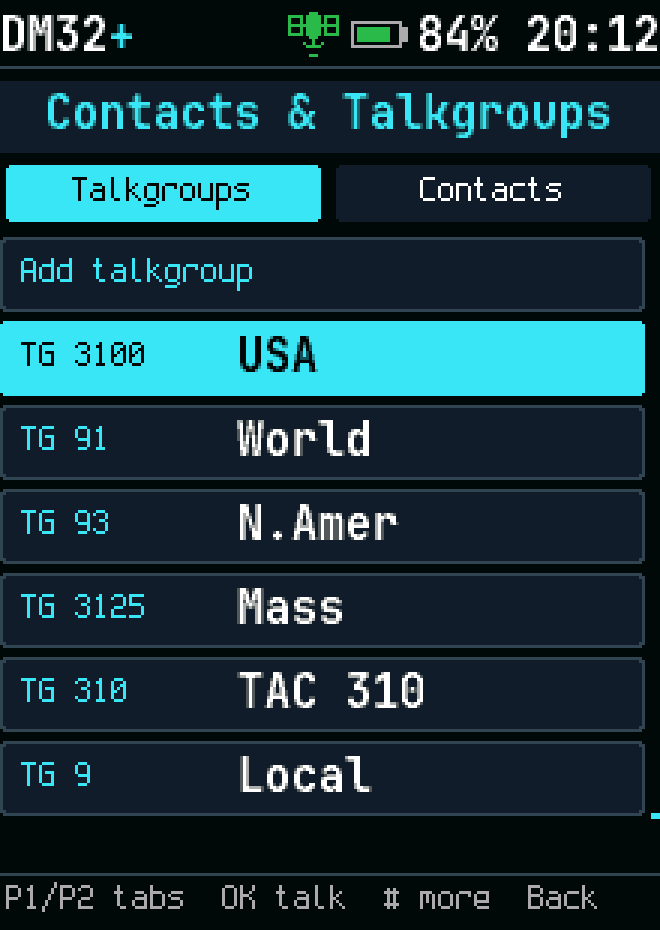
Contacts
Contacts
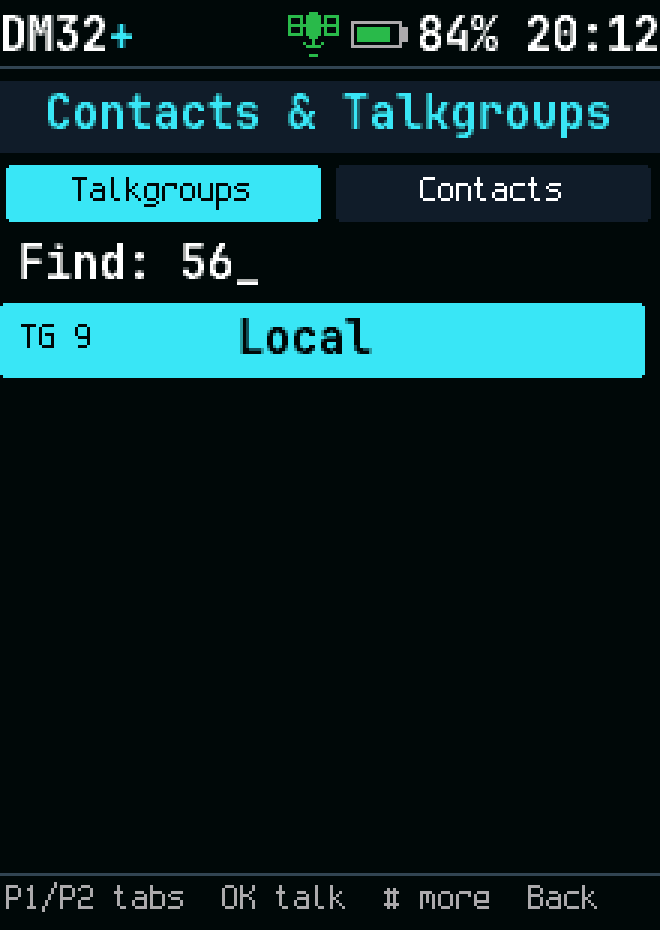
Find a contact
Find a contact
Contact actions
Contact actions
Scan
Scan
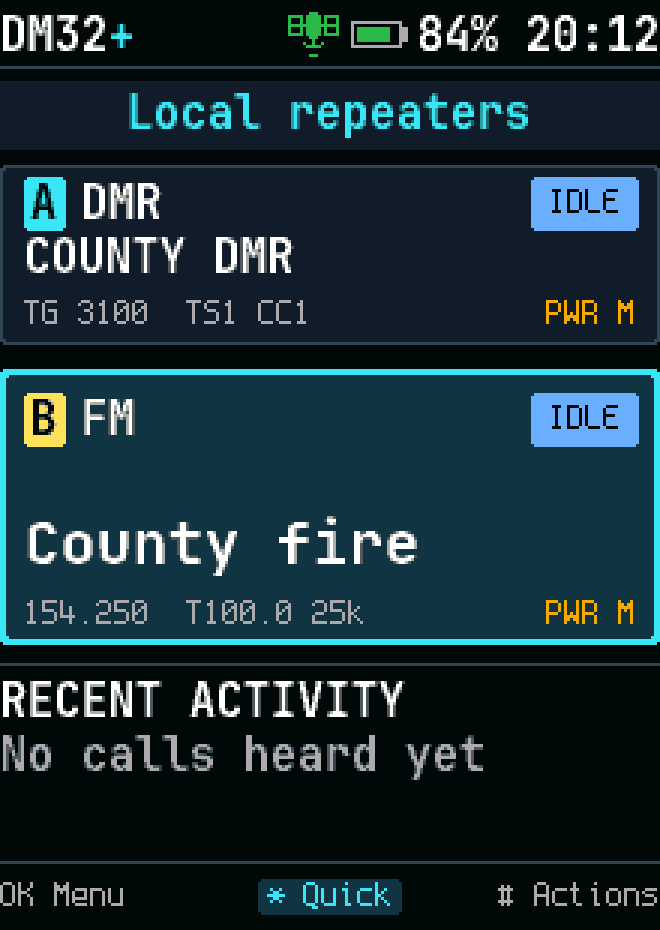
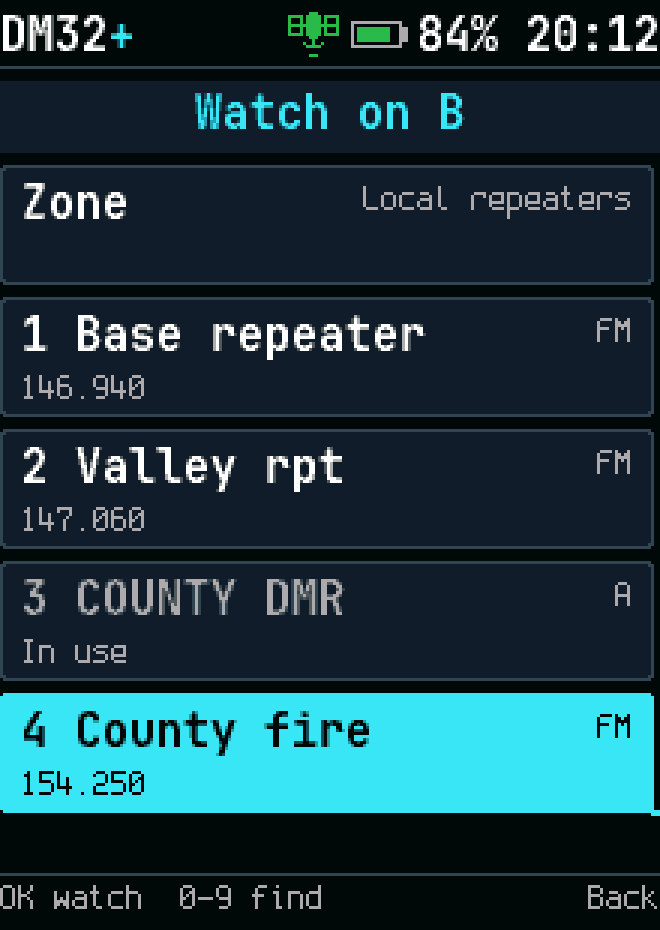
Dual watch: pick B
Dual watch: pick B
Dual watch: B from another zone or the VFO
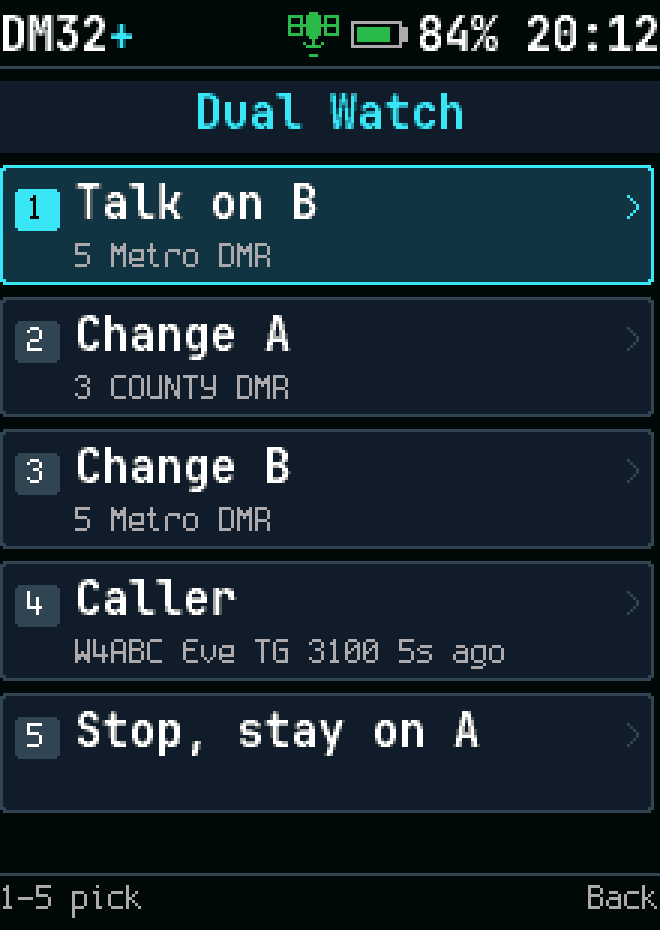
Dual watch actions
Dual watch actions
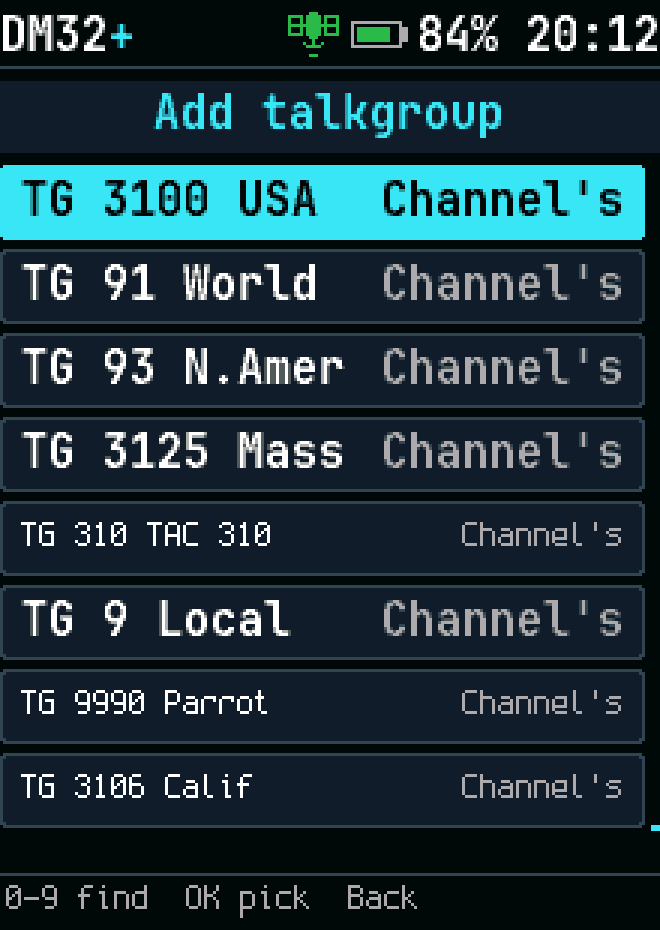
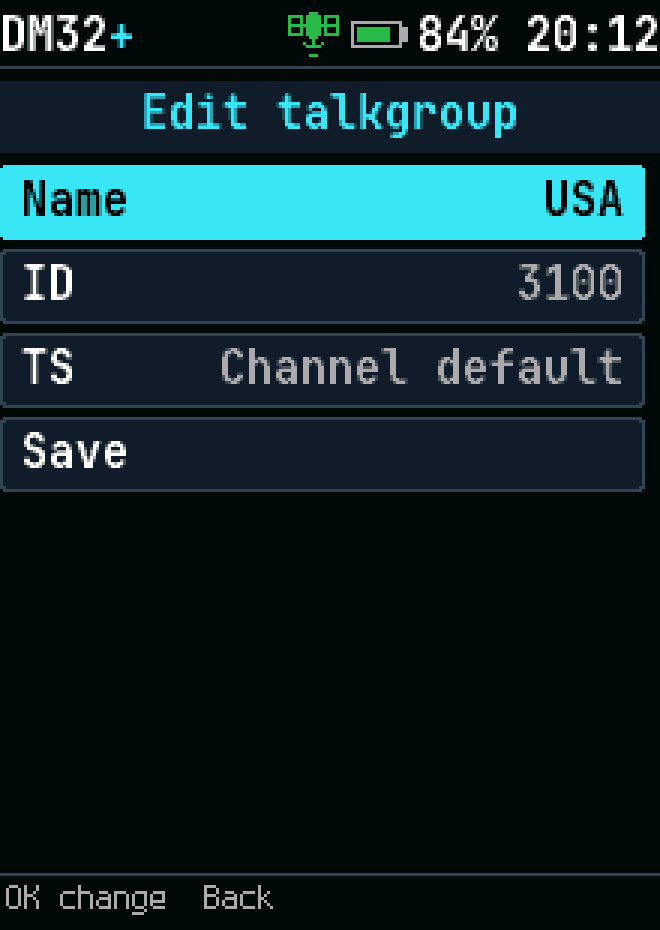
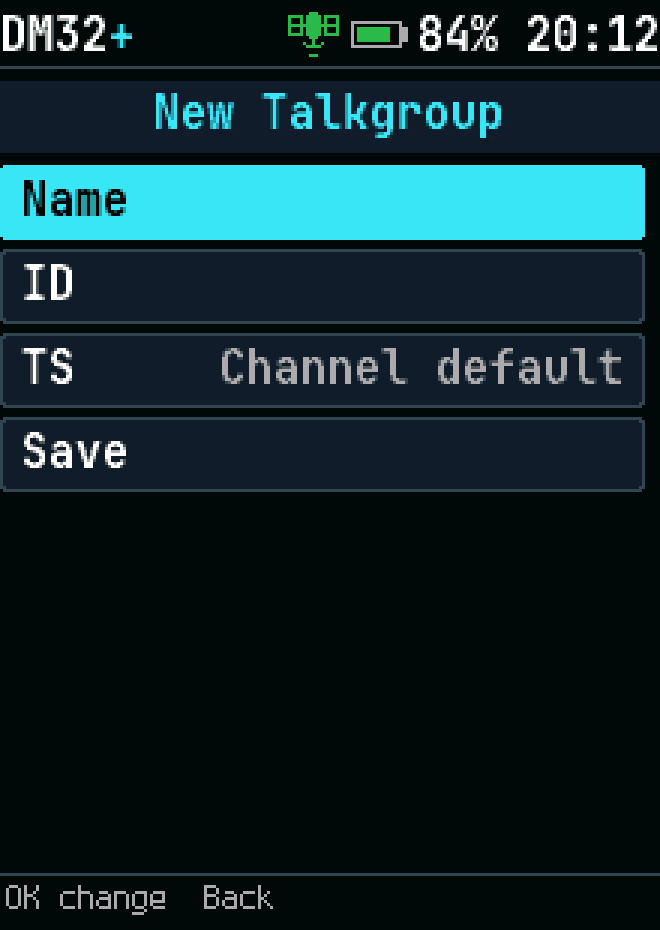
Add talkgroup
Add talkgroup
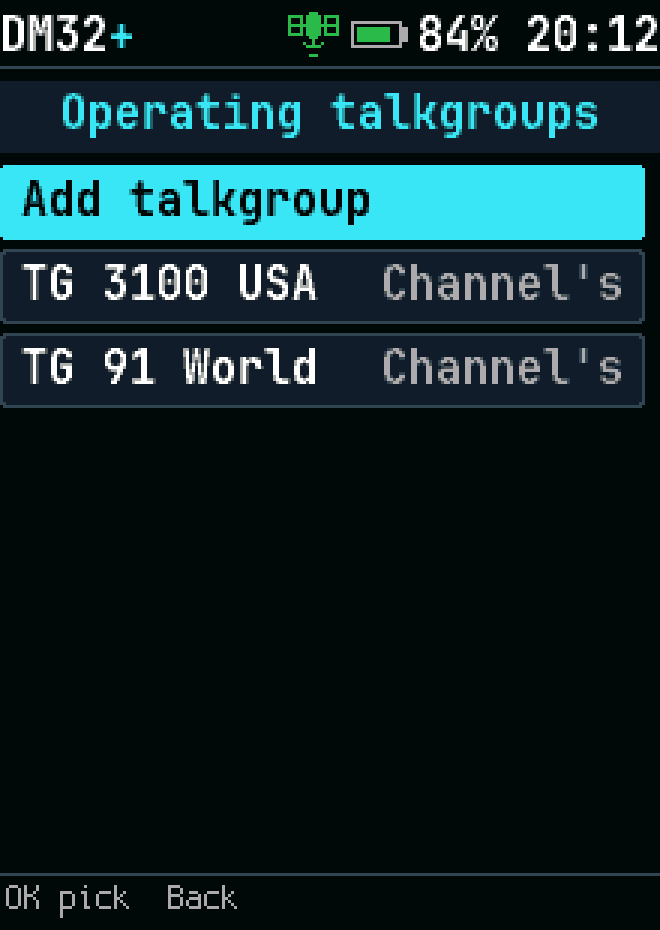
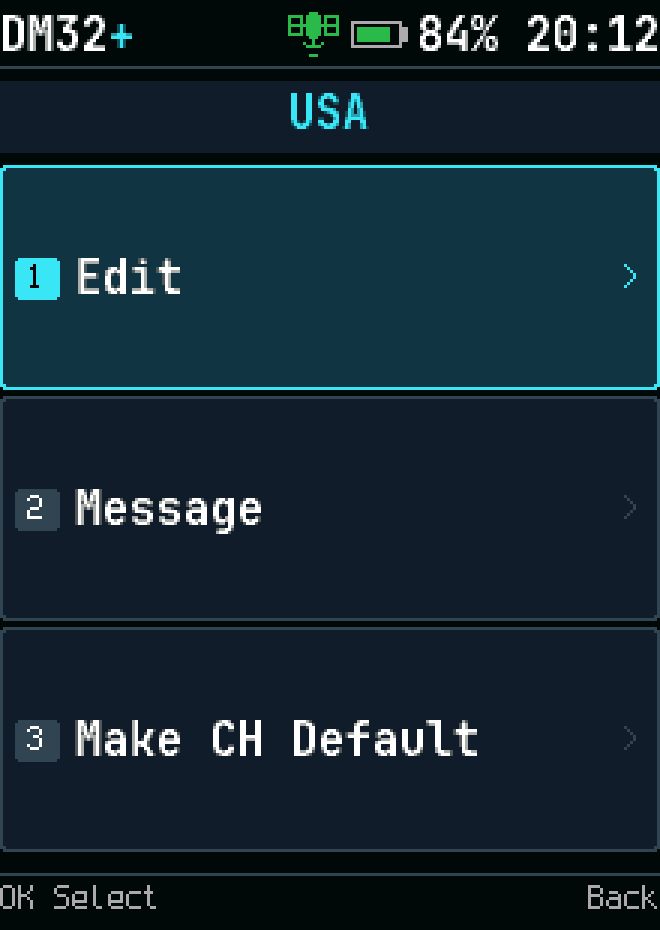
Operating talkgroups
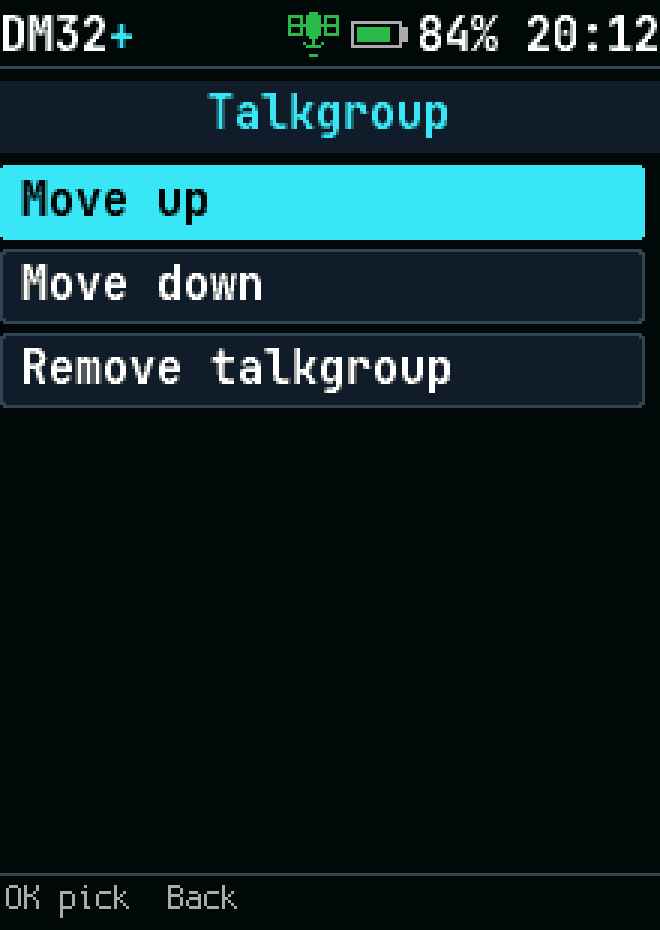
Talkgroup actions
Talkgroup actions
Edit saved contact
Edit saved contact
Saved contact actions
Add contact
Add contact
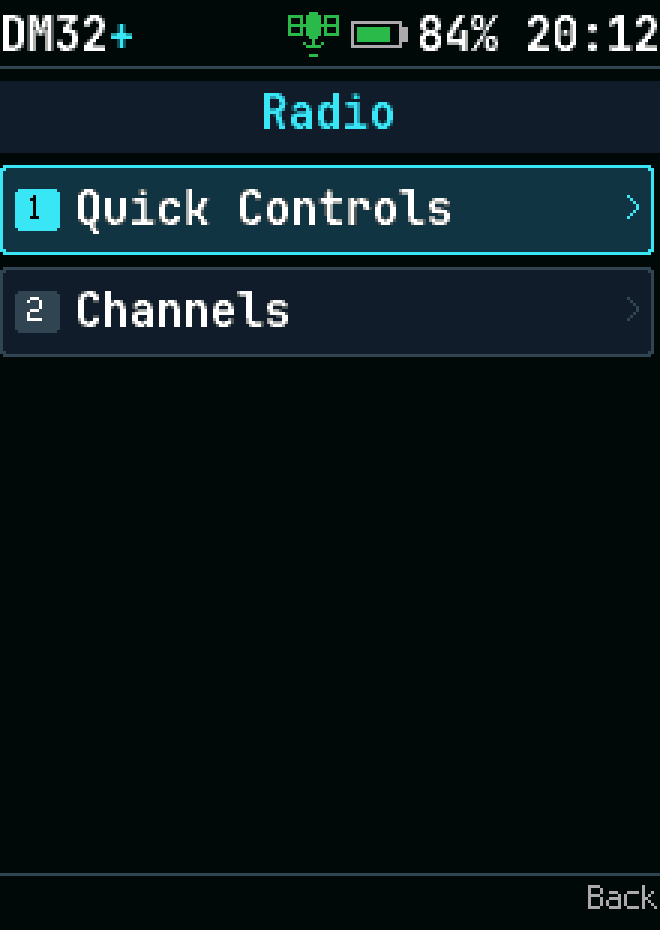
Radio menu
Radio menu

Tools

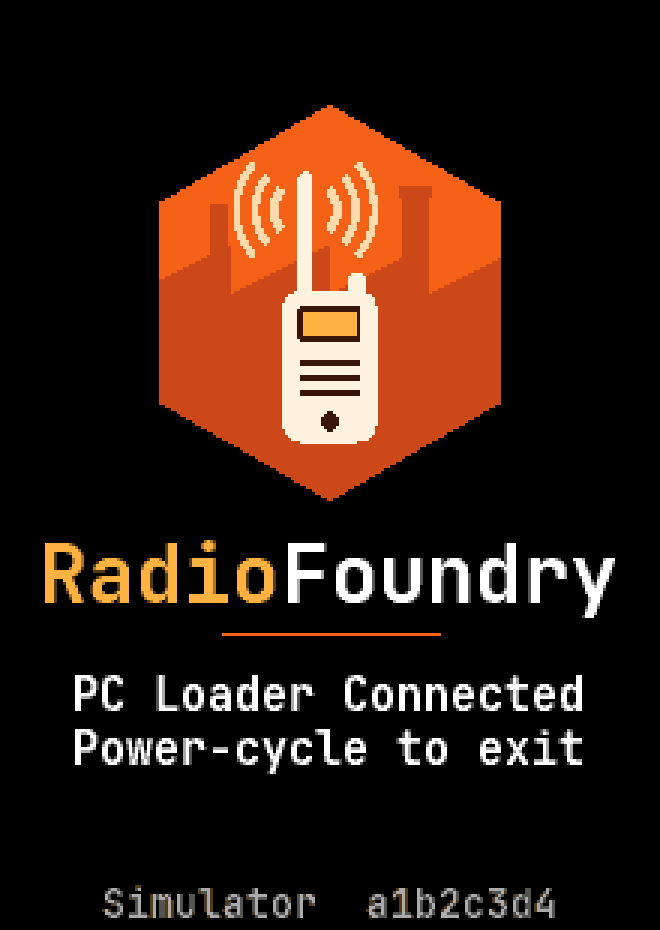
Connected to the radio programming utility
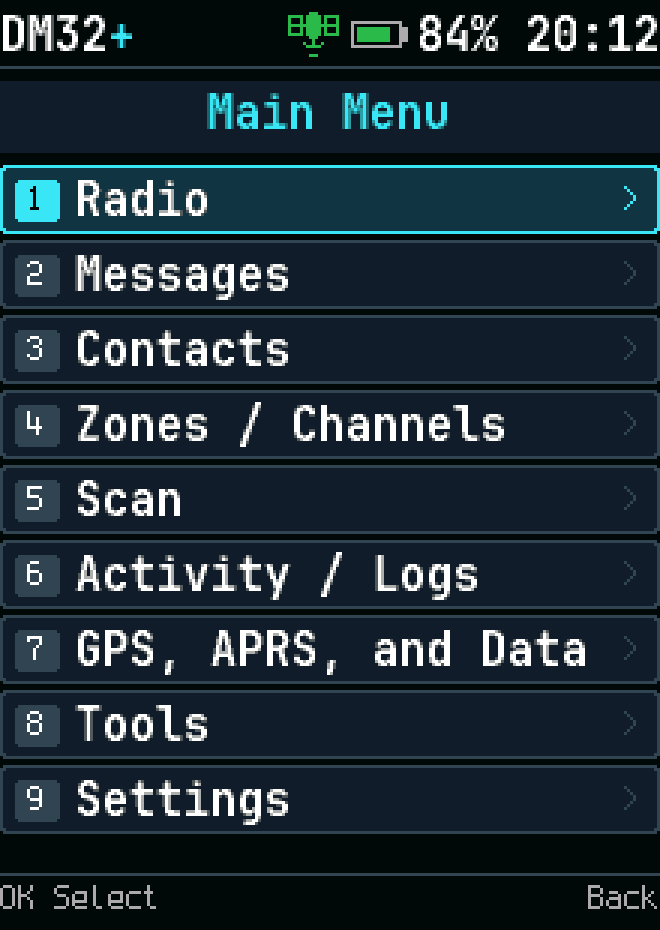
Menu
Menu
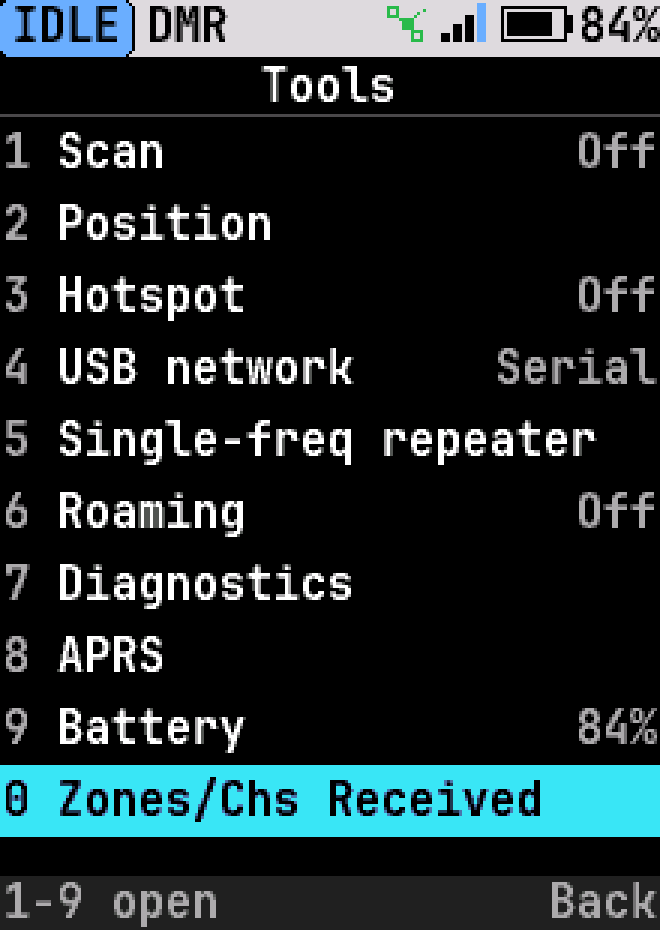
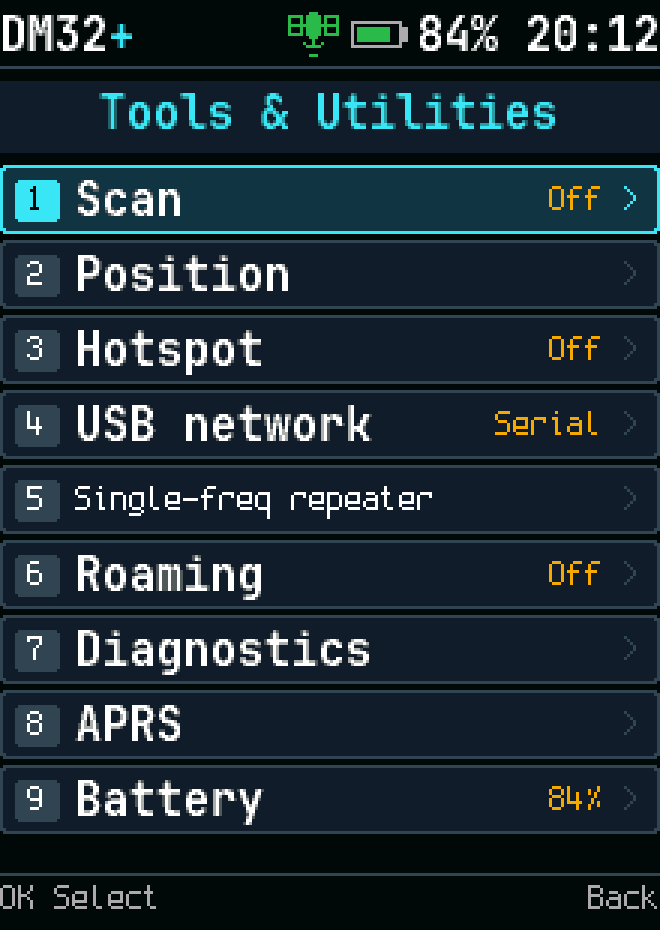
Tools
Tools
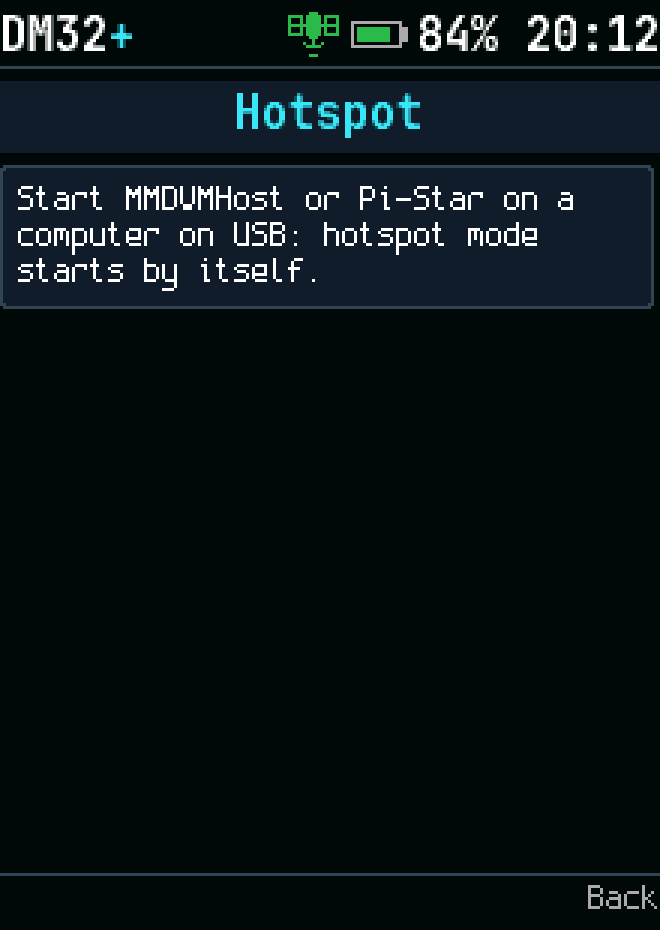
Hotspot mode
Hotspot mode
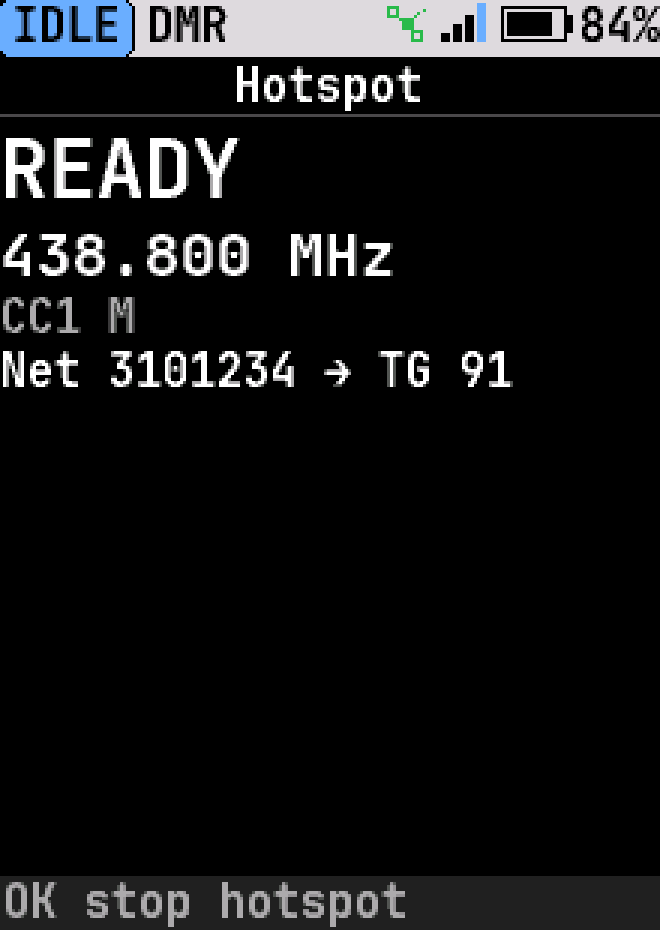
Hotspot details
Hotspot details
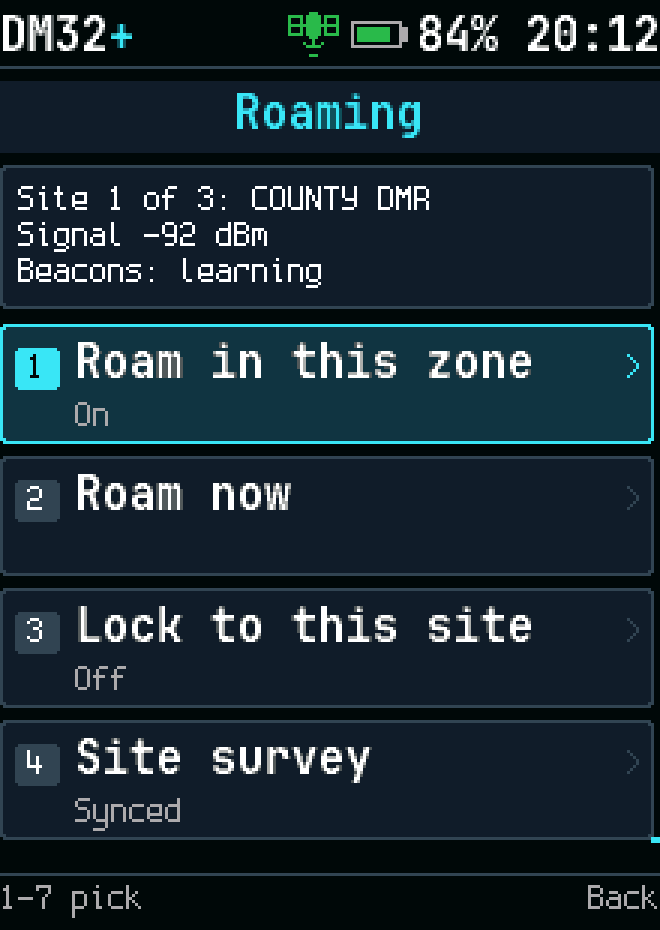
Repeater roaming
Repeater roaming
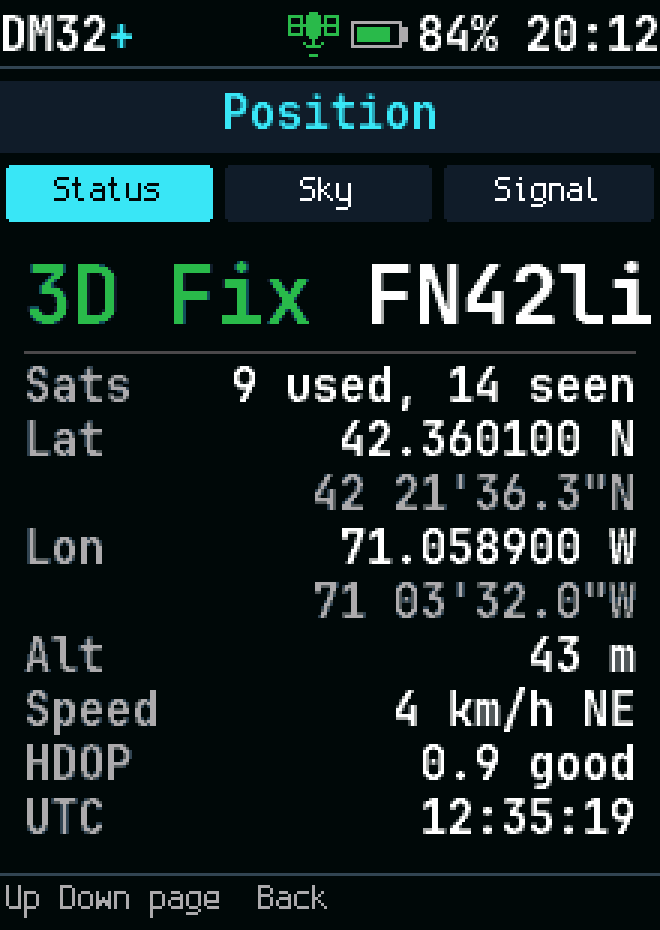
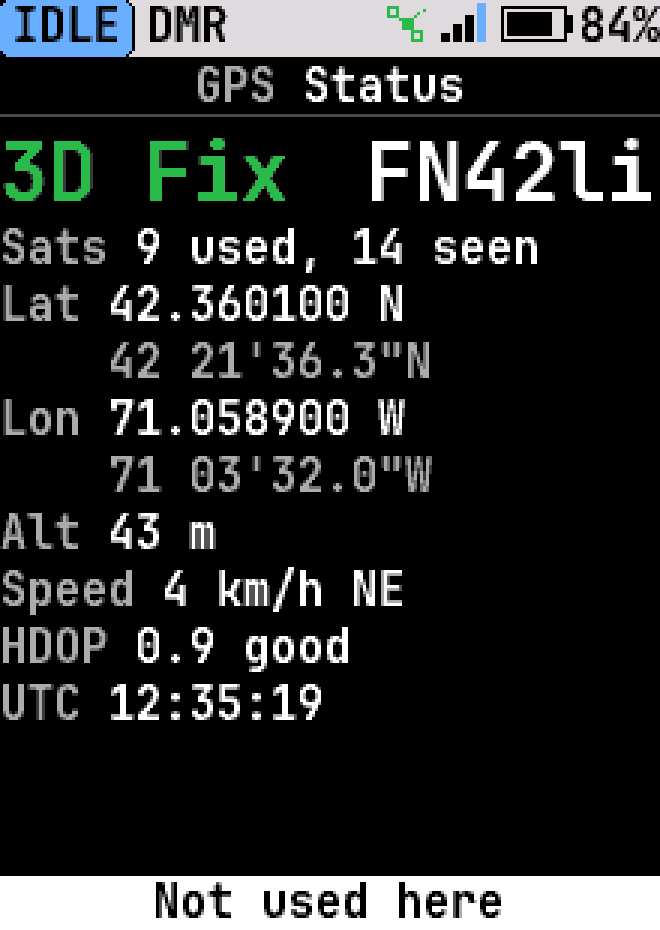
Position (APRS)
Position (APRS)
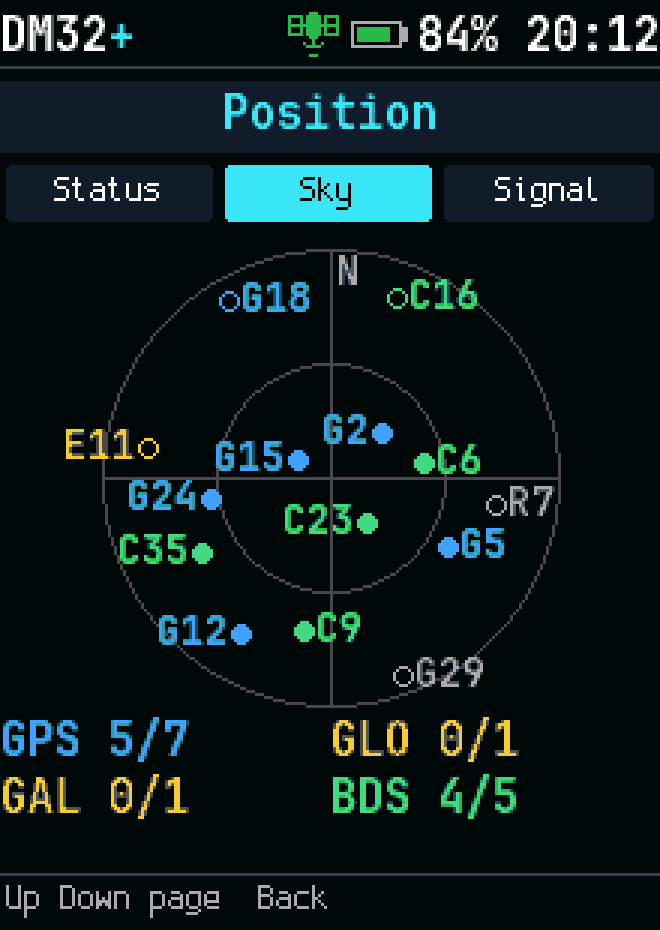
GPS sky plot
GPS sky plot
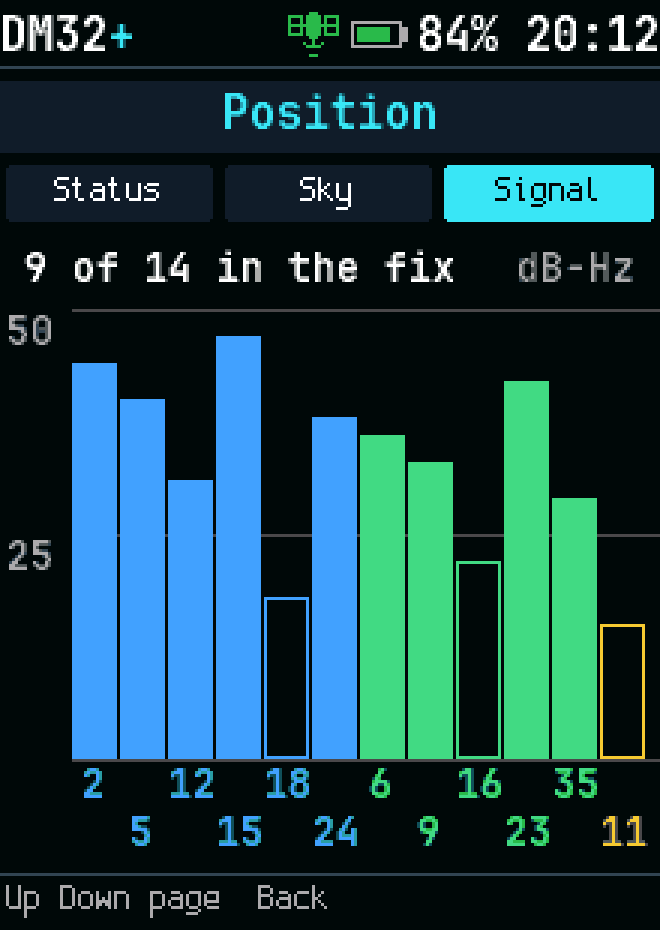
GPS signal bars
GPS signal bars
Grid locator
Grid locator
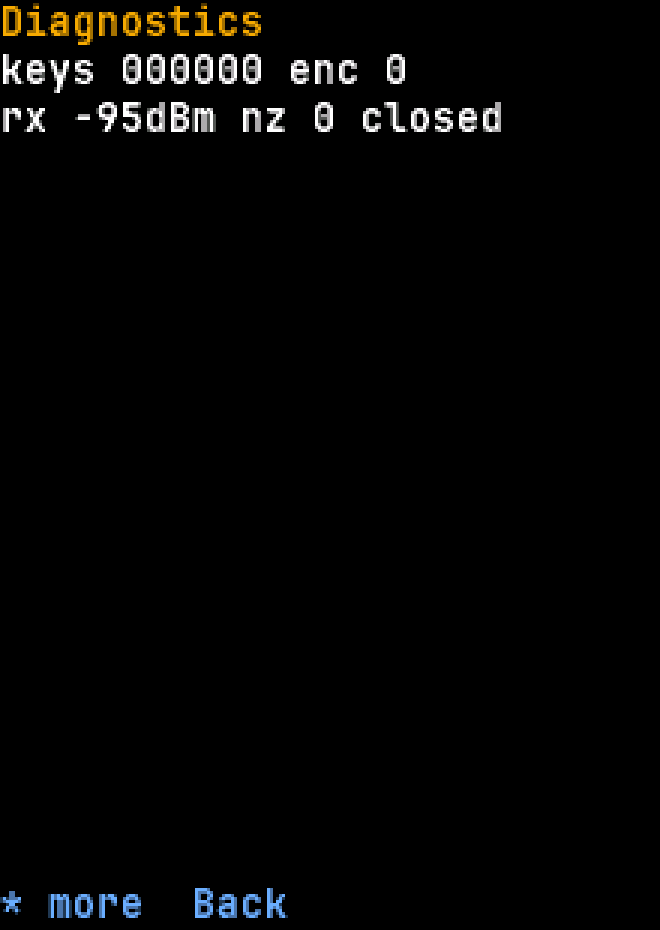
Diagnostics
Diagnostics
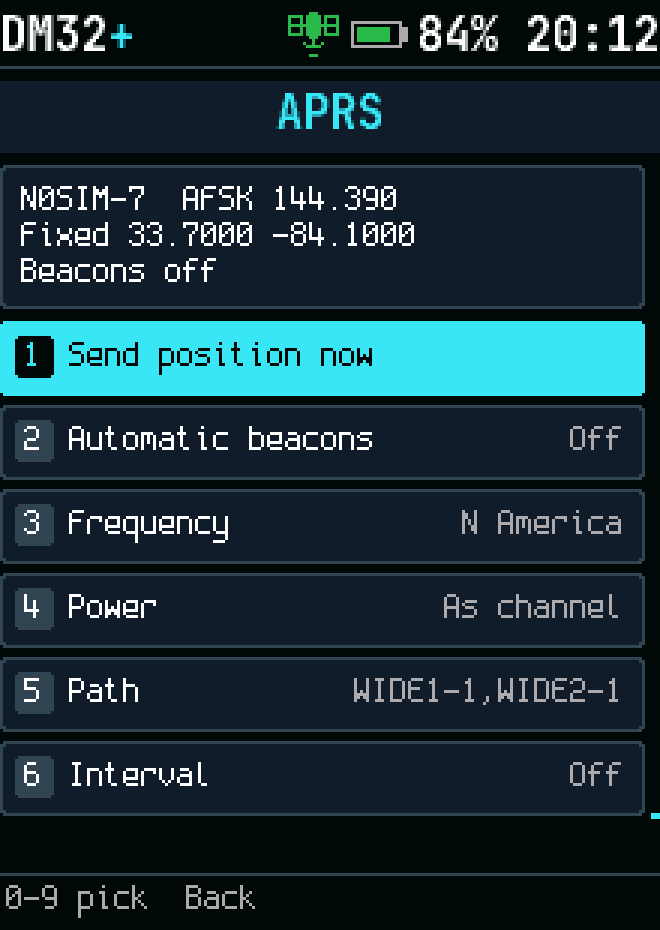
APRS controls
APRS controls
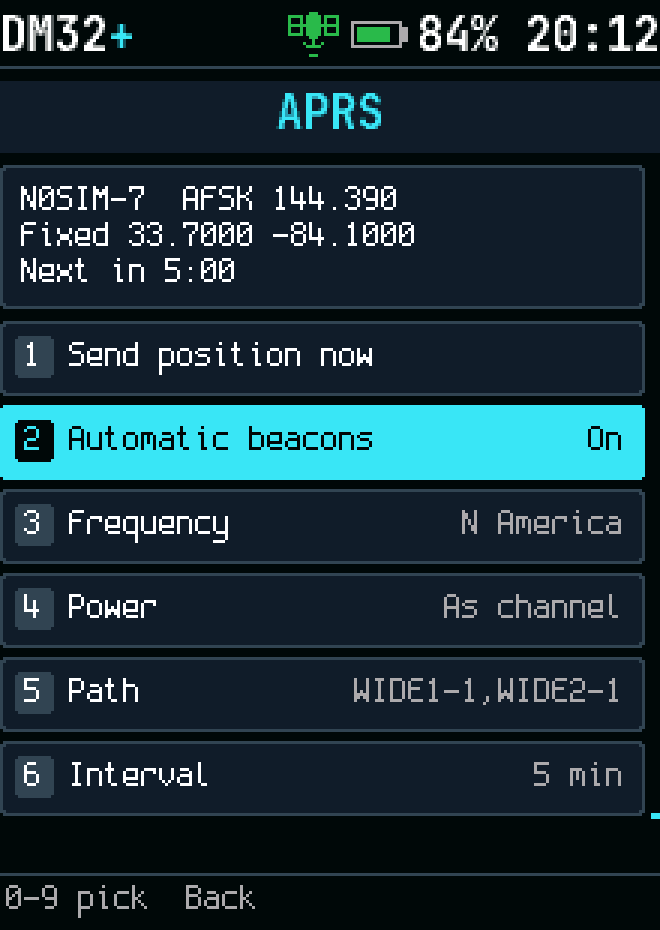
APRS beacon
APRS beacon
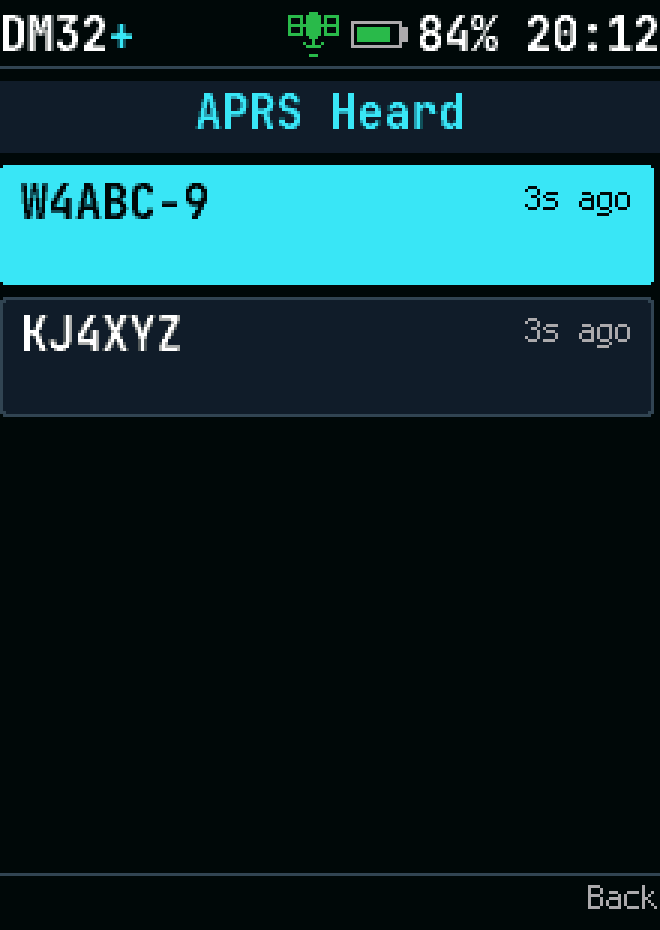
APRS heard stations
APRS heard stations
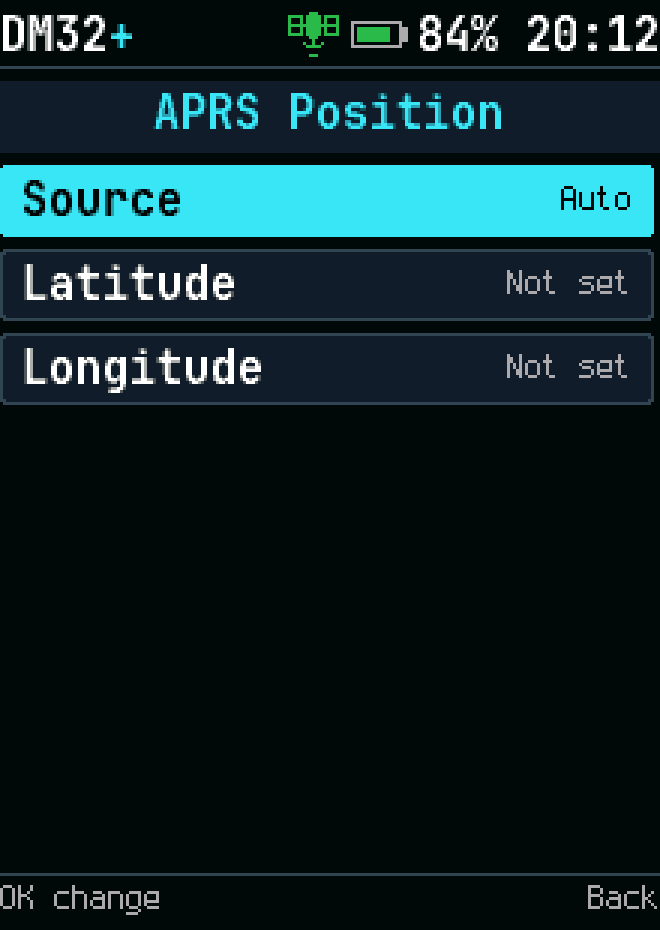
APRS position fields
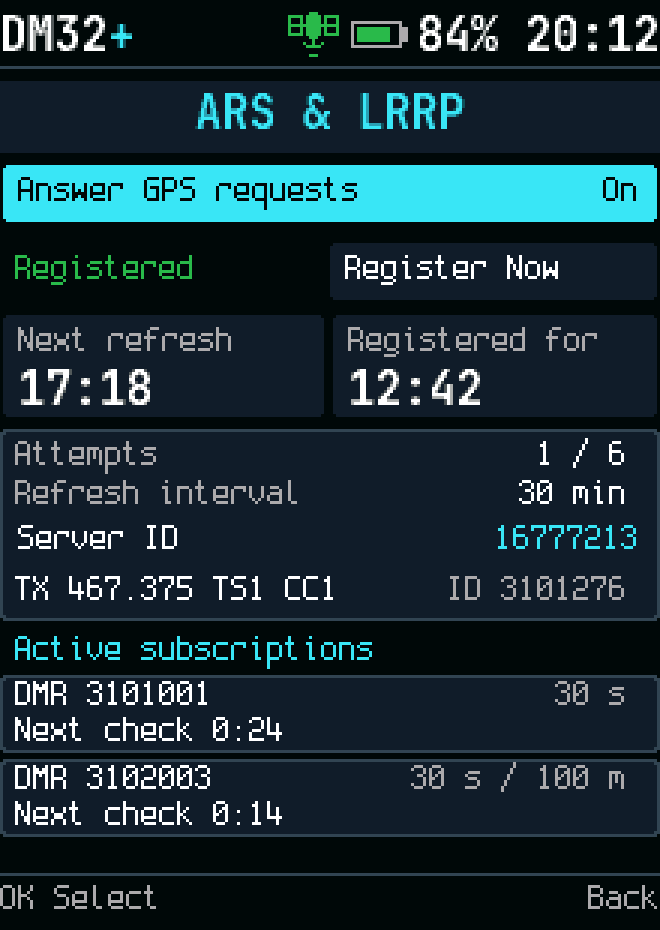
ARS and LRRP status
ARS and LRRP status
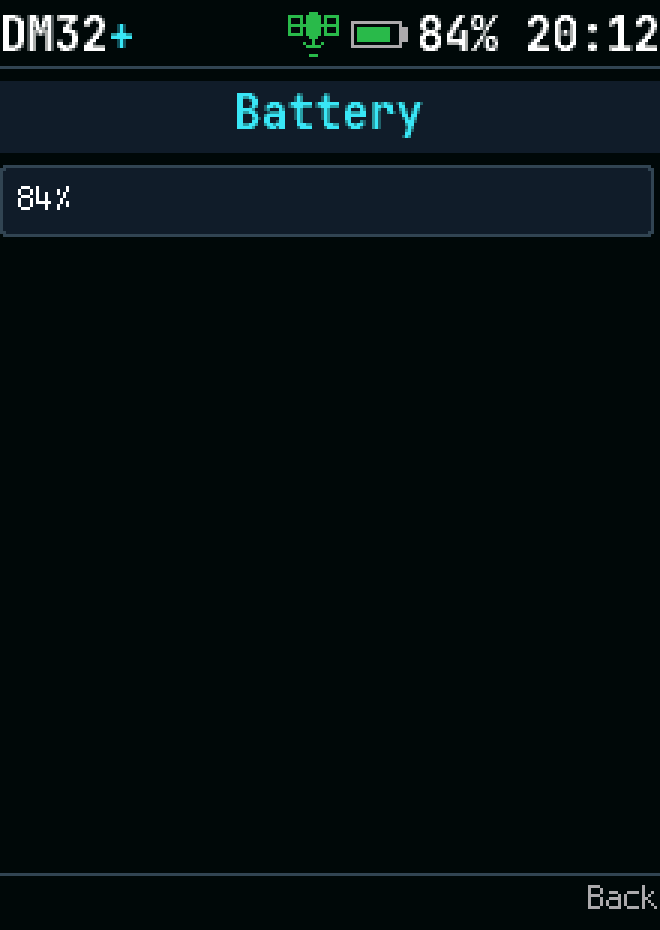
Battery information
Battery information
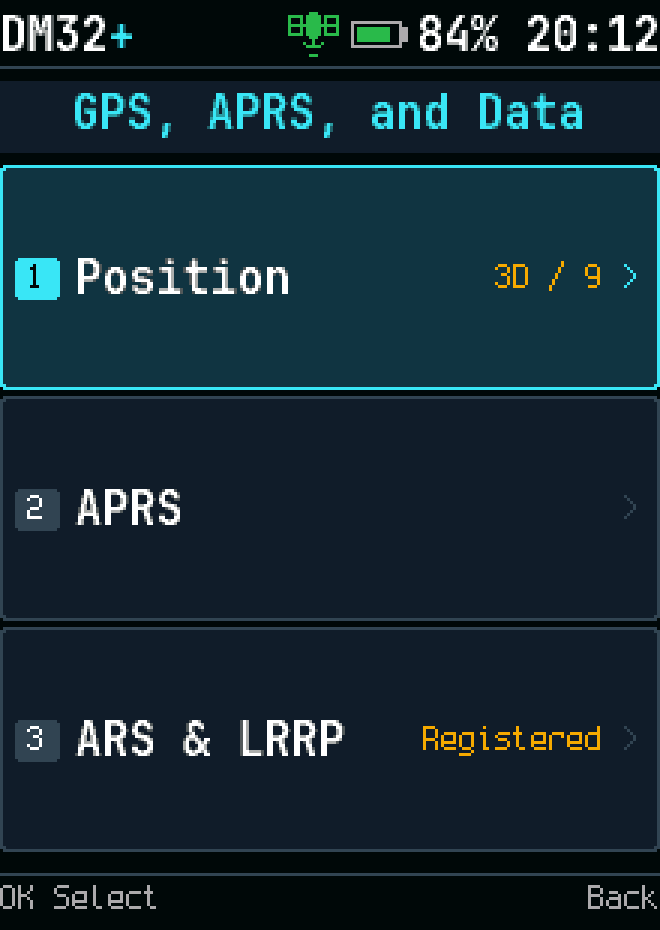
GPS, APRS, and data menu
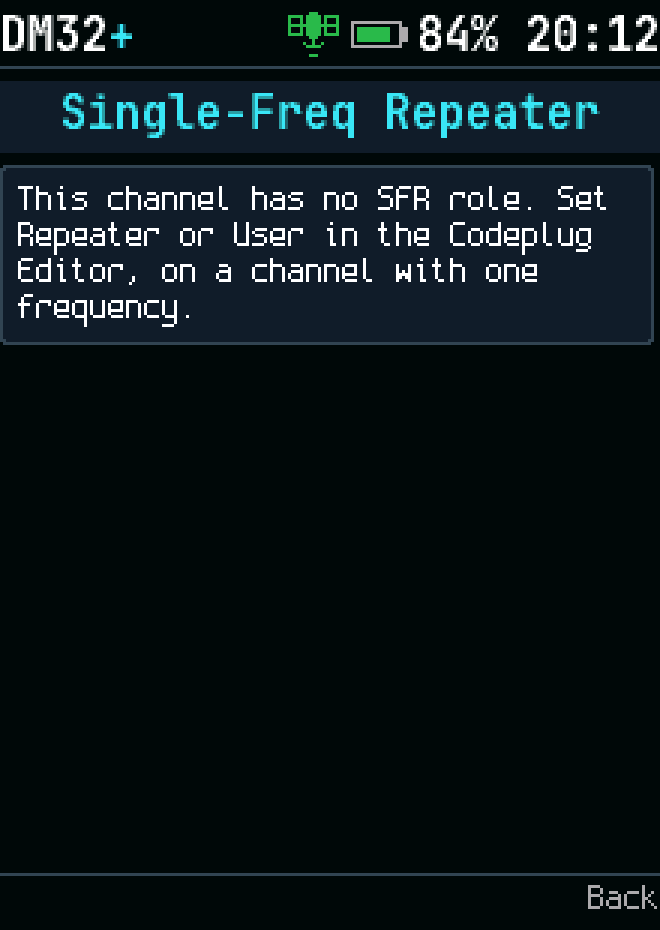
Single-frequency repeater information

Settings
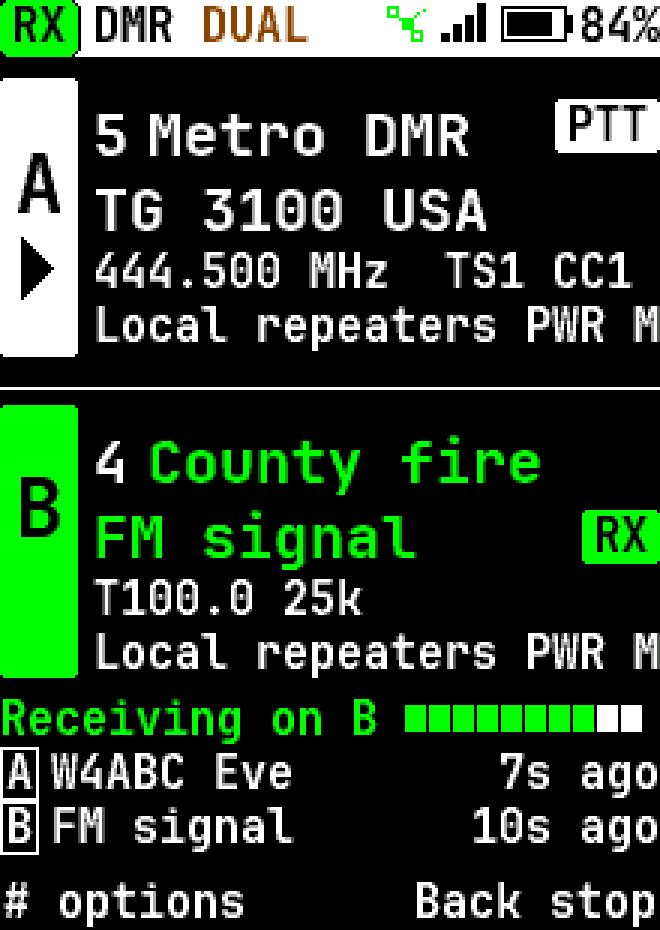
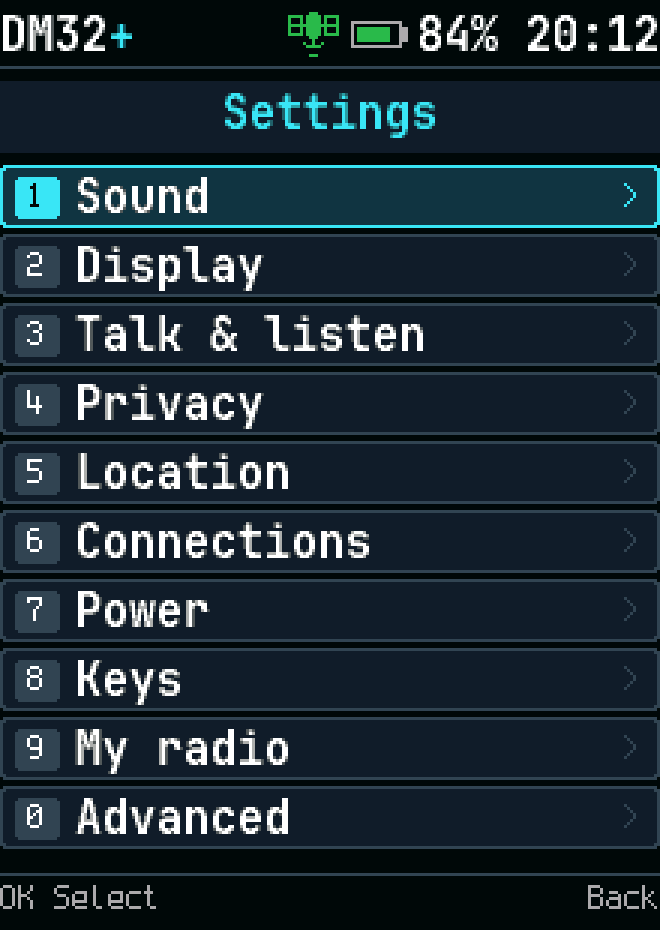
Settings
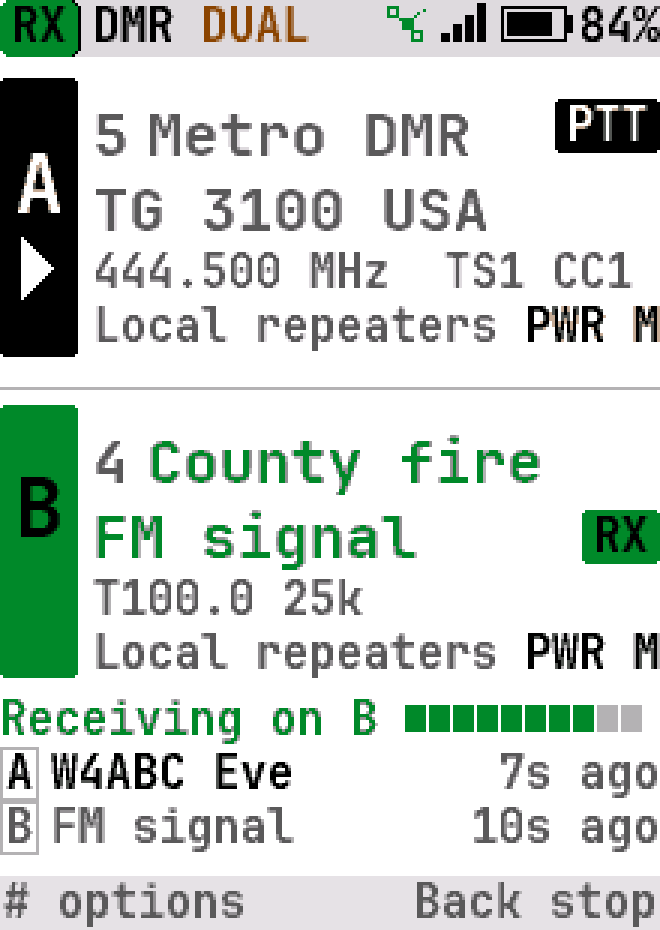
Settings
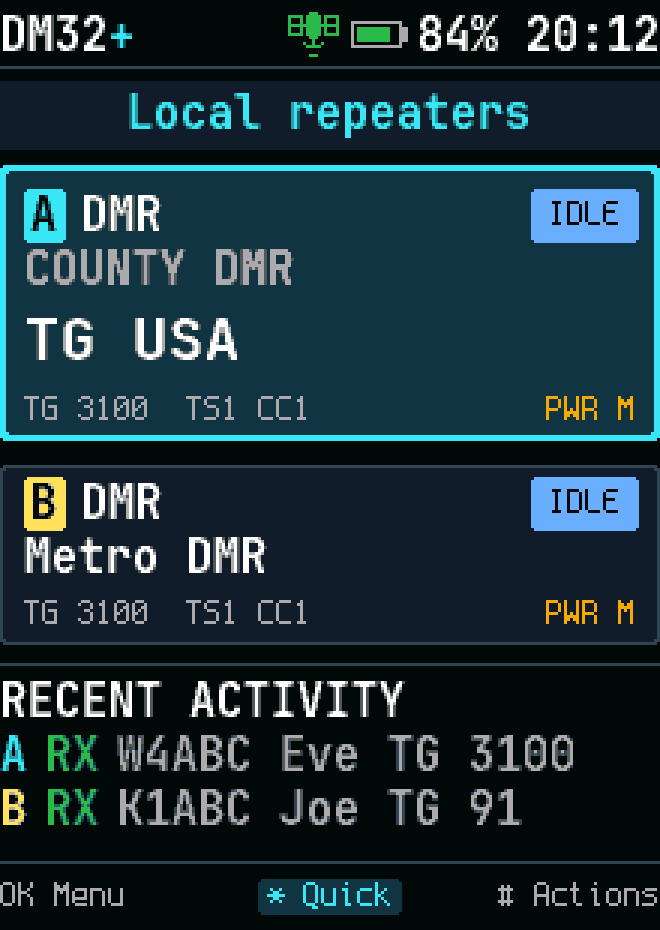
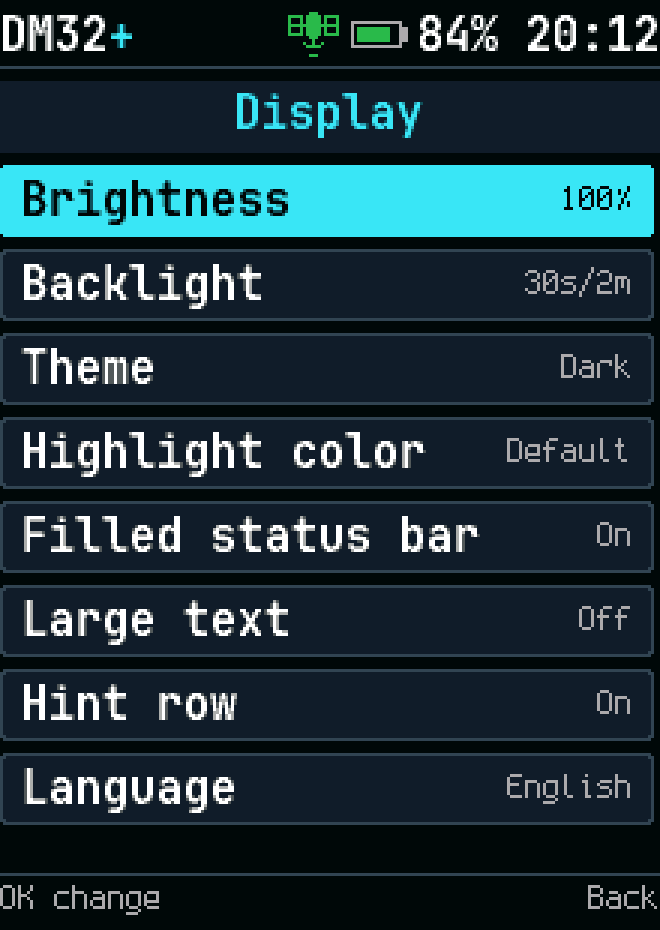
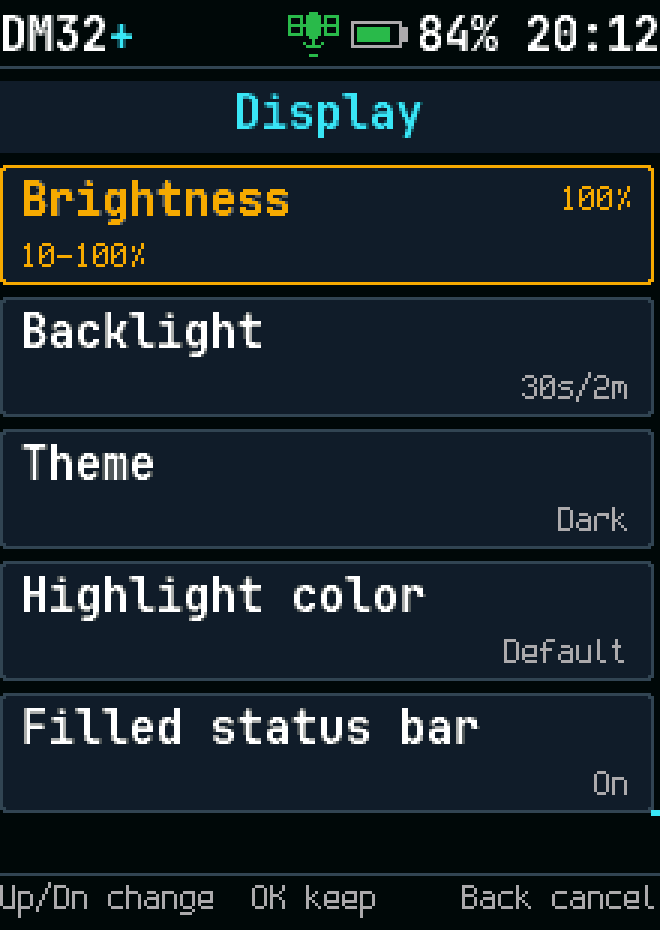
Display settings
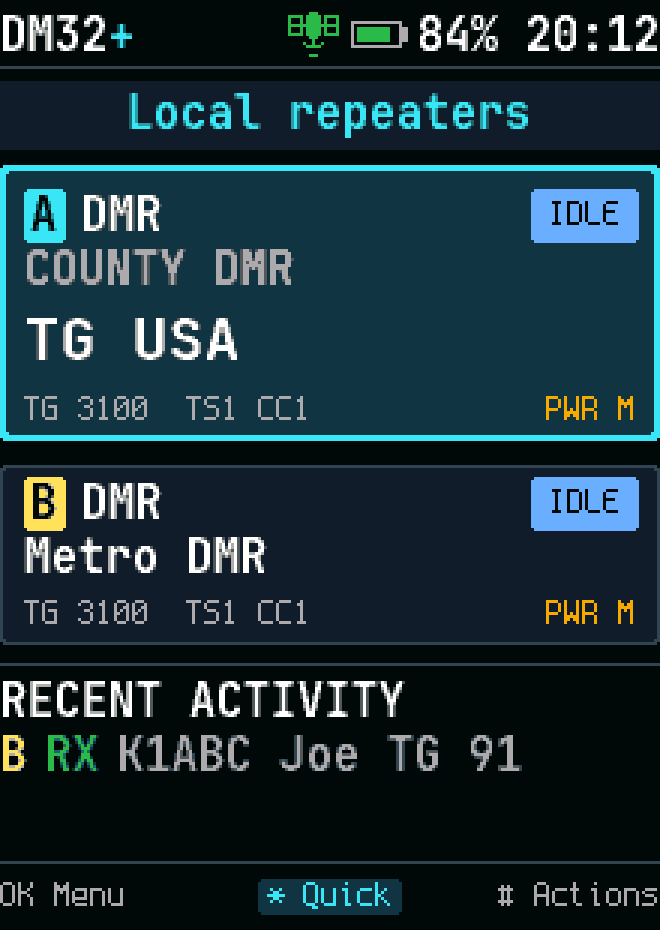
Display settings
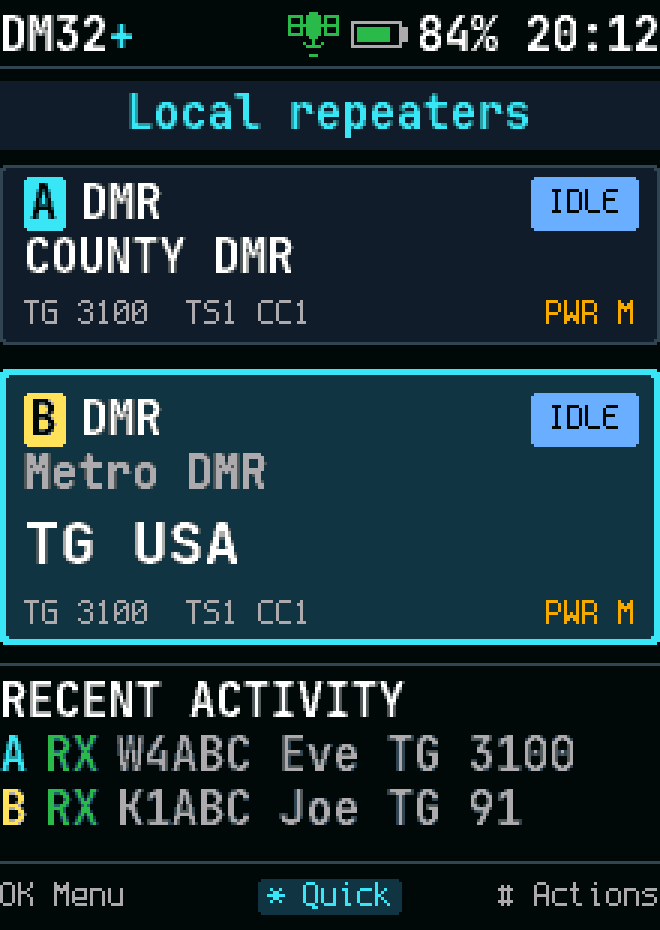
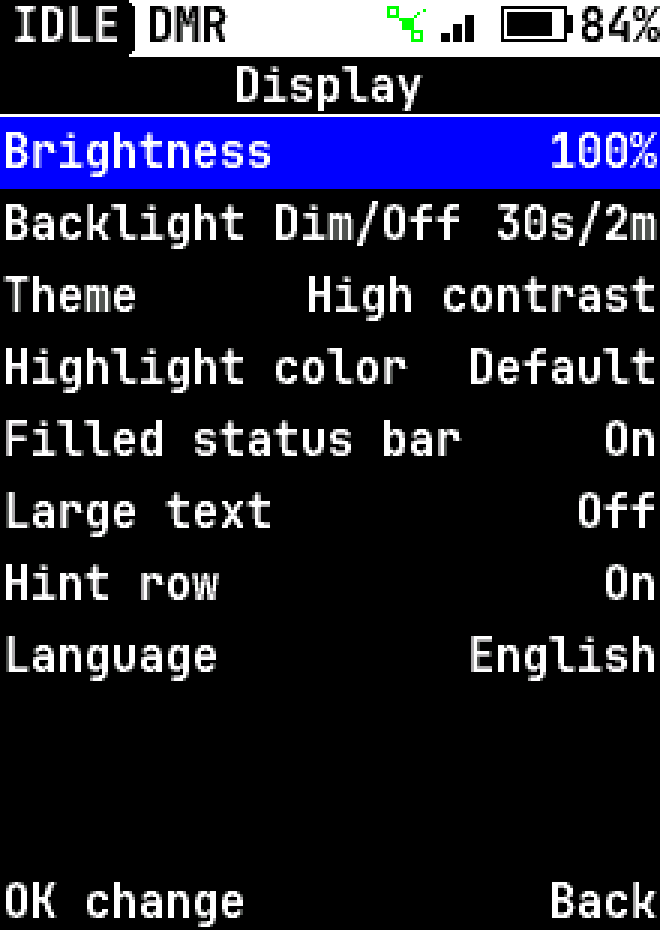
Display settings, high-contrast theme
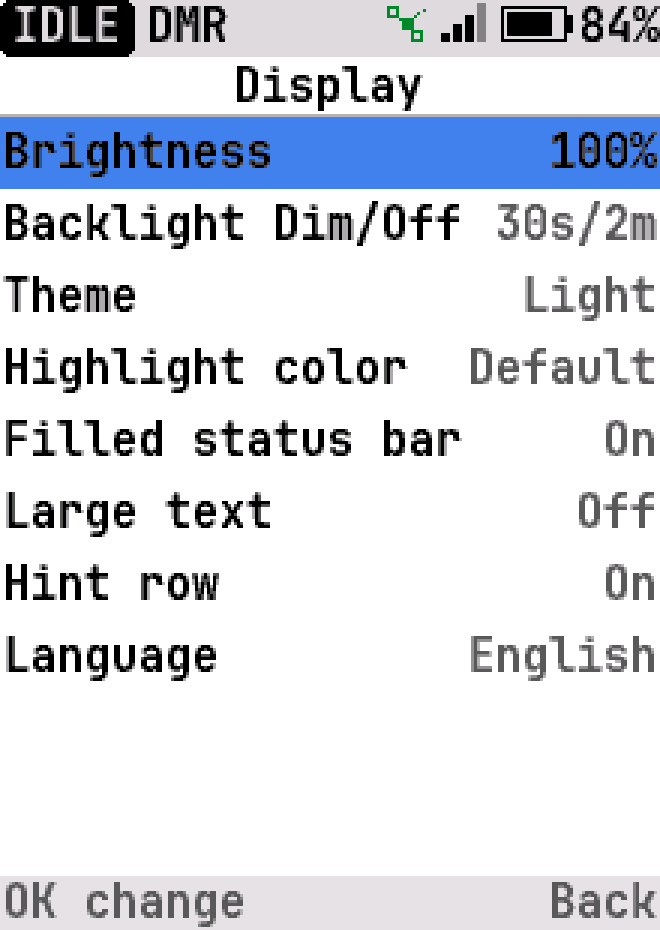
Display settings, light theme
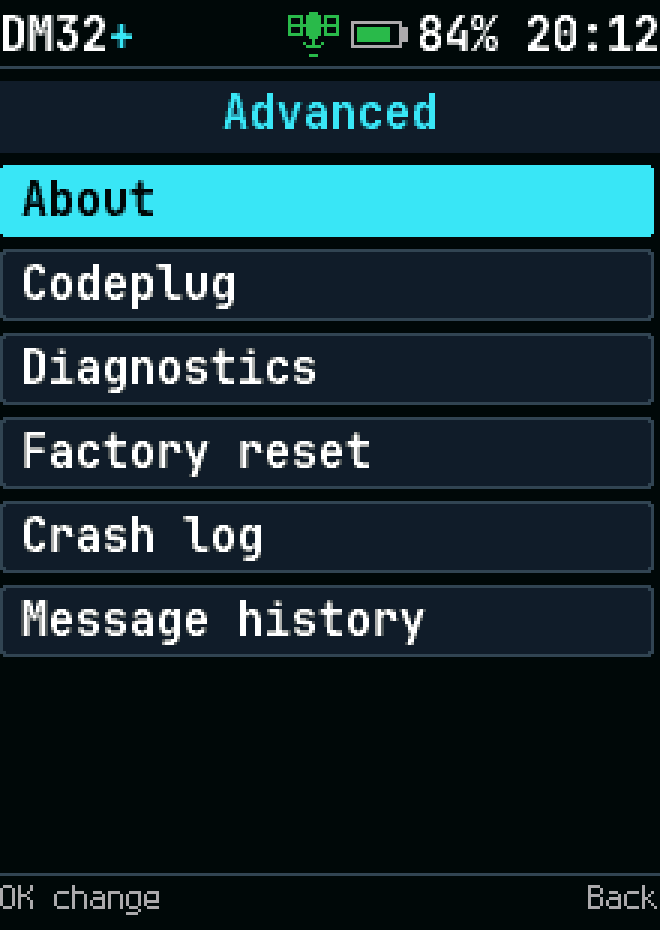
Advanced settings
Advanced settings
Changing a setting
Changing a setting
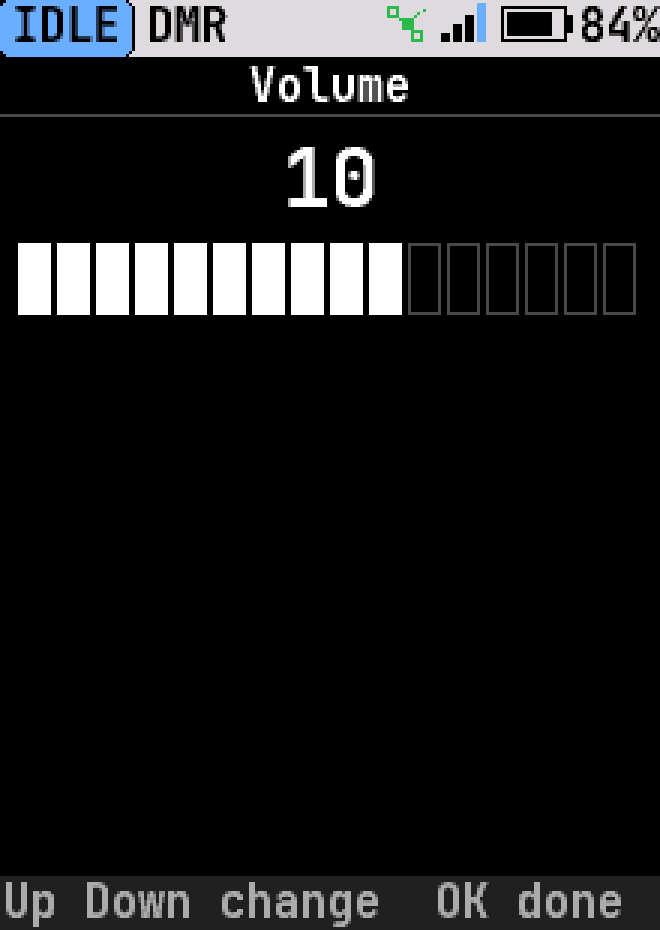
Volume
Volume
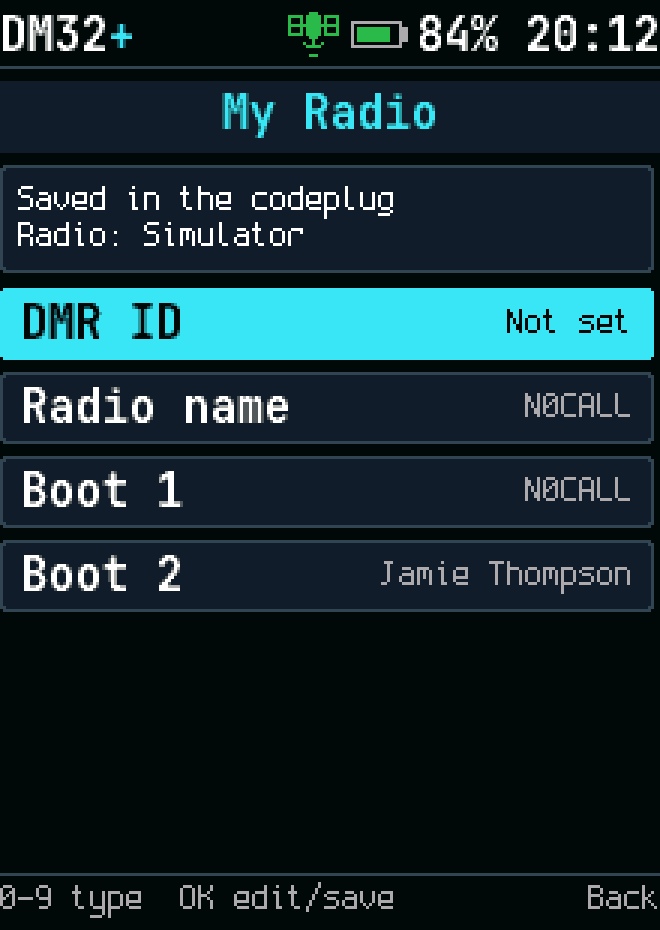
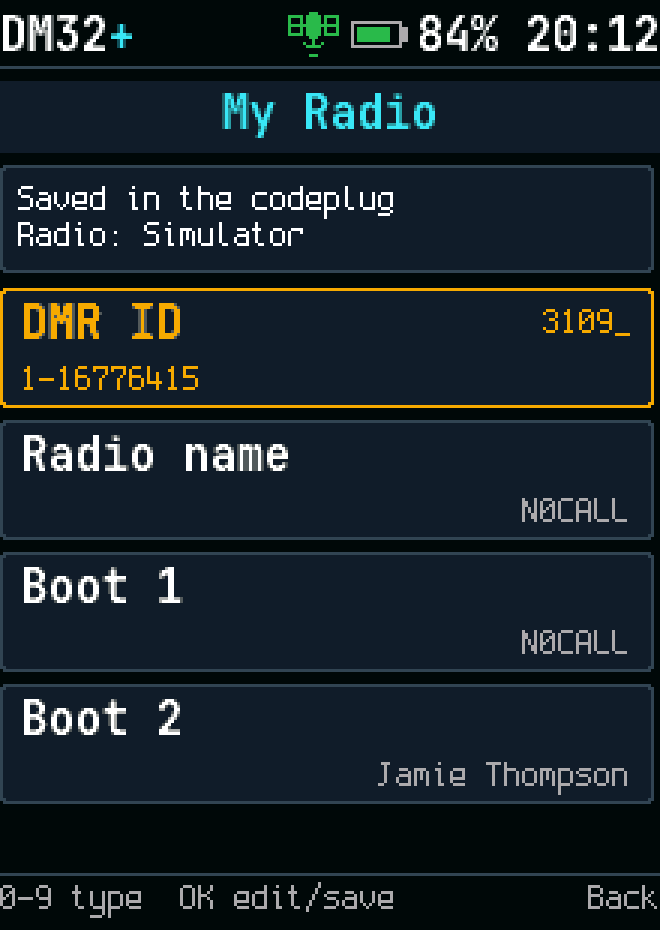
Your DMR ID, set on the radio and saved in the codeplug
Typing a new DMR ID
Typing a new DMR ID
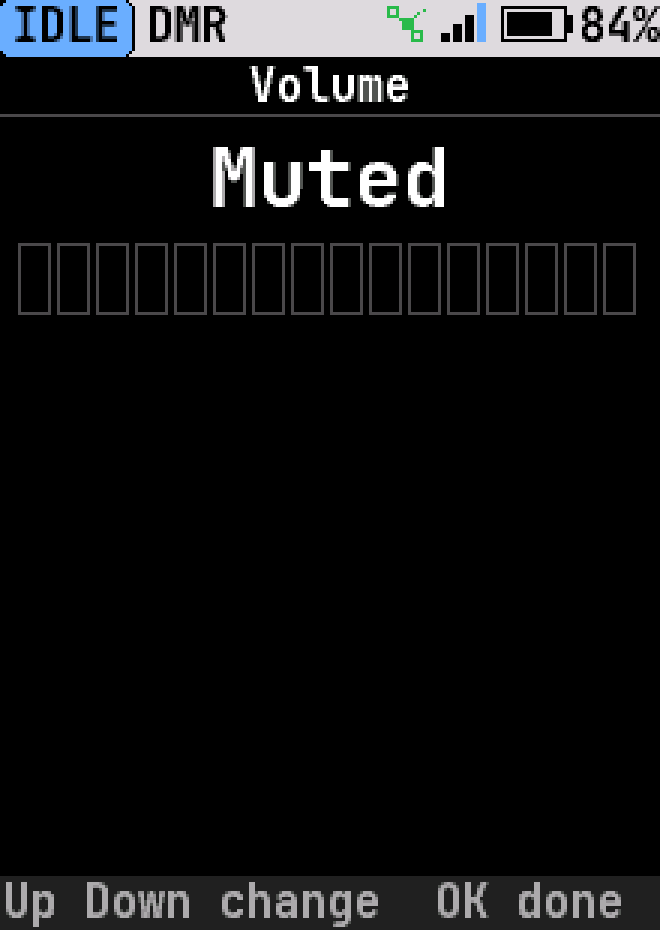
Volume muted
Volume muted
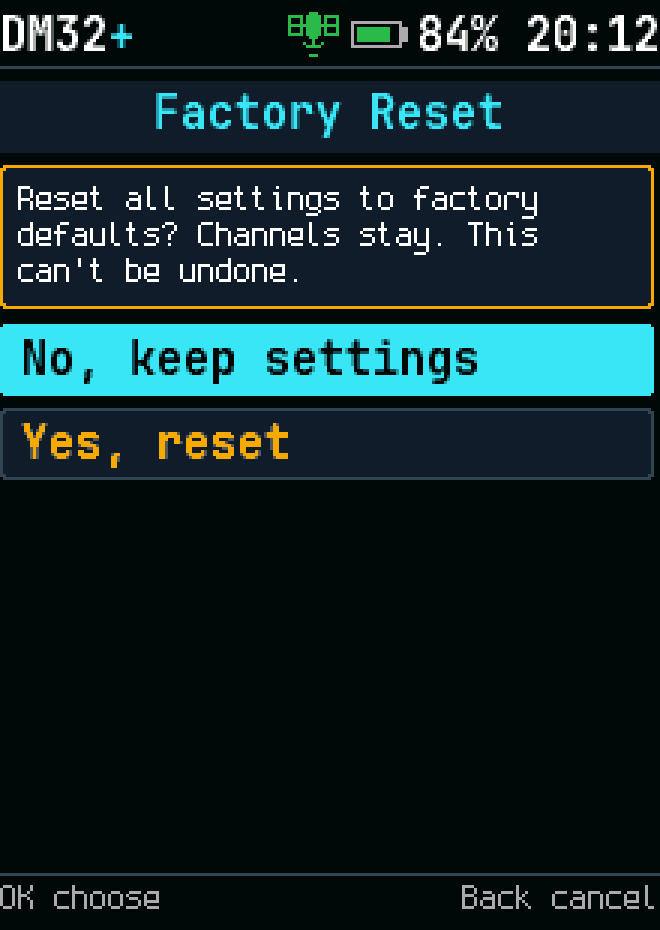
Factory reset
Factory reset
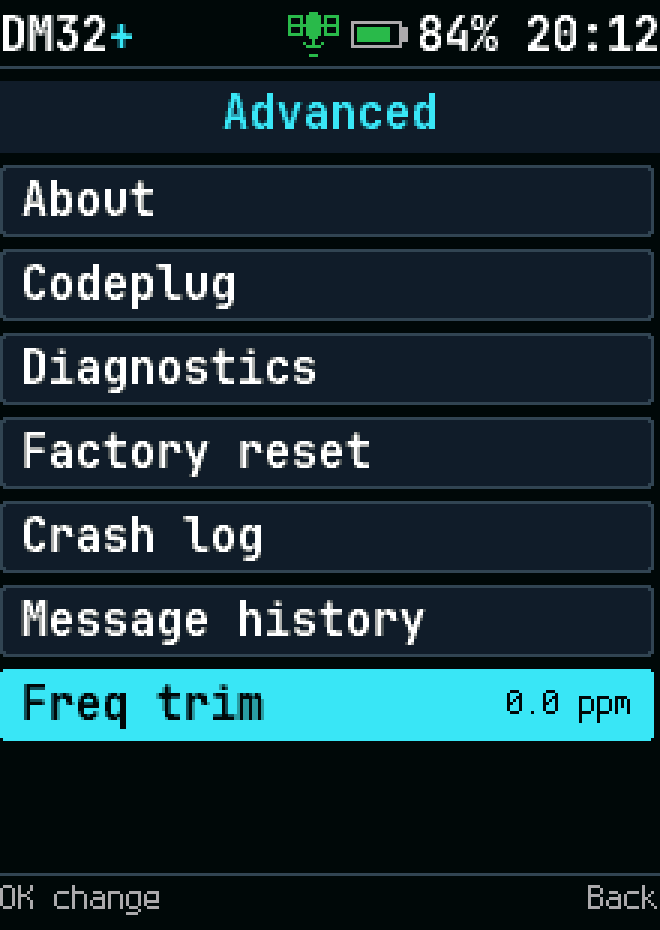
Freq trim in Advanced settings
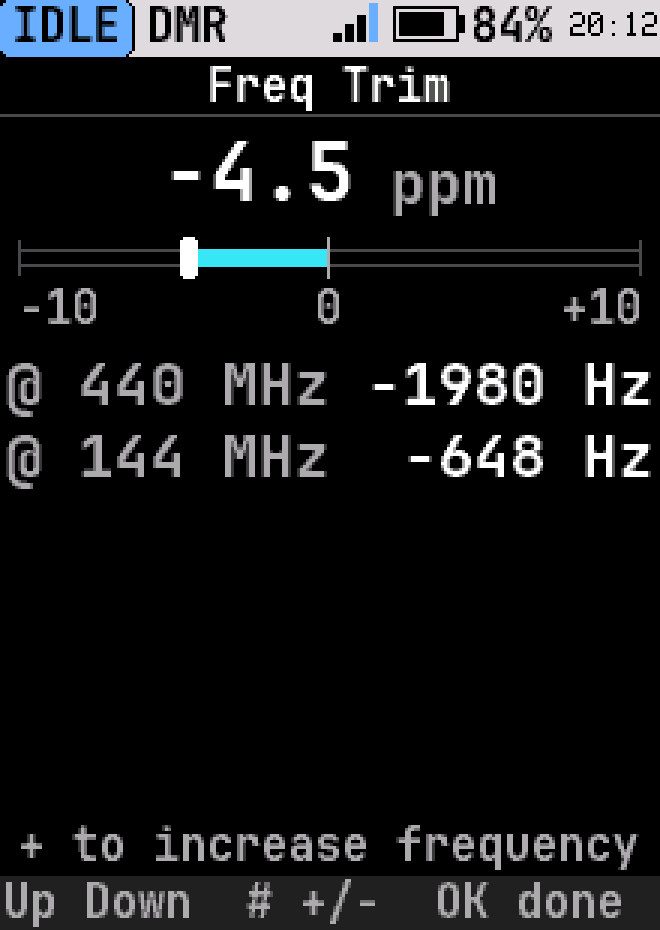
Frequency trim
Frequency trim
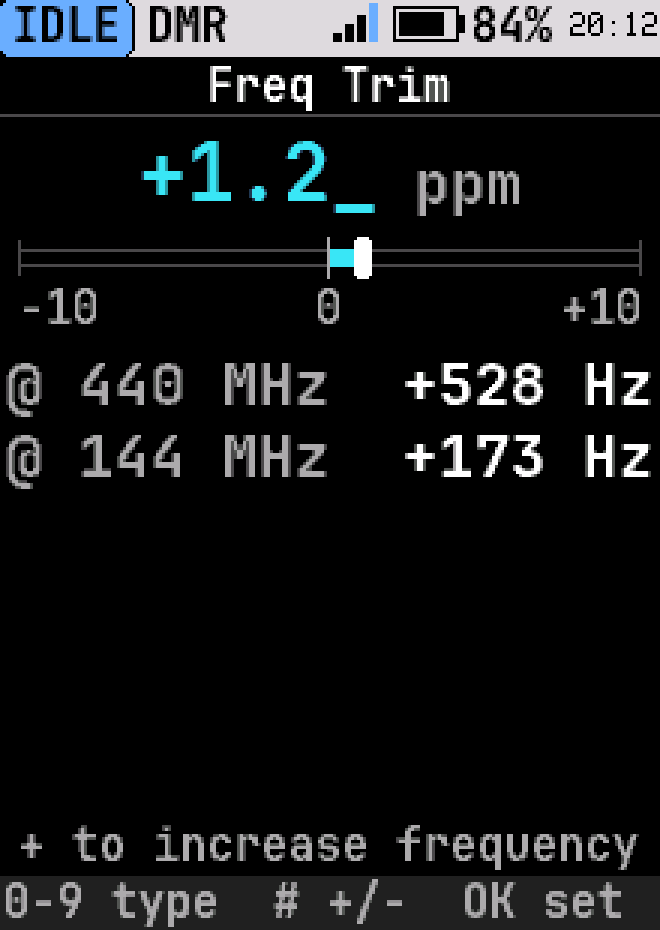
Typing a frequency trim
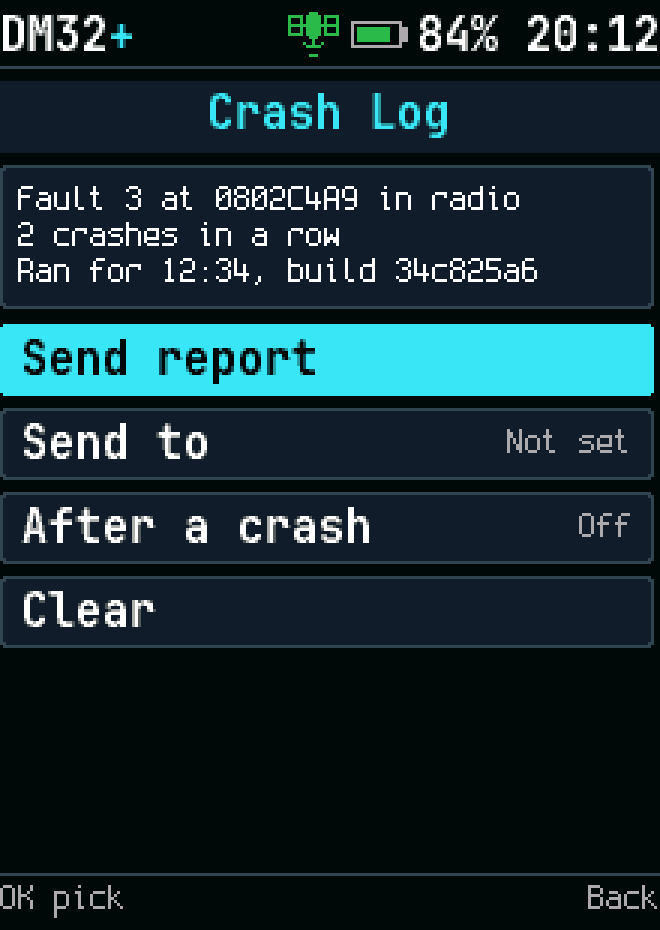
Crash log
Crash log
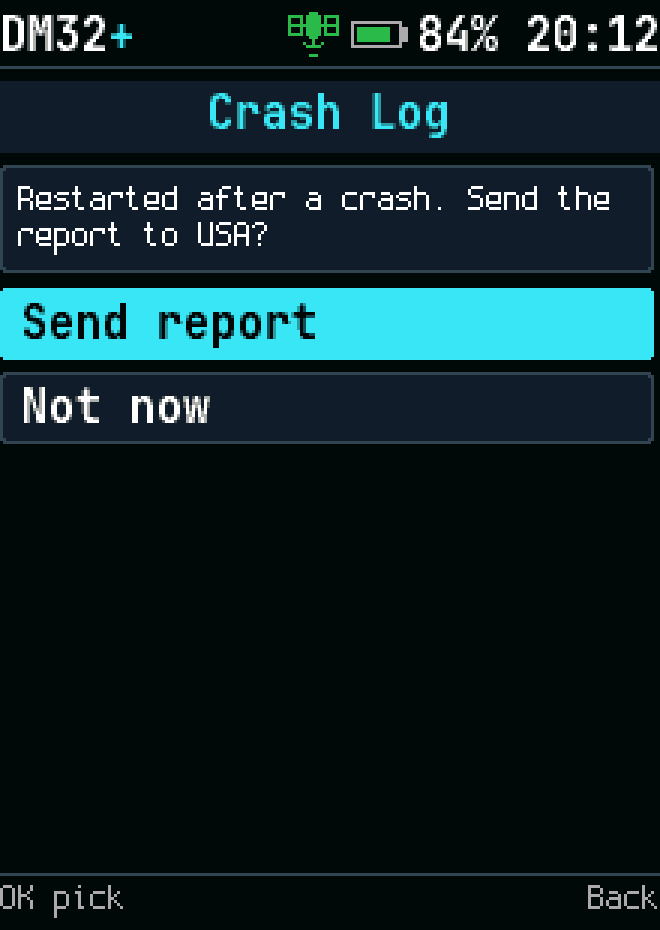
Send crash report?
Send crash report?
Crash report: send to
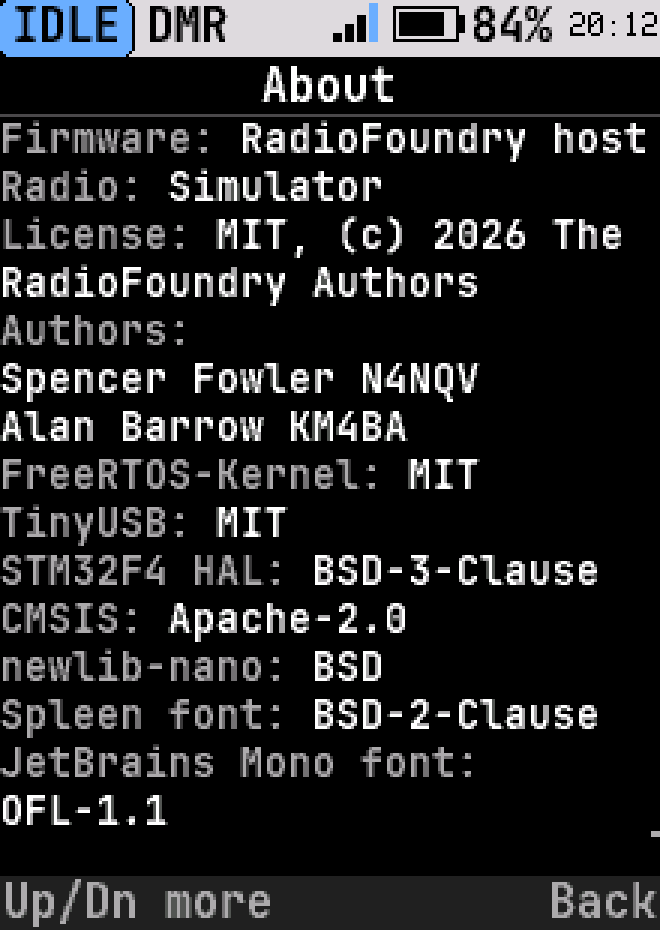
About
About
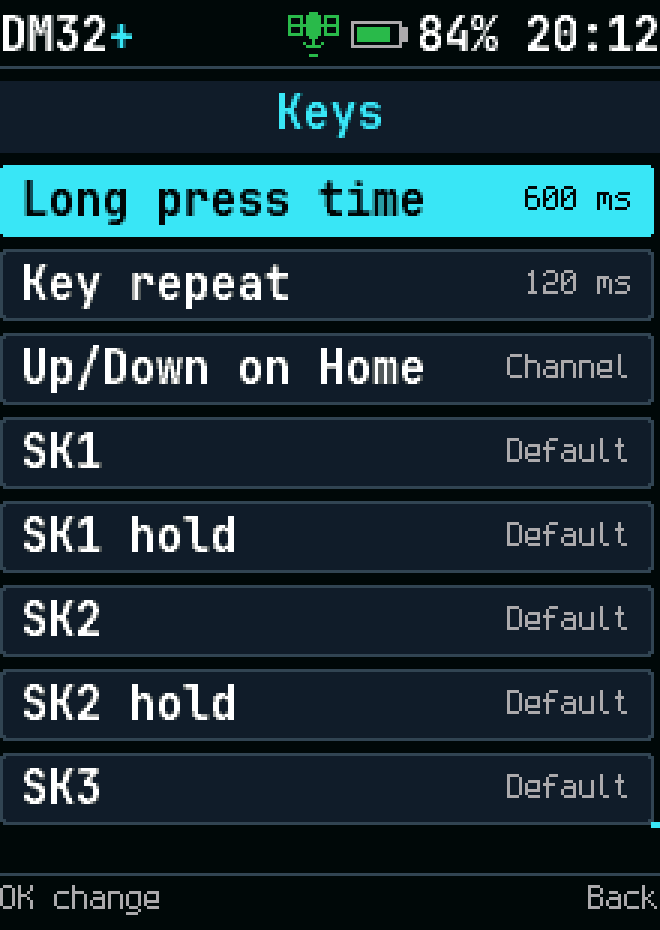
Key assignments
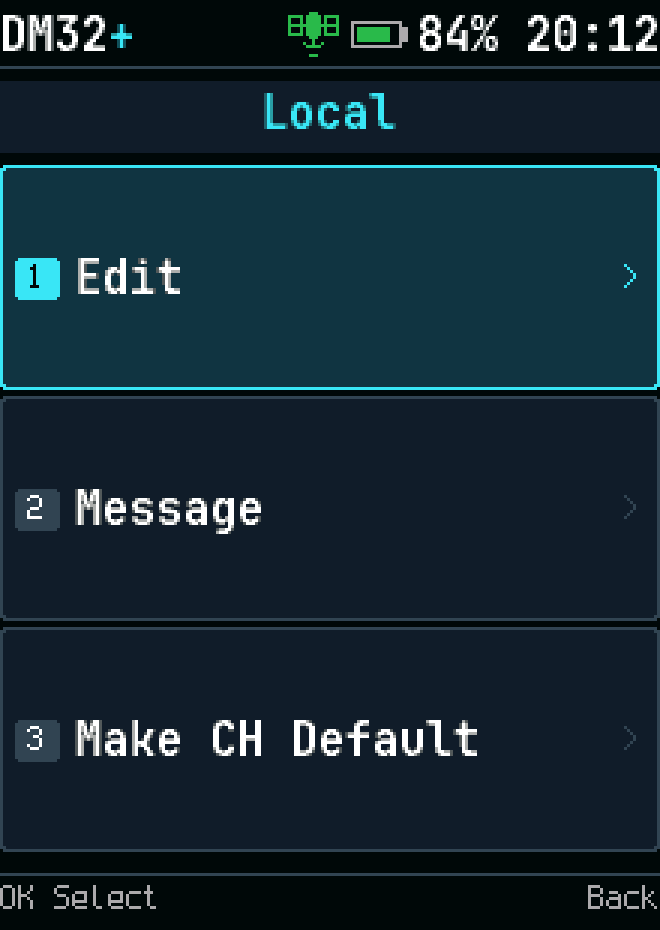
Key assignments
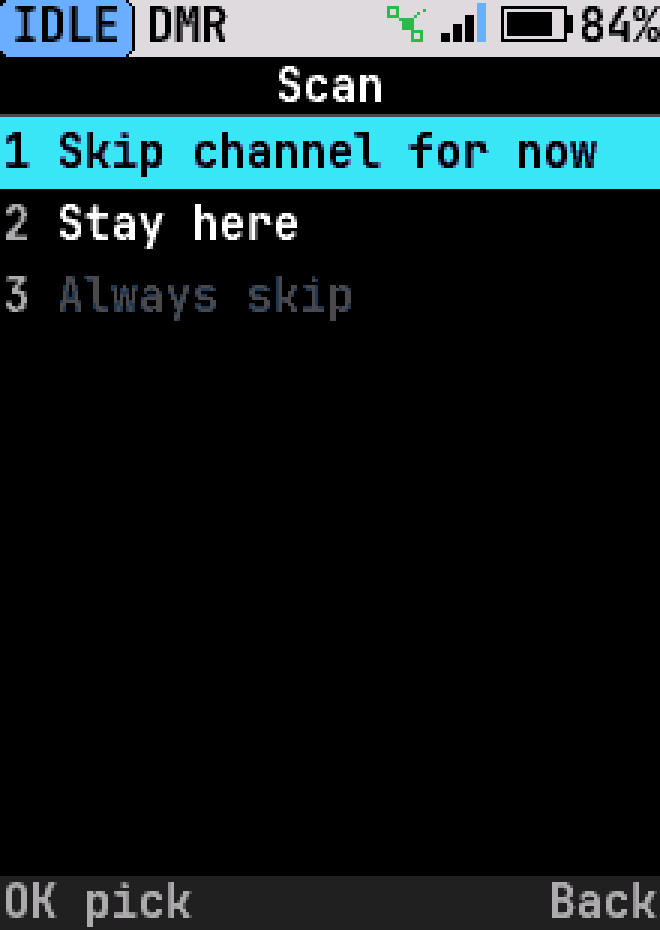
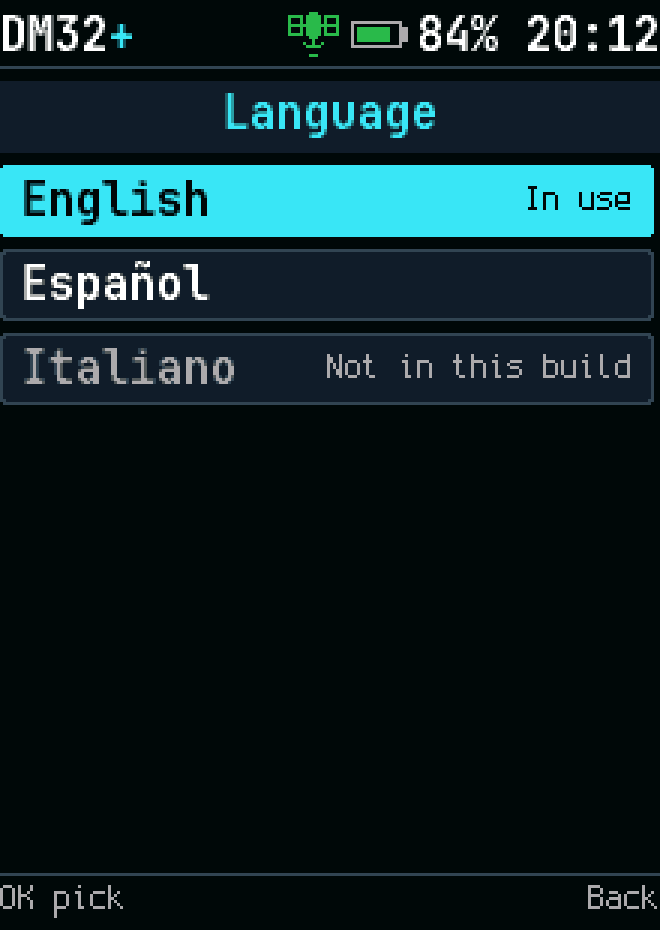
Language selection
Language selection