Install or upgrade
Use the web installer to back up the radio and load compatible DM32+ firmware. Choose a release channel and review the selected version before flashing.
Install DM32+ → DM32+
Custom firmware for the Baofeng DM-32UV
A new experience for your DM-32UV. DM32+ brings a clearer radio interface, flexible talkgroups, and browser-based programming to your DMR and FM handheld.
Use Chrome or Edge over HTTPS with your programming cable. Back up your radio before installing. Voice codec setup is handled locally by the installer.
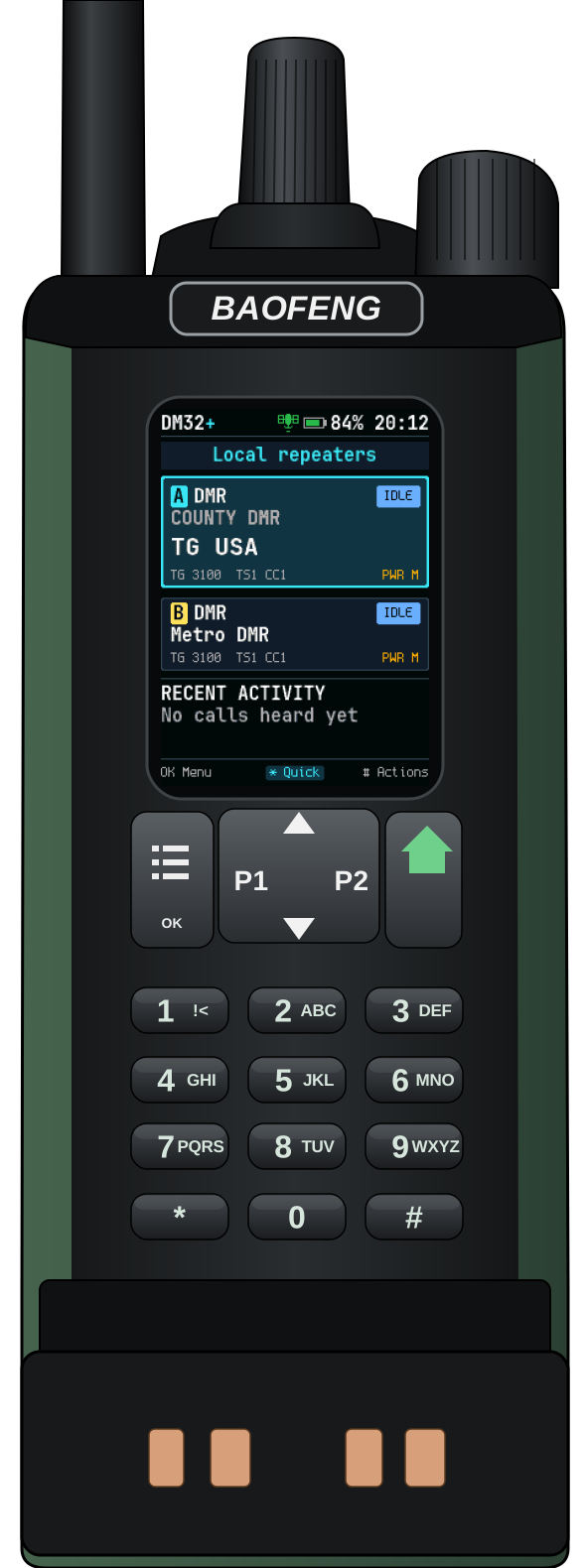
Explore the radio screens. DM32+ development builds continue to refine the card layout and controls.
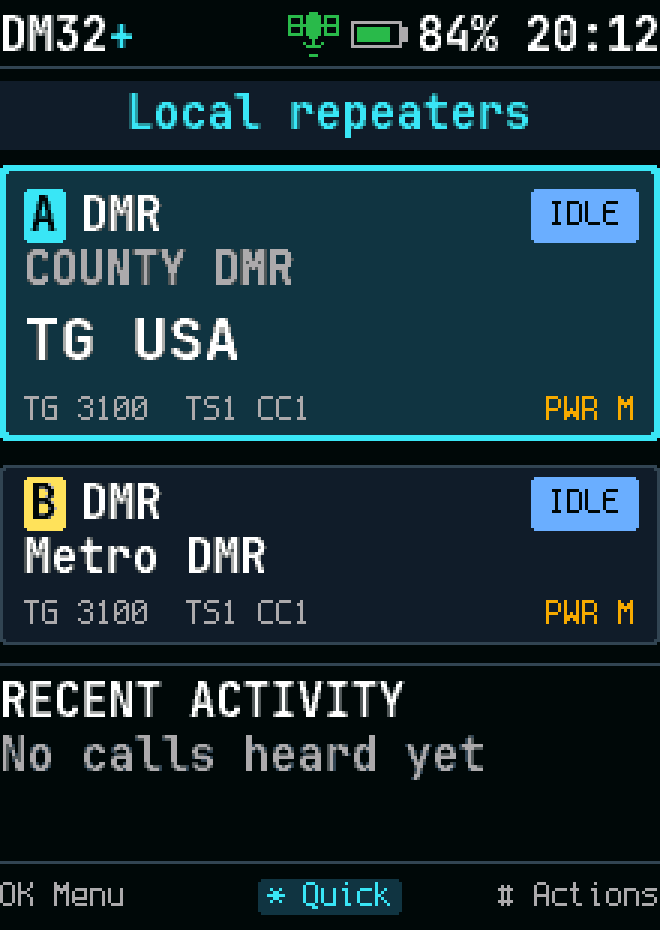
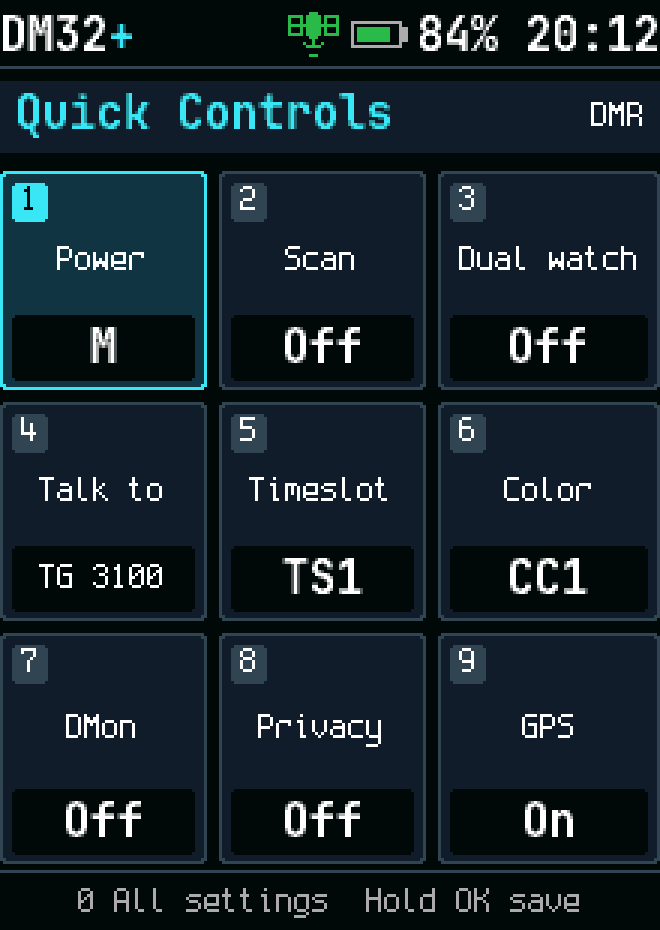
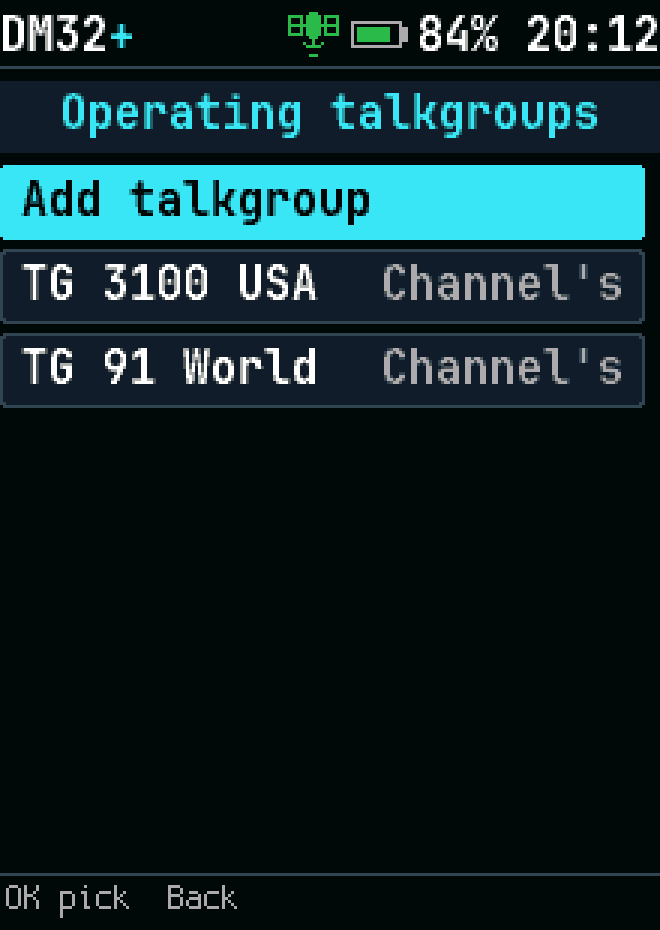
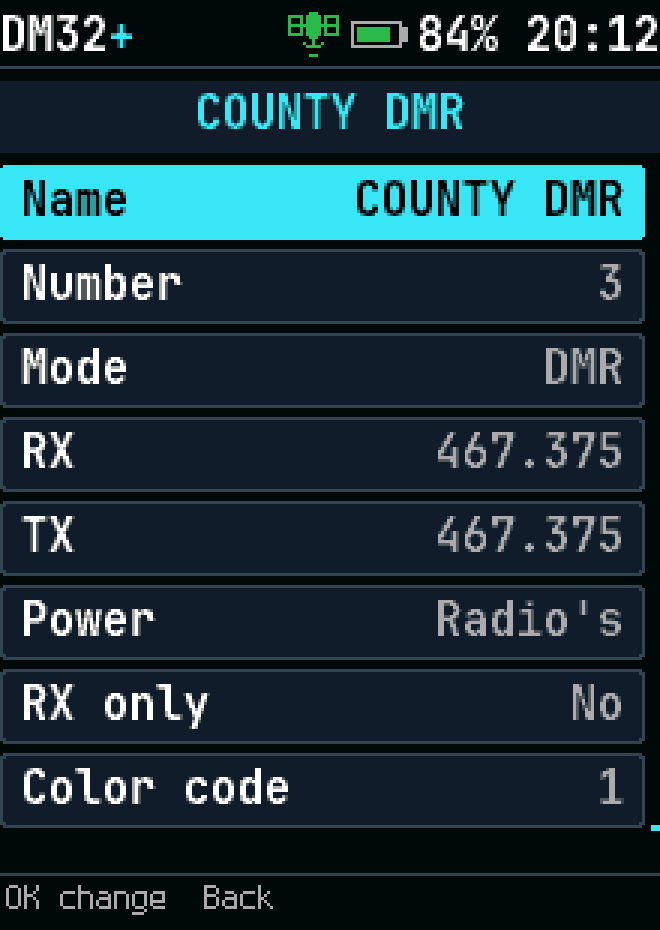
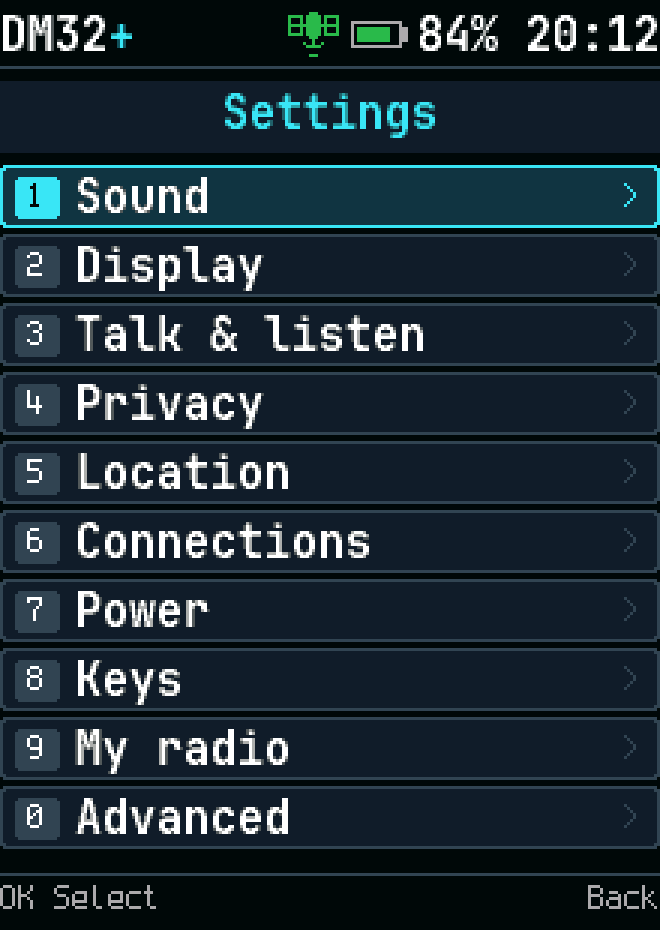
Use the web installer to back up the radio and load compatible DM32+ firmware. Choose a release channel and review the selected version before flashing.
Install DM32+ →Read from the radio, open a saved file, or create a codeplug. The CPS includes field validation, Undo/Redo, and automatic local draft recovery.
Open CPS →Find installation steps, channel programming, DMR operation, and recovery instructions in the manual. Some shared documentation retains the upstream RadioFoundry name.
User Manual →The installer checks GitHub for compatible DM32+ releases and validates the firmware manifest and checksum before use.
A channel may have no compatible release yet. Bundled (offline) uses the image included in a portable CPS package. Encryption interoperability and other hardware verification remain documented in the bring-up checklist.
View releases on GitHub →DM32+ builds on RadioFoundry, the MIT-licensed radio firmware project. Credit belongs to the RadioFoundry authors and contributors, with DM32+ changes by Garrett Dothard. The original copyright and license notices are preserved.